



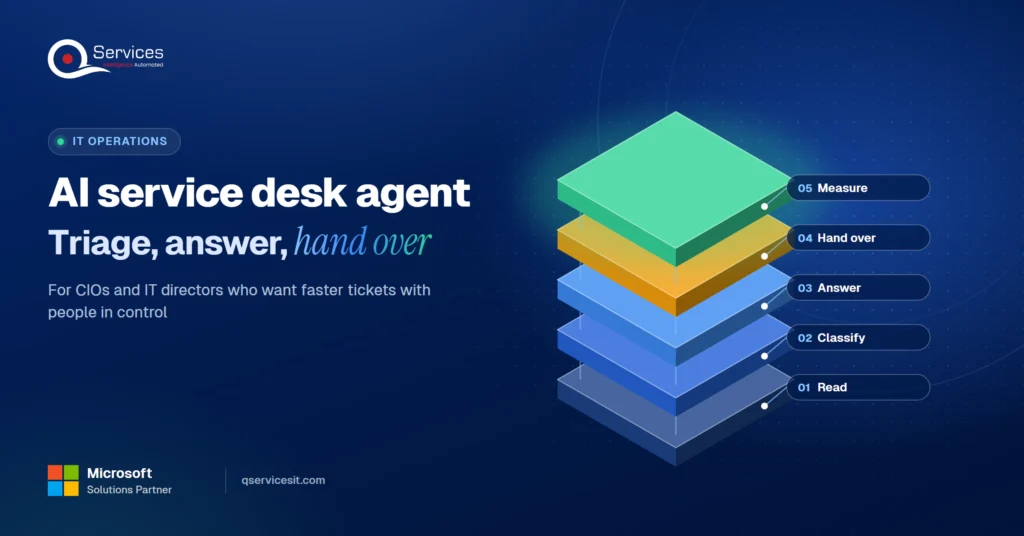
AI service desk agent: triage, first answers, hand-over
An AI service desk agent triages tickets and drafts first answers from your knowledge base. See the hand-over rule that keeps a person in charge of changes.
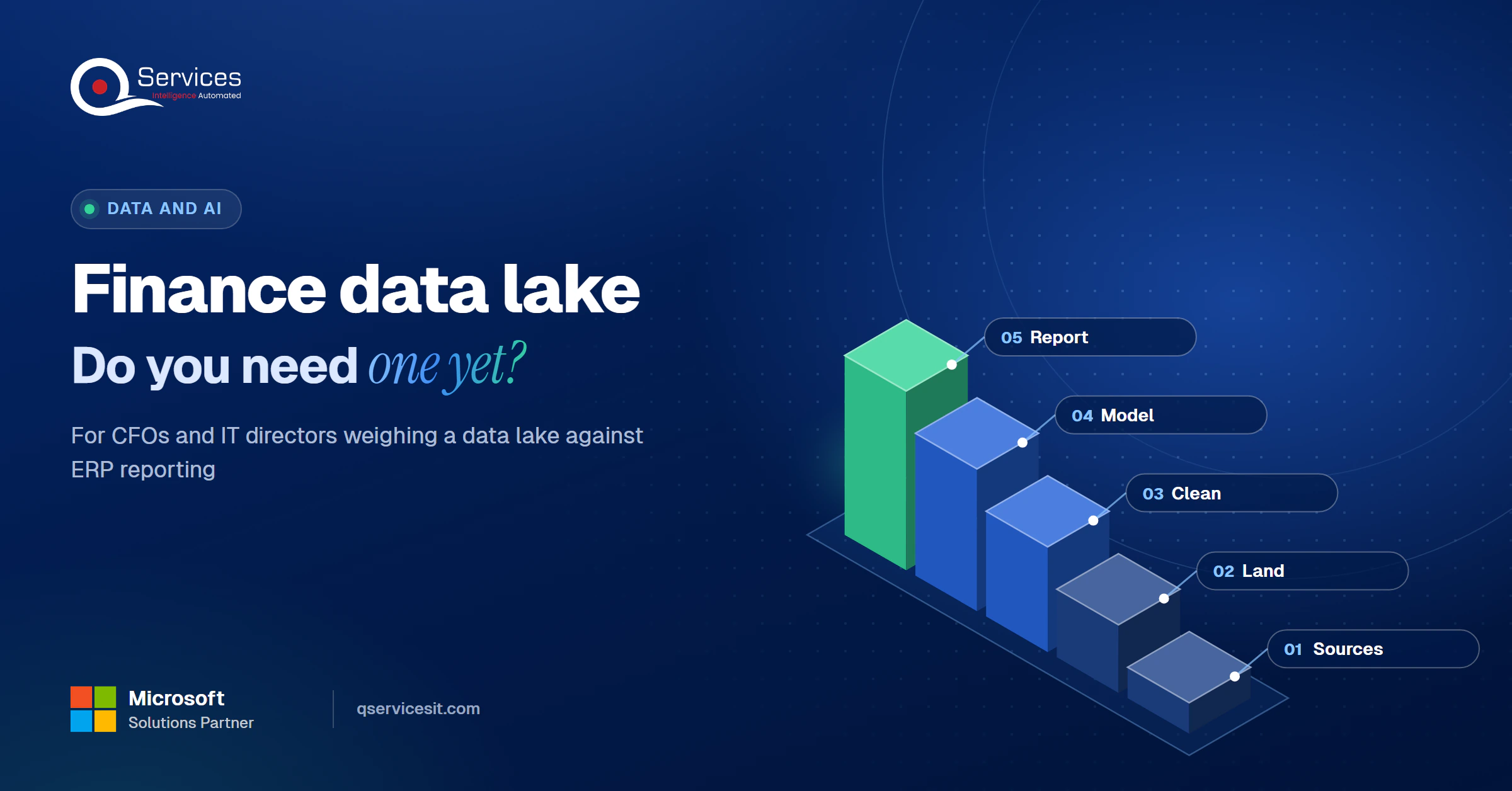
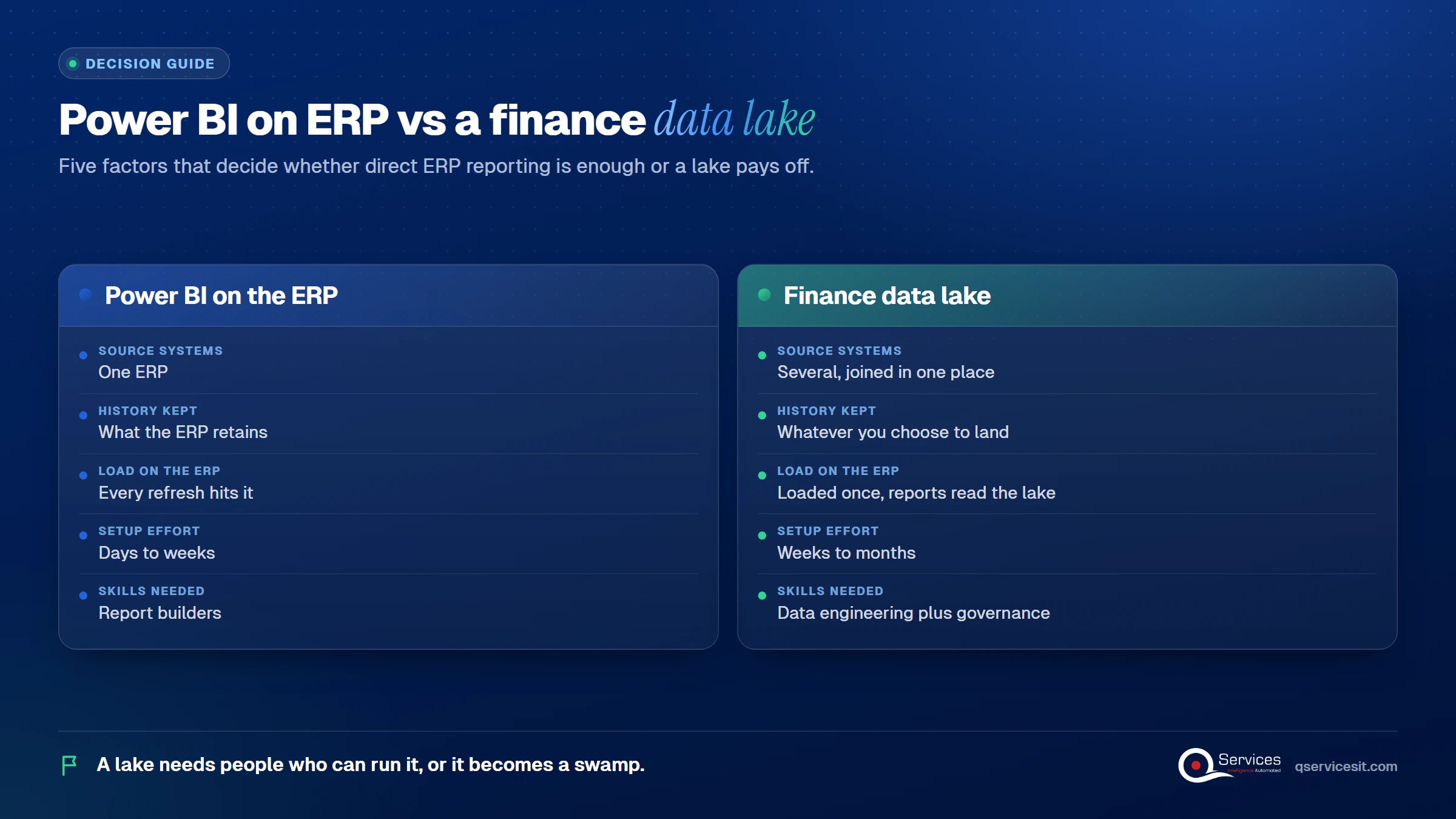
A data lake holds raw data in its native format. It has a flat structure, no predefined schema, and can hold tables, files, PDFs, and bank feeds side by side. A warehouse does the reverse: it cleans and shapes data before it is stored.
Think of the lake as a loading dock and the warehouse as the finished shelves. A finance data platform usually has both, and the order of the steps matters.
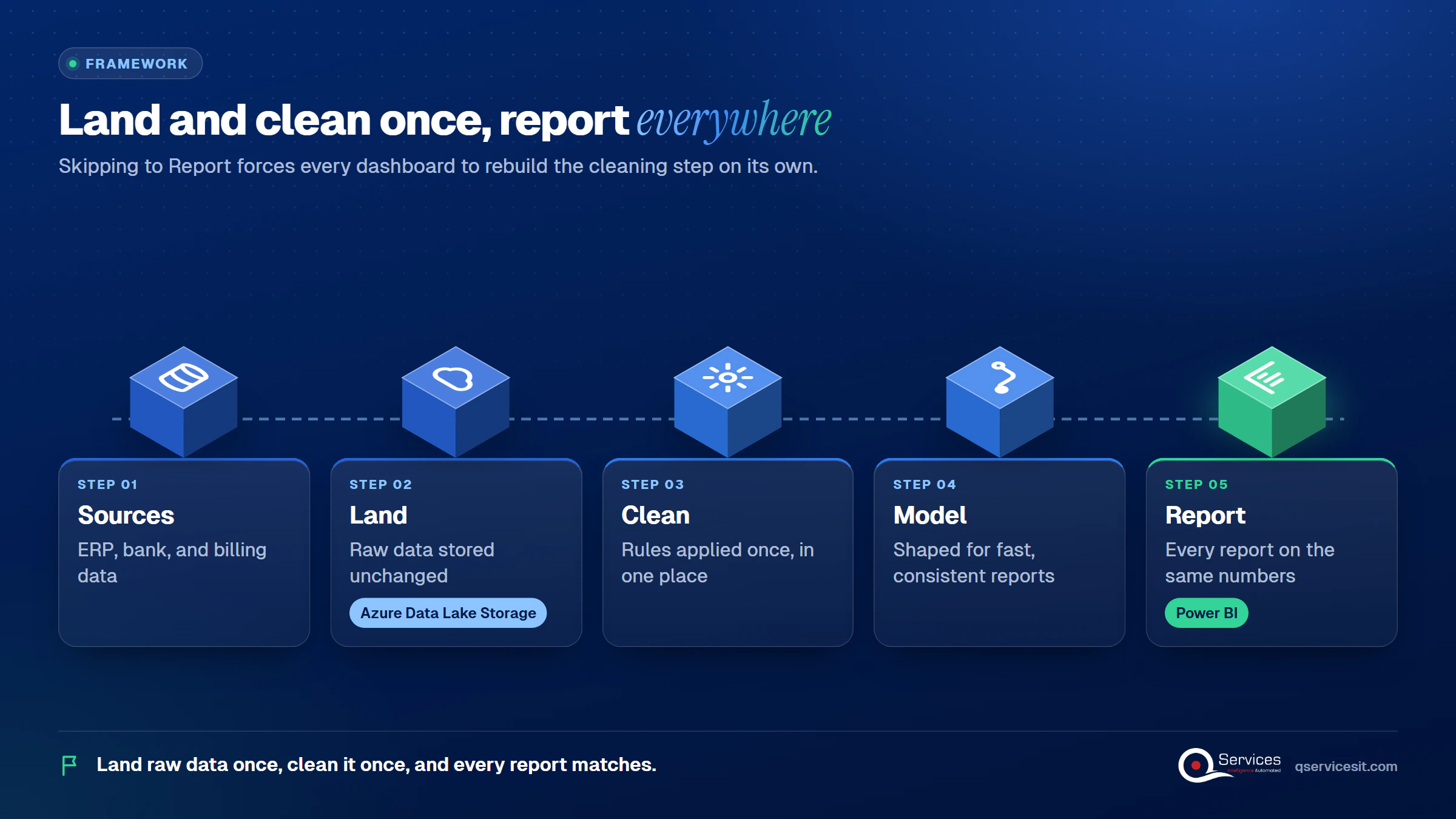
The QServices Framework Finance Data Path = Sources → Land → Clean → Model → Report
Teams that jump to Report first end up rebuilding Clean inside every dashboard. Landing raw data once, then cleaning it once, keeps every report on the same numbers.
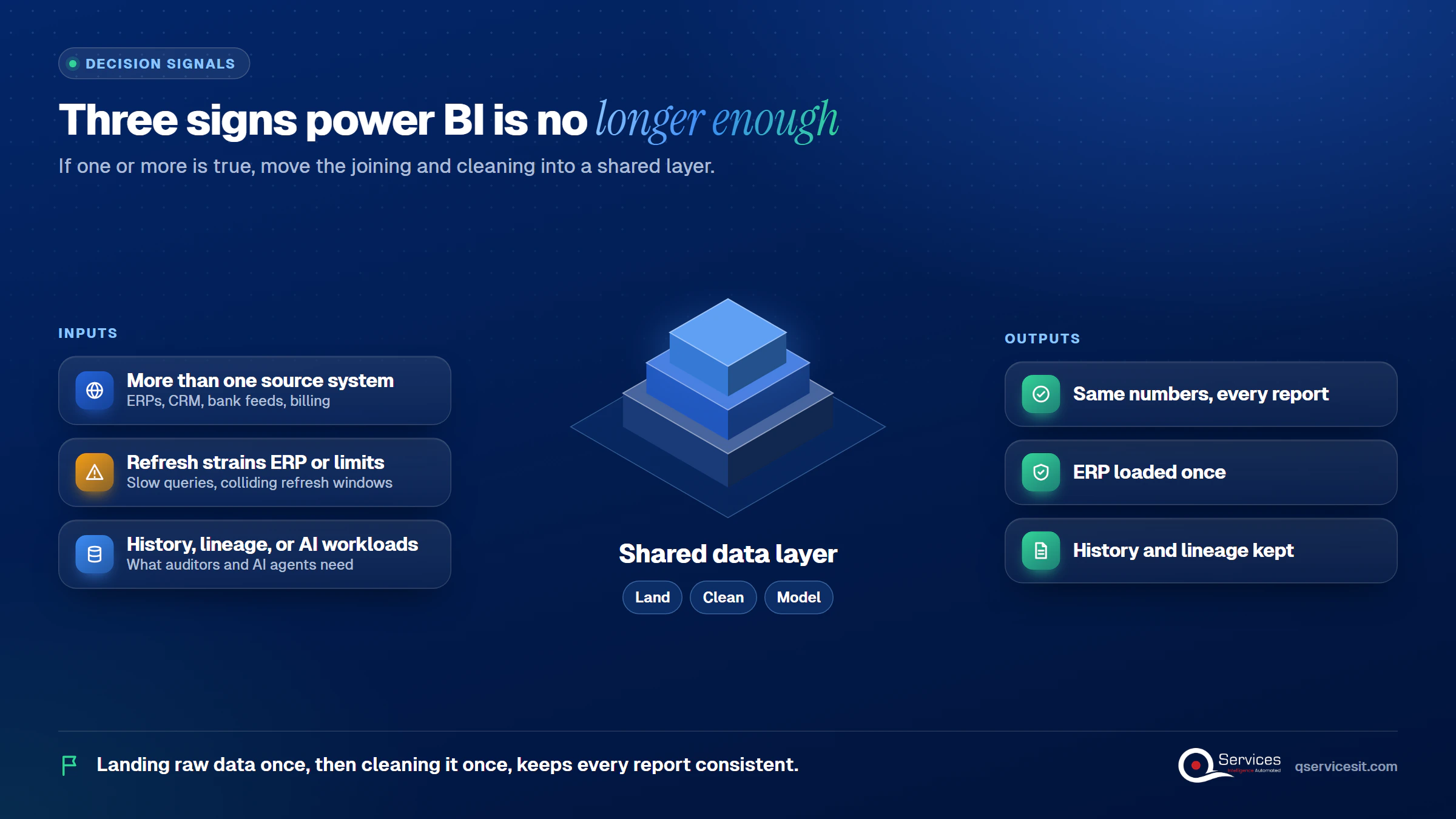
The ERP may not keep the history an auditor or an AI agent needs. Gartner is cited as saying 35% of CFOs think data quality inhibits AI in finance, and Deloitte says a clean data core is necessary for agentic solutions.
Real-World Scenario A typical case we see: a controller at a company with an ERP and a separate billing platform builds a Power BI report that joins the two nightly. The refresh runs 40 minutes and fails twice a week, and AR aging differs from the ERP by a few percent. Sign 1 and sign 2 are both present. Landing both sources once, then cleaning them in one place (the Land and Clean stages), gives every report the same numbers.
For Dynamics 365 Finance, Microsoft’s transition guidance calls BYOD, Data Export Service, and Export to Data Lake legacy. Link to Fabric is recommended, and Azure Synapse Link is for customers who must export to their own storage. A Microsoft Q&A answer (a community answer, not official guidance) favors Synapse for heavy ingestion and Fabric for Power BI-centric self-service. Costs vary with refresh frequency, so size them against your own change volume.
Standards & References
- OneLake overview: how Fabric stores data in Delta Parquet or Iceberg
- Azure Data Lake Storage introduction: hierarchical namespace and Gen2 storage basics
- DirectQuery in Power BI: query limits and performance guidance
For SAP, Datasphere replication flows can land data in ADLS Gen2. For NetSuite, check licensing for SuiteAnalytics Connect before you plan around it. Our business intelligence consulting overview explains how we scope this work.
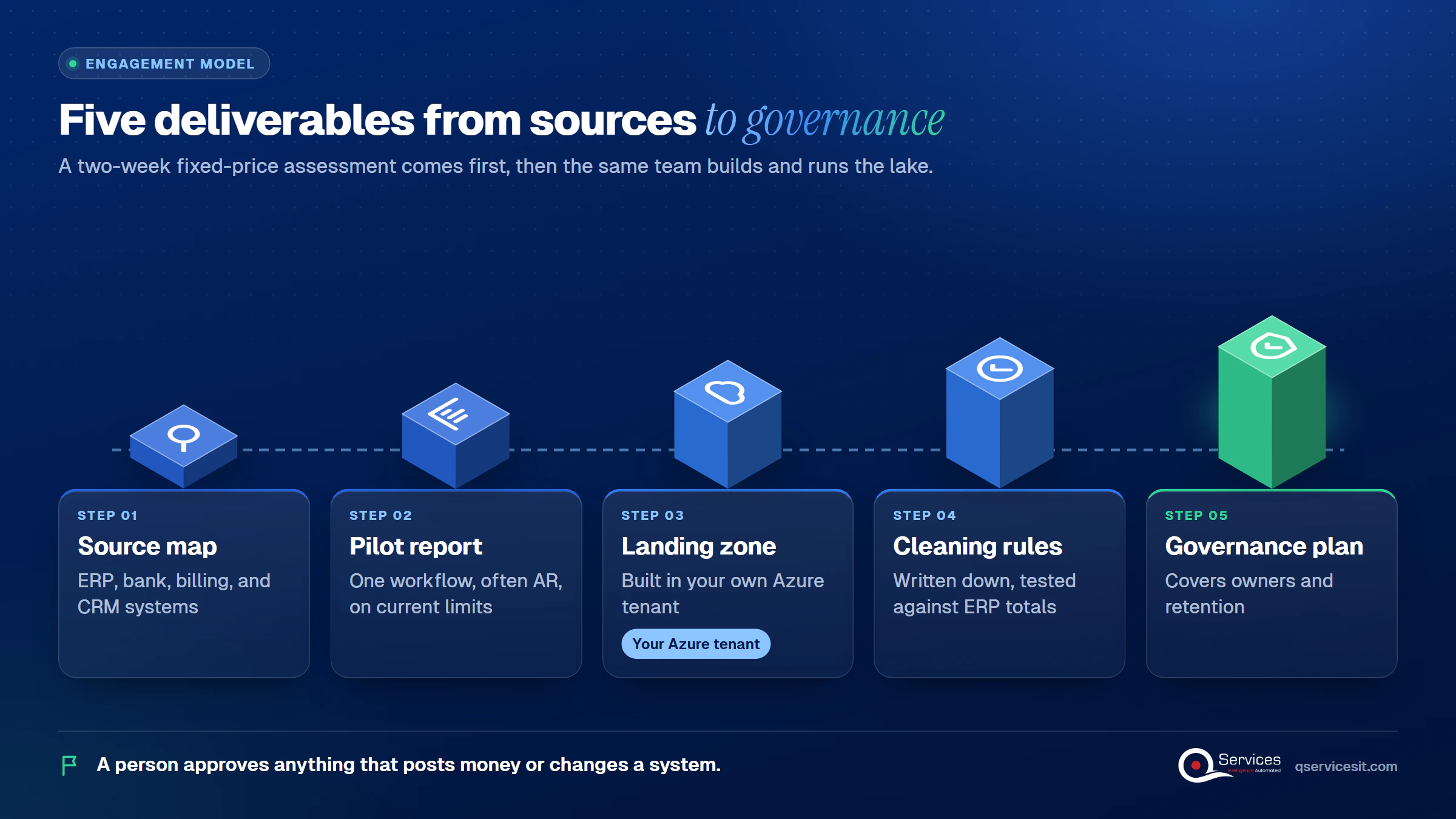
We start at the Sources stage, because most failed lakes are organizational, not technical. A 2026 arXiv review of 64 sources reaches that conclusion. We run a two-week fixed-price assessment first, and the same team builds and runs what comes out of it.
Where an agent acts on the data, a person approves anything that posts money or changes a system. Older ERPs may need application modernization first, and our ERP integration services cover the connectors.
Implementation Checklist
- Every source system and its owner is listed
- One business case is named before any build
- Hierarchical namespace decision is recorded
- Raw data is landed unchanged
- Cleaning rules are reconciled to ERP totals
- Retention rules are confirmed with your auditors
- A person approves any agent action that posts money

Written by Rohit Dabra
Co-Founder and CTO, QServices IT Solutions Pvt Ltd
Rohit Dabra is the Co-Founder and Chief Technology Officer at QServices, a software development company focused on building practical digital solutions for businesses. At QServices, Rohit works closely with startups and growing businesses to design and develop web platforms, mobile applications, and scalable cloud systems. He is particularly interested in automation and artificial intelligence, building systems that automate routine tasks for teams and organizations.
An AI service desk agent triages tickets and drafts first answers from your knowledge base. See the hand-over rule that keeps a person in charge of changes.
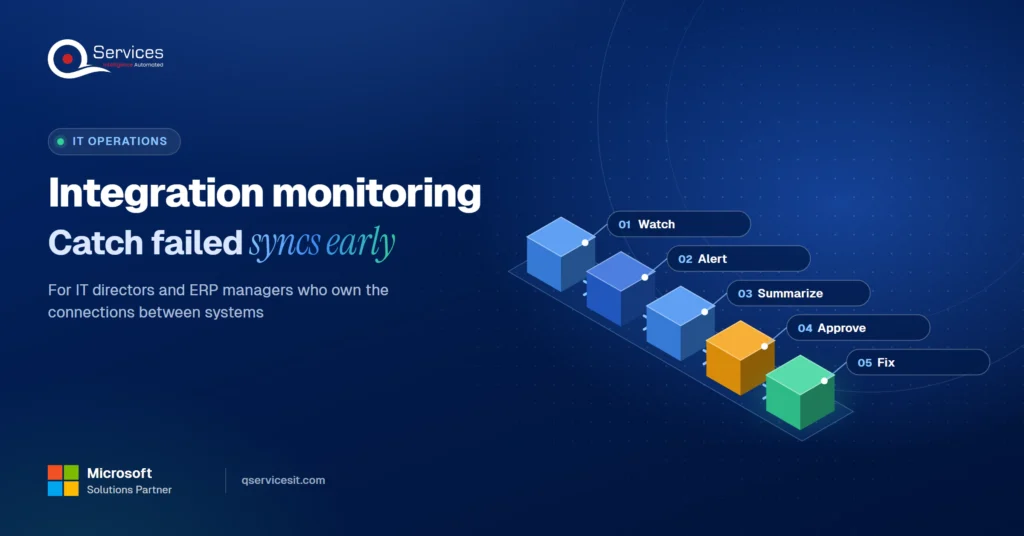
Integration monitoring for ERP, CRM, bank and store syncs: what to watch, how to alert, and how an agent drafts the incident note before anyone looks.
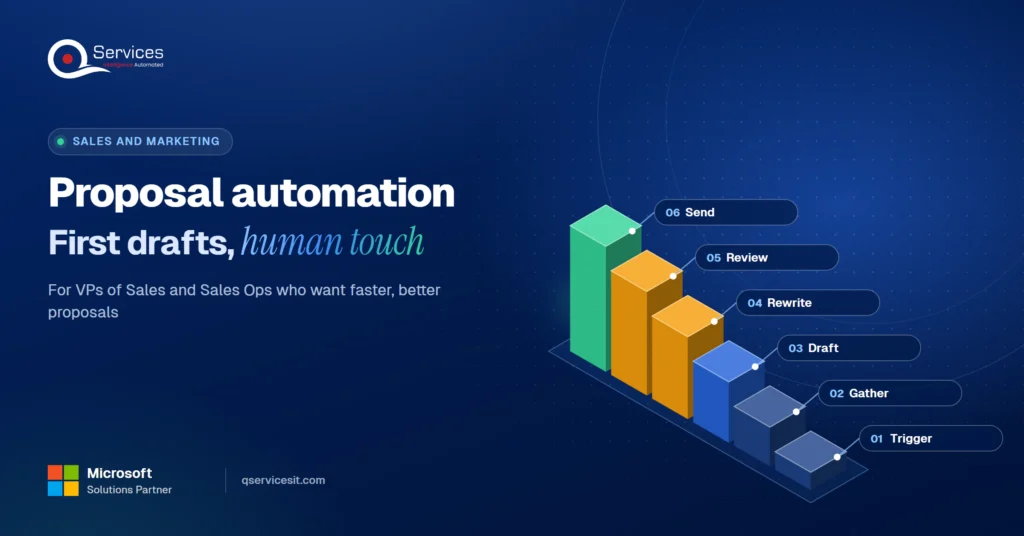
Proposal automation that drafts first versions from CRM notes and past wins, while your reps write the parts that win deals and approve every send.
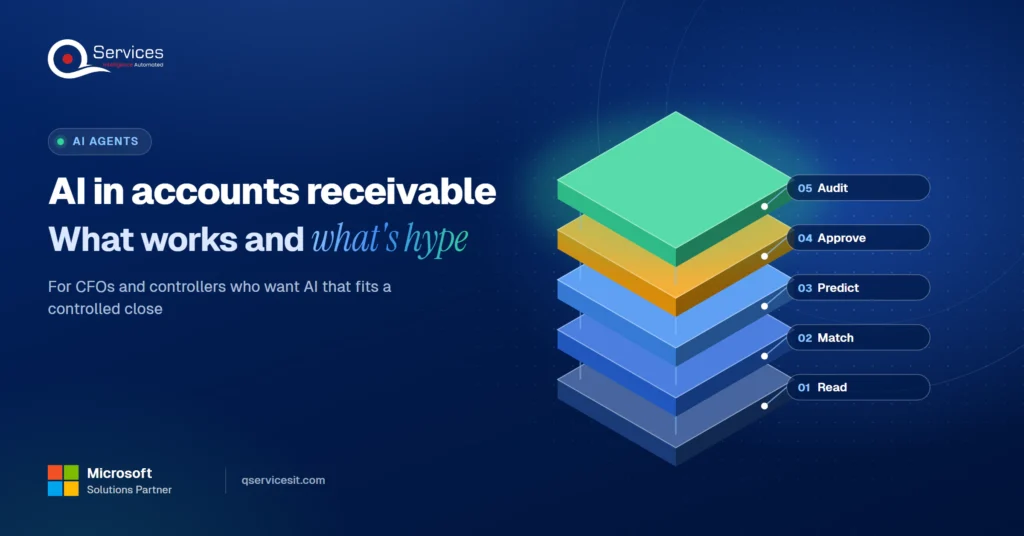
AI in accounts receivable can read remittances and flag late payers today. See what works, what’s hype, and where your team still approves every action.
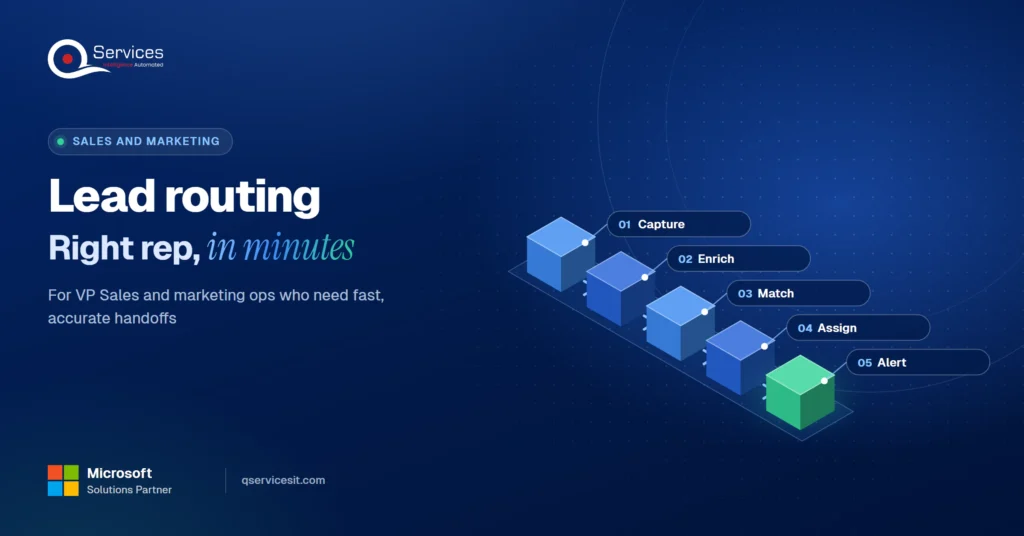
Lead routing that gets each inbound lead to the right rep in minutes. See which rules to use, how to enrich first, and where an AI agent beats a rule.
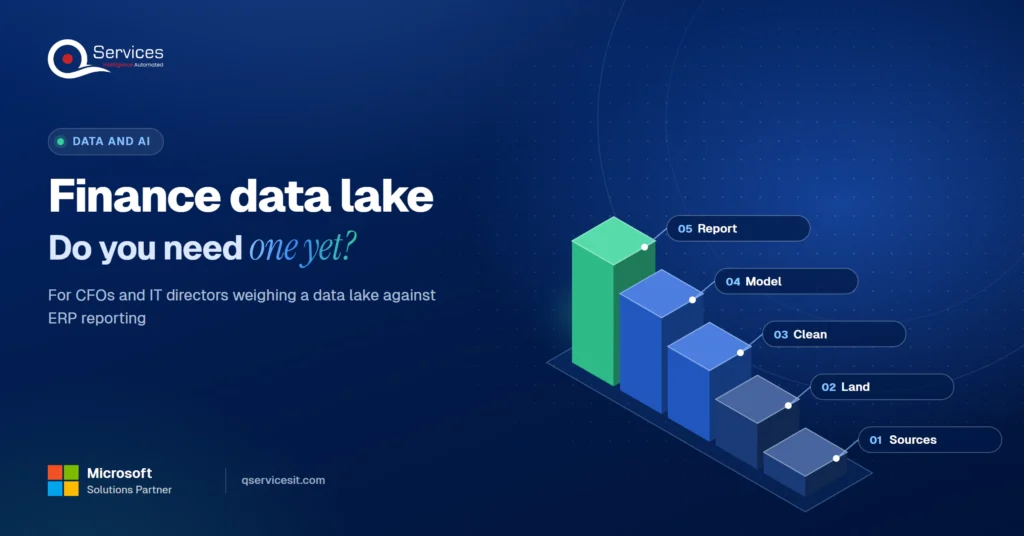
Finance data lake or Power BI on your ERP? See the three signs you’ve outgrown reporting, what to load first, and which Azure options fit a finance team.
An AI service desk agent triages tickets and drafts first answers from your knowledge base. See the hand-over rule that keeps a person in charge of changes.

Integration monitoring for ERP, CRM, bank and store syncs: what to watch, how to alert, and how an agent drafts the incident note before anyone looks.
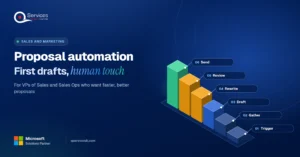
Proposal automation that drafts first versions from CRM notes and past wins, while your reps write the parts that win deals and approve every send.
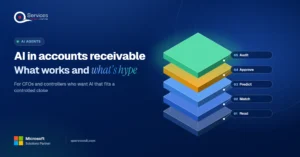
AI in accounts receivable can read remittances and flag late payers today. See what works, what’s hype, and where your team still approves every action.
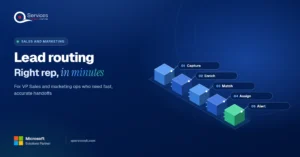
Lead routing that gets each inbound lead to the right rep in minutes. See which rules to use, how to enrich first, and where an AI agent beats a rule.
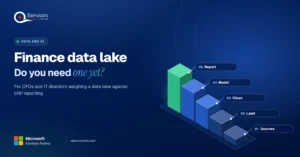
Finance data lake or Power BI on your ERP? See the three signs you’ve outgrown reporting, what to load first, and which Azure options fit a finance team.




Every quote comes from a published review on GoodFirms, Clutch or our own site. Click a source to read the full review.
 Trustpilot5.0★★★★★See reviewsGoodFirms5.0★★★★★45 verified reviews
 G25.0★★★★★See reviewsClutch5.0★★★★★Quality 5.0 · Schedule 4.8
 Google4.7★★★★★Mohali office
“QServices was highly professional, knowledgeable, and approachable. We continue to work with them on other projects.”
“Quality assurance is often overlooked, but these guys take that very seriously. … their team of experienced, dedicated developers and highly skilled engineers quickly dissected and decomposed every problem and presented solutions and options that directly met my needs”
 Erik BrownBusiness owner and software engineerClient review
“The supplier delivered the application on time and was responsive to our needs. He was also flexible, which allowed us to make changes on the fly.”
 Zoltan BodnarCFO, Yusen LogisticsGoodFirms
“Thank you Sahil and team for wonderful collaboration right from day 0. … Highly recommend the developers.”
 Ranbeer MakinClientClient review
“They are always looking for new ways to improve their products and services and to deliver value to their customers.”
“I have had an excellent experience working with QServices. We have a highly collaborative relationship and I value them not just as contractors but as partners.”
 Alex VanderElsClientClient review
“Sahil undertakes every project with a high degree of professionalism. His communication style is unmatched and he is always available to resolve issues or just discuss the project.”
 Philmore J.ClientClient review
“Responsive, patient and professional. Consistent weekly attention to our project, and new ideas we hadn't asked for.”
 Michael WilliamsonPresident and CEO, United Way of Southeast LouisianaGoodFirms
“I have been working with them on a project for a year now … They have been able to solve problems that come up with bugs or development and able to communicate well with me.”
 Steven LewisClientClient review
“We had been working on the app for two years. QServices built it in two months.”
 Brian WallerPresident, Technology Association of IowaGoodFirms
“All projects were delivered on time and were fully completed upon delivery.”
“They had excellent quality. The hypercare they provided after the project went live is exceptional.”

Founder and CEO

Chief Sales Officer



