

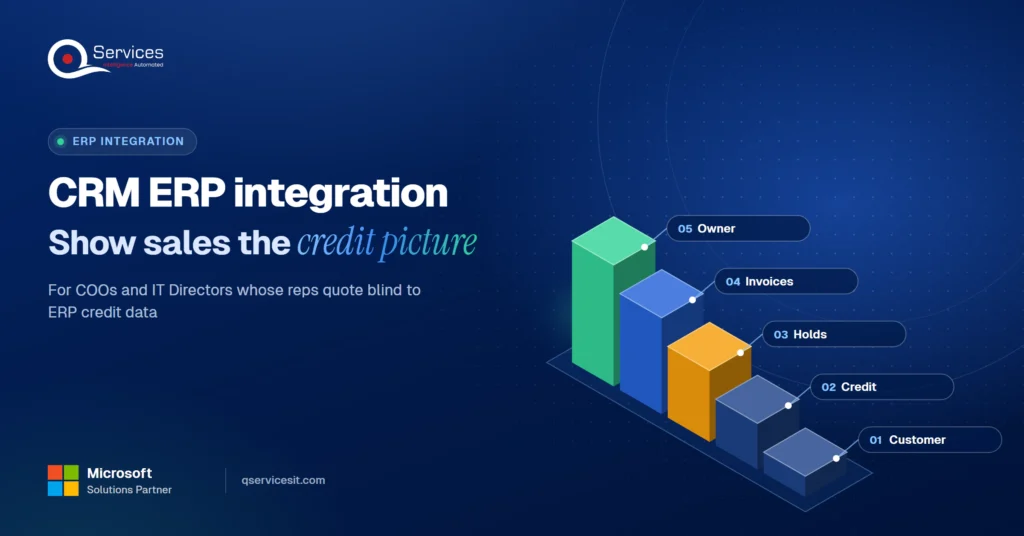
CRM ERP integration: give sales the credit picture first
CRM ERP integration shows your sales team credit limits, holds and open invoices before they quote. See what data to sync and who should own it.
Home » CRM ERP integration: give sales the credit picture first
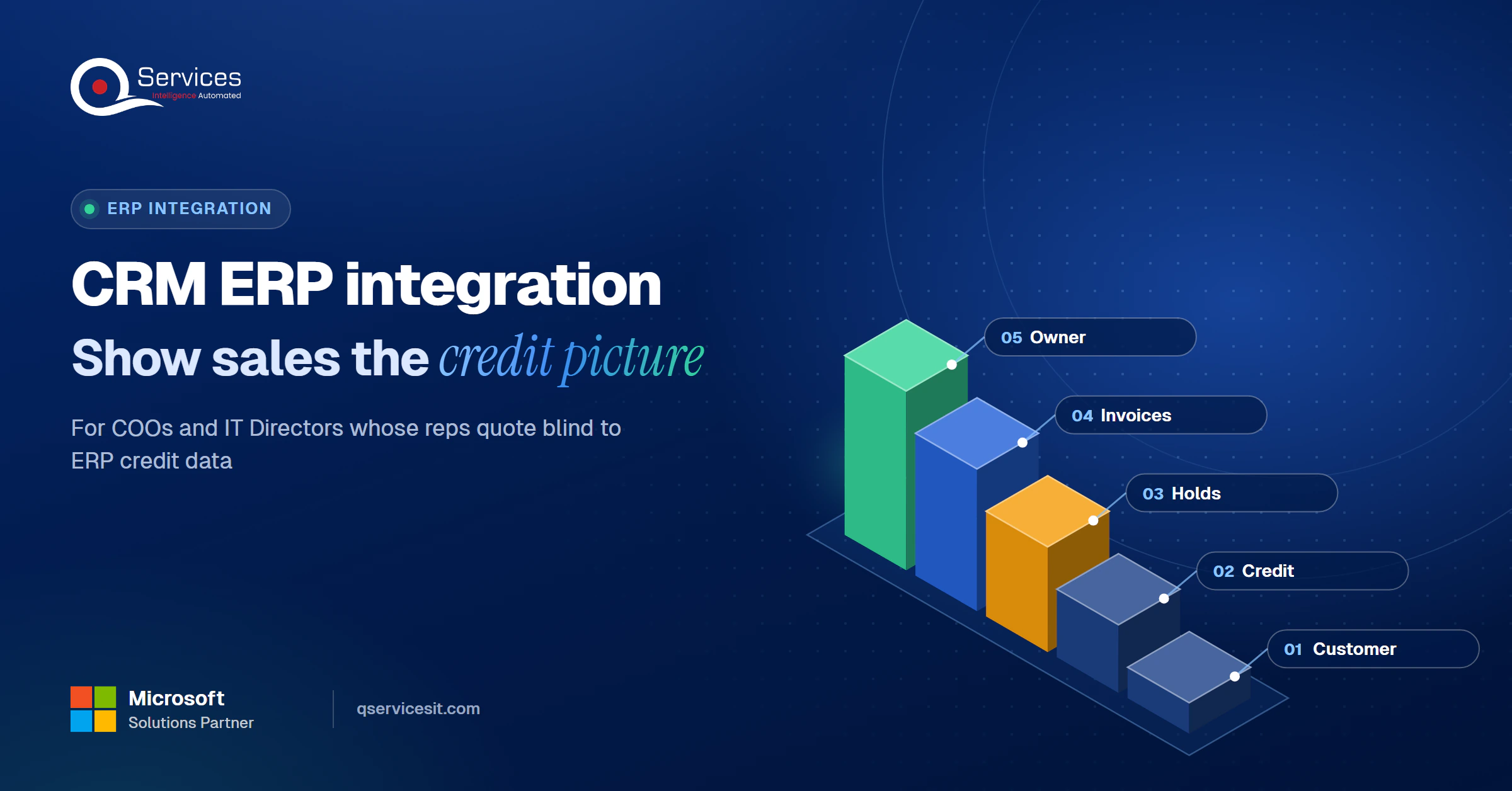
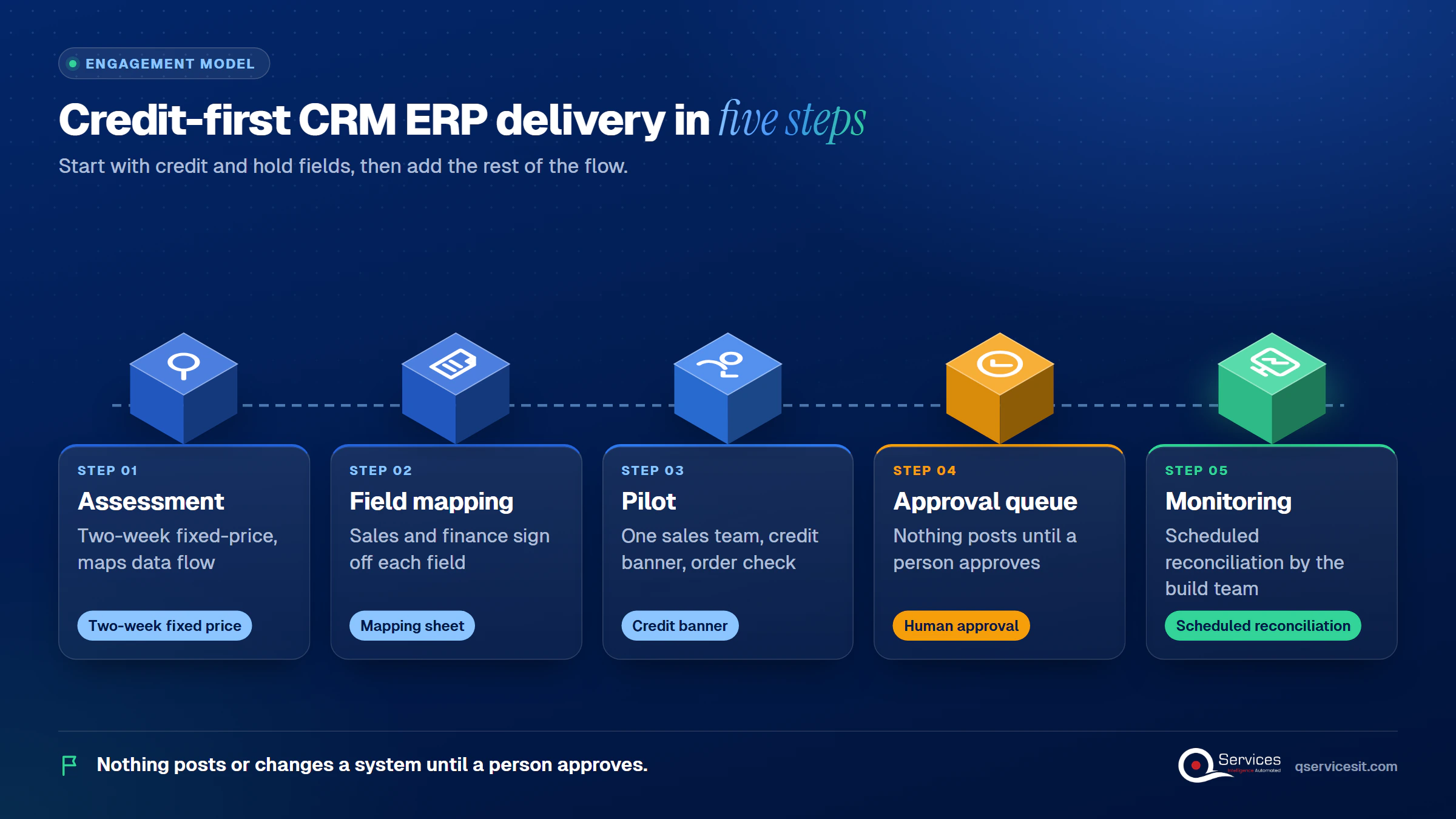
To integrate CRM with ERP, sync customer records, credit status and open invoices from the ERP into the CRM, and send approved orders back. CRM ERP integration works when every field has one owner and sales sees the credit picture before anyone quotes.
Without it, a rep books an order for a customer the ERP has already stopped. Finance then spends days releasing it, rejecting it, or chasing the customer. Our erp integration services put that credit data on the account page, and a person approves every action that changes a system or posts money.
Is your CRM blind to what your ERP knows?
Book a 30-min call and we’ll map which credit, invoice and dispute data your sales team can’t see today, and how it should flow from the ERP.
Book a 30-min call →Quick Answer CRM ERP integration connects your sales system to your finance system so reps see credit limits, holds and open invoices before they quote. Sync customer records to the ERP, sync credit status and invoices back, give each field one owner, and move the data with an API, Power Automate or middleware.
Five kinds of data should move: customers, products and prices, orders, credit status, and invoices with payment status. Customer records usually flow from CRM to ERP. Order status, credit and payments flow back.
The mistake we see most is syncing orders and products first, then treating credit as a phase-two nice-to-have. For a US company with real payment terms, credit is the field that stops a bad order.
The QServices Framework Credit-First Flow = Customer → Credit → Holds → Invoices → Owner
Credit and holds come before invoices because they decide whether an order should exist at all. Ownership comes last because it only works once you know which fields are moving.
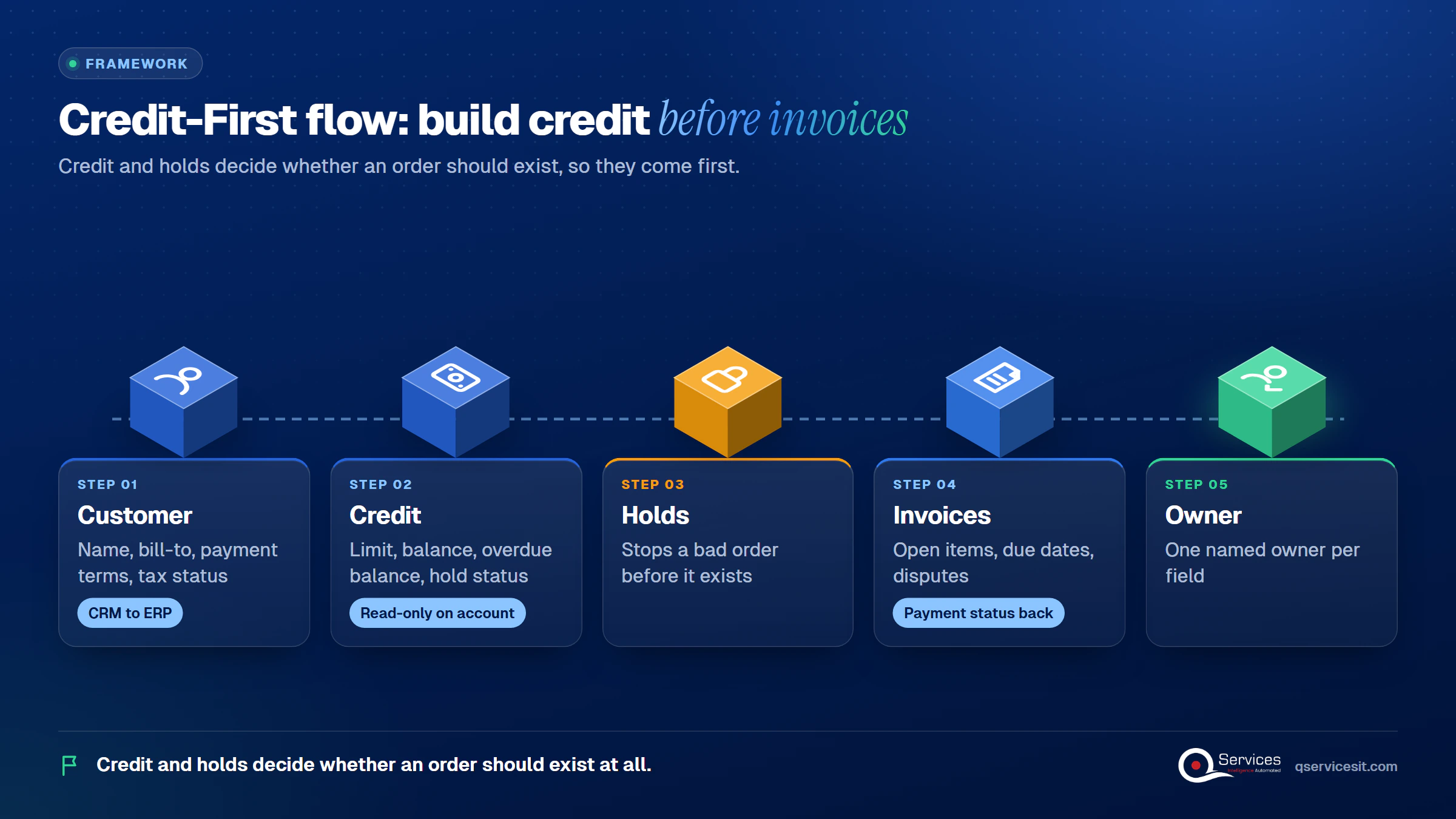
Start with the customer record, then the credit fields. After that, add orders and invoices.
This is the order-to-cash data flow between CRM and ERP in miniature, and it matches how finance already thinks.
Sales means a buying contact. Finance means a legal entity with a ledger account. Map both on purpose, or you get duplicate accounts and invoices that land on the wrong record.
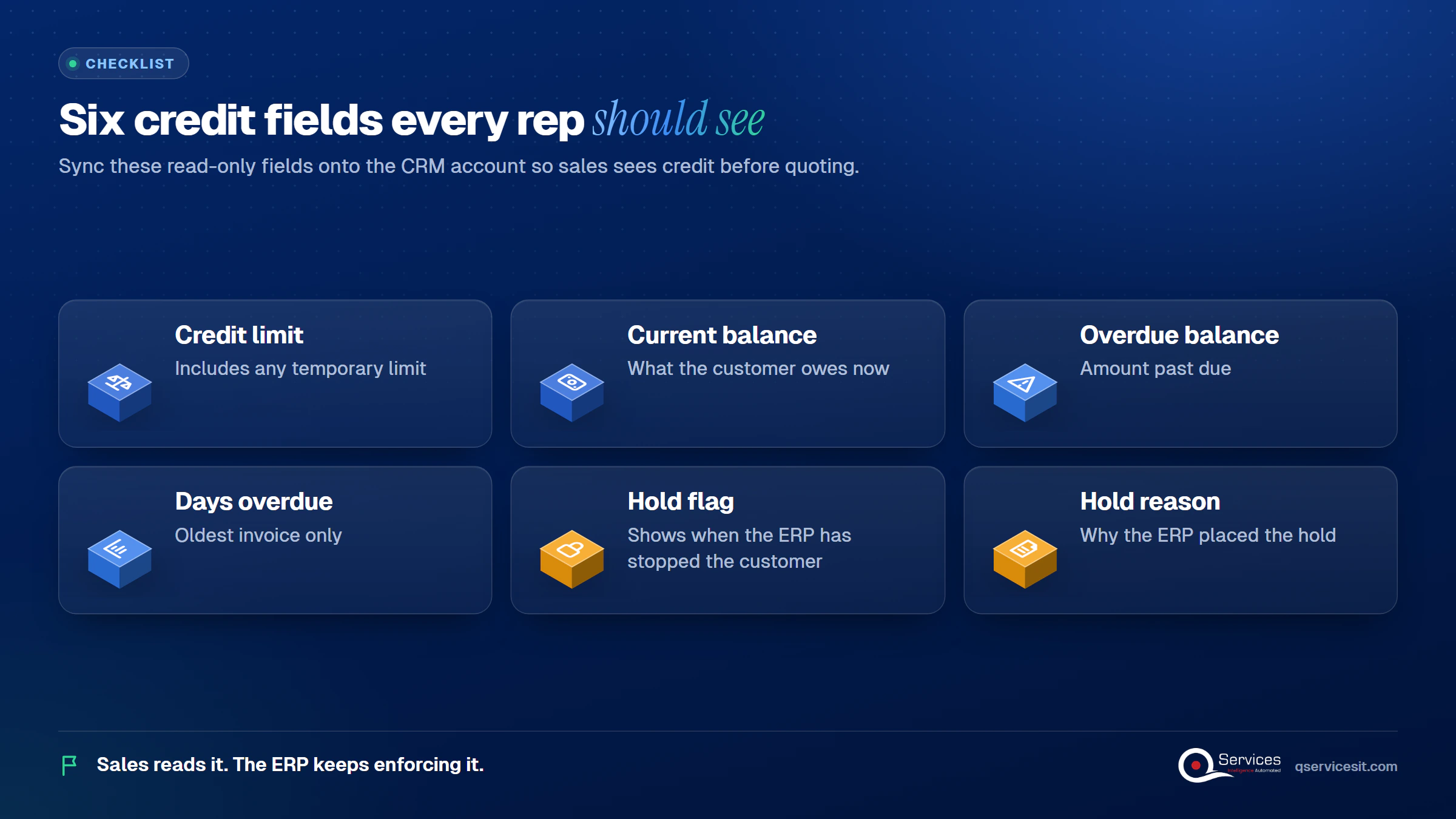
To show ERP credit limits in CRM, sync a small set of read-only credit fields onto the account on a schedule, and display a clear banner when the customer is on hold. Sales reads it. The ERP keeps enforcing it.
Six fields cover most decisions:
The last two matter most. In Dynamics 365 Finance, blocking rules can fire on days overdue, overdue amount, payment terms, expired limits or percentage of limit used. A customer can be on hold with a balance well under the limit.
Key Insight A balance under the limit does not mean a customer is safe. Sync the hold flag and its reason, not just a recalculated balance, or your CRM will say "clear" while the ERP says "stopped."
Put the check at the moment a quote turns into an order. If the hold flag is set, the CRM shows the reason and routes the order to the credit owner instead of submitting it. The ERP still holds the order as the final control.
Be honest about the limit: scheduled sync is not real time. A hold set at 2 PM may not show until the next run. For large orders, add a live lookup at submit time.
Native behavior also differs by product. In our experience Business Central warns on over-limit orders but does not block unless the customer is set to Blocked or a workflow is added, so check your version before you rely on it.
Real-World Scenario A typical case we see: a rep at a distributor quotes an $85,000 order for a customer with a $60,000 limit and $48,000 already open, $19,000 of it 52 days overdue. The CRM shows none of this. The order reaches the ERP, lands on hold two days later, and the promised ship date slips. With the Credit and Holds stages in place, the rep sees the overdue balance and hold reason on the account before quoting, and asks for a payment first.
When the order is released, sync the release reason back too, so the rep knows why. Our quote to cash automation work builds this exact handoff.
To sync open invoices from ERP to CRM, send each open item with its amount, due date, aging bucket and dispute status, read-only. Reps do not need the ledger. They need to know why a customer is slow before they call.
A dispute (often called a deduction) is a customer pushing back on an invoice. If a rep pushes a renewal while a dispute is open, the call goes badly for everyone.
Only the ERP. Let reps add a note in the CRM that flows to the collector, but never edit the amount or status. Our accounts receivable management guide covers how collectors work disputes.
Key Insight Show invoice status read-only in the CRM. Reps need to see a dispute, not edit the ledger.
Once invoices are in the CRM, a simple overdue-risk score per account is easy to add. Our finance data and AI services team builds that kind of view for finance and sales together.
Where do credit holds go missing between systems?
Walk through your own order-to-cash handoff with us and find where the ERP’s credit status never reaches the rep’s screen.
Book a 30-min call →There is no single right way to integrate CRM with ERP. The best option depends on how many systems you connect and who maintains the flows.
| Option | Best for | Downside |
|---|---|---|
| Native sync (dual-write) | Dynamics finance apps and Dataverse, near-real-time both ways | Tightly coupled; check whether credit fields are mapped |
| Virtual tables | Showing ERP data without copying it | Needs a Dataverse license; heavy unfiltered queries run slow |
| Power Automate | One CRM and one ERP, fast to build | Loop risk; connector limits; harder to monitor at scale |
| Middleware (iPaaS) | Three or more systems, retries, monitoring | Extra platform to run and pay for; more skill needed |
| Direct API, point to point | One stable pair of systems | Breaks when either side changes |
Our usual pick is Power Automate for one pair of systems and middleware beyond that. Middleware costs more to set up and run, and that is the honest trade-off.
Yes. Power Automate Power Automate flows trigger on record changes or a schedule. One catch: the Business Central connector does not support service principal or managed identity authentication, so partners often use the OData connector instead. Exclude the integration user in a condition so a write does not trigger itself in a loop. For more on the tool choice, see Power Automate vs Logic Apps vs D365.
Pick a direct API when two systems rarely change. Pick middleware when you expect more systems, need retries, or want one place to see failures. Whichever you choose, add a scheduled reconciliation that compares both sides, because events get missed.
In our projects, credit and hold status sync every 15 minutes or on change. Customer master data can run nightly. Invoices sit in between.
Standards & References
- Dual-write overview: near-real-time sync between finance apps and Dataverse
- Dataverse virtual tables: show external data without replicating it
- Business Central connector: triggers, actions and limits for Power Automate flows
The ERP owns the financial fields: credit limit, payment terms, tax status, balances and holds. The CRM owns the relationship fields: contacts, pipeline, preferences and activity. Name one owner per field.
Neither, across the board. Source of truth is per field. A new customer is created in the CRM, but once finance sets terms and a limit, those values belong to the ERP and the CRM shows them read-only.
Let the business decide process, not IT. Bring credit into the sale early, with shared dashboards, so both teams see the same exposure.
We start with the credit and hold fields, because that is where the money leaks, and add the rest of the flow after.
Agents run in your own Azure tenant. For the wider handoffs, see our workflow automation service.
Implementation Checklist
- Every synced field has one named owner
- Credit limit, balance and overdue balance show on the CRM account
- Hold flag and hold reason sync, not just the balance
- Quote-to-order conversion checks the hold flag
- Open invoices and disputes appear read-only in the CRM
- Integration user is excluded from flow triggers
- A scheduled reconciliation compares both systems

CRM ERP integration pays off fastest as a pilot: pick one sales team, sync credit status and open invoices, and measure orders caught before quoting, time to release a hold, and overdue balances at order. Book a 30-min call and we will map the flow with you.

Written by Rohit Dabra
Co-Founder and CTO, QServices IT Solutions Pvt Ltd
Rohit Dabra is the Co-Founder and Chief Technology Officer at QServices, a software development company focused on building practical digital solutions for businesses. At QServices, Rohit works closely with startups and growing businesses to design and develop web platforms, mobile applications, and scalable cloud systems. He is particularly interested in automation and artificial intelligence, building systems that automate routine tasks for teams and organizations.
CRM ERP integration connects your sales system to your finance and operations system so both work from the same customer record. Customer details flow to the ERP, while credit status, holds, invoices and order status flow back to the CRM. Reps then see the credit picture before they quote.
Start with the customer record and the credit fields. Map each field to one owner, choose a method (native sync, Power Automate, an API or middleware), pilot it on one sales team, and add a scheduled reconciliation. A person should approve anything that posts money or changes a system.
Yes. Power Automate flows can trigger on record changes or a schedule and move data between a CRM and an ERP. Watch connector limits (the Business Central connector lacks service principal authentication, so the OData connector is often used) and exclude the integration user to avoid loops.
Sync the ERP hold flag, hold reason and overdue balance onto the CRM account, then check them when a quote becomes an order. If the customer is on hold, route the order to the credit owner. The ERP still enforces the hold as the final control.
You can start in two weeks with a fixed-price process assessment that maps your data flow and field owners. A pilot on one sales team, covering credit status and open invoices, is the usual next step before the wider rollout.

CRM ERP integration shows your sales team credit limits, holds and open invoices before they quote. See what data to sync and who should own it.
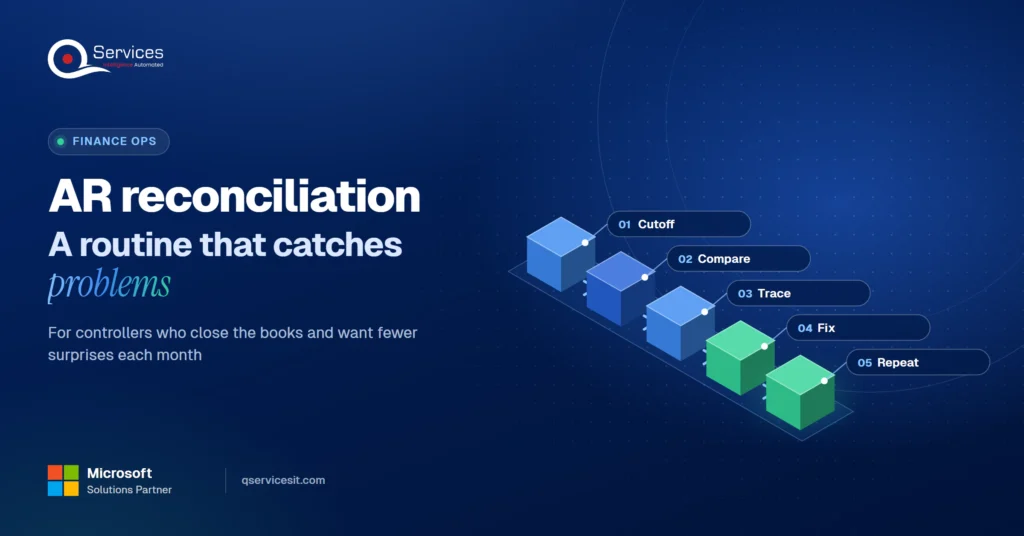
Accounts receivable reconciliation made simple: follow a step-by-step monthly routine, spot the five most common differences and fix them at the source.
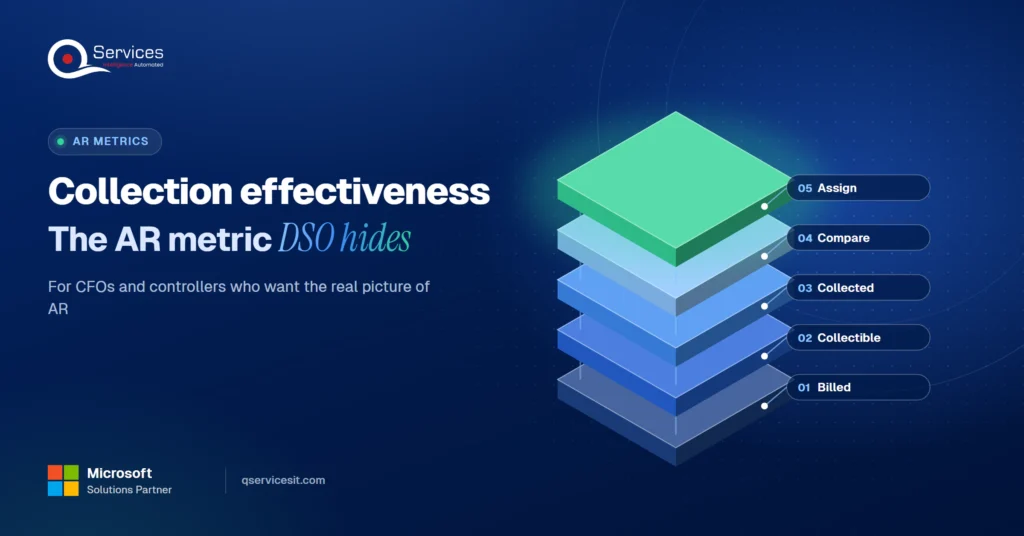
Collection effectiveness index shows what DSO hides. See the CEI formula, a worked example and how to use it to manage collectors in your AR team.
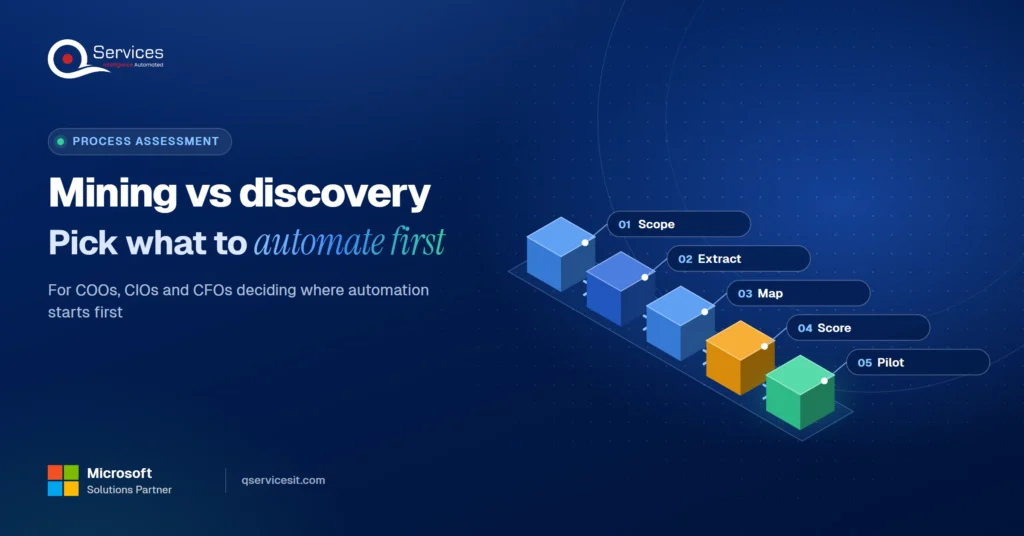
Process mining vs process discovery: see what each needs and delivers, and how your ERP and CRM logs can pick your first automation in two weeks.
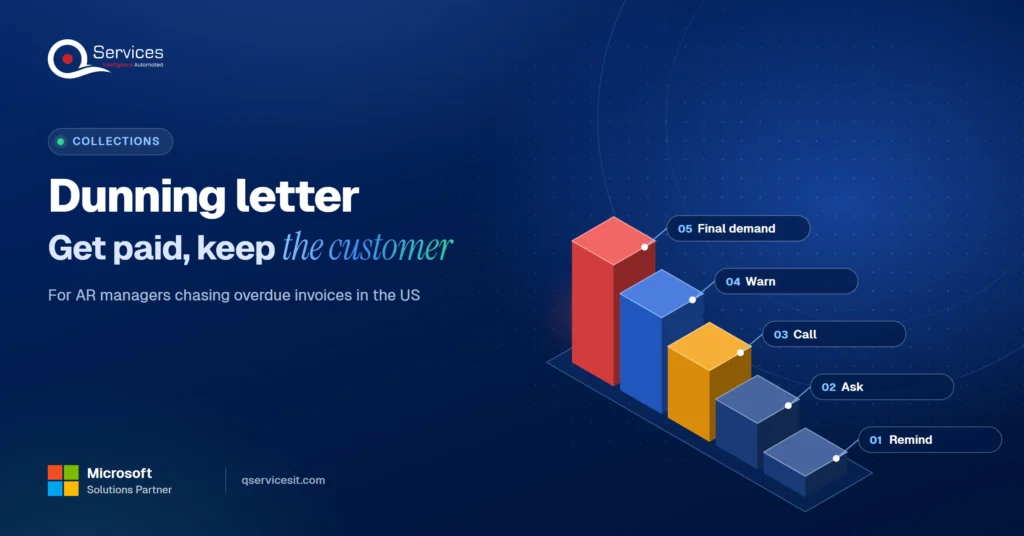
Use this dunning letter sequence with templates for day 1, 7, 15, 30 and 45 to collect overdue invoices faster and keep the customer relationship intact.
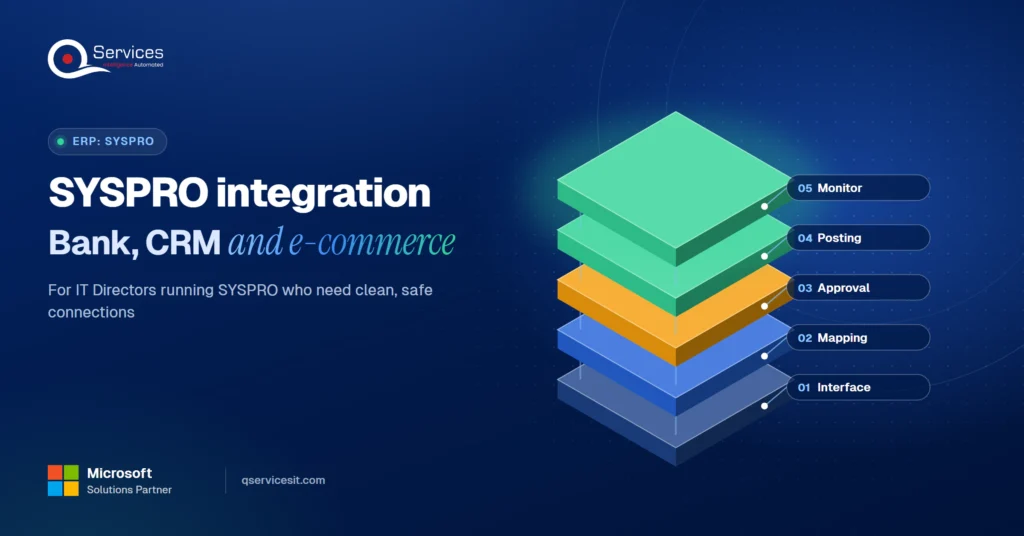
Compare SYSPRO integration options for bank files, CRM and e-commerce, and learn how to connect them without touching your ERP core. Built for IT Directors.
Next step
Ready to stop quoting customers who are on hold?
Talk to us about connecting your CRM and ERP so every quote starts with the real credit position, with a person approving any change to either system.
Book a 30-min call →
CRM ERP integration shows your sales team credit limits, holds and open invoices before they quote. See what data to sync and who should own it.

Accounts receivable reconciliation made simple: follow a step-by-step monthly routine, spot the five most common differences and fix them at the source.

Collection effectiveness index shows what DSO hides. See the CEI formula, a worked example and how to use it to manage collectors in your AR team.

Process mining vs process discovery: see what each needs and delivers, and how your ERP and CRM logs can pick your first automation in two weeks.

Use this dunning letter sequence with templates for day 1, 7, 15, 30 and 45 to collect overdue invoices faster and keep the customer relationship intact.
Compare SYSPRO integration options for bank files, CRM and e-commerce, and learn how to connect them without touching your ERP core. Built for IT Directors.

Every quote comes from a published review on GoodFirms, Clutch or our own site. Click a source to read the full review.

Trustpilot5.0★★★★★See reviewsGoodFirms5.0★★★★★45 verified reviews

G25.0★★★★★See reviewsClutch5.0★★★★★Quality 5.0 · Schedule 4.8

Google4.7★★★★★Mohali office“QServices was highly professional, knowledgeable, and approachable. We continue to work with them on other projects.”
“Quality assurance is often overlooked, but these guys take that very seriously. … their team of experienced, dedicated developers and highly skilled engineers quickly dissected and decomposed every problem and presented solutions and options that directly met my needs”

Erik BrownBusiness owner and software engineerClient review“The supplier delivered the application on time and was responsive to our needs. He was also flexible, which allowed us to make changes on the fly.”

Zoltan BodnarCFO, Yusen LogisticsGoodFirms“Thank you Sahil and team for wonderful collaboration right from day 0. … Highly recommend the developers.”

Ranbeer MakinClientClient review“They are always looking for new ways to improve their products and services and to deliver value to their customers.”
“I have had an excellent experience working with QServices. We have a highly collaborative relationship and I value them not just as contractors but as partners.”

Alex VanderElsClientClient review“Sahil undertakes every project with a high degree of professionalism. His communication style is unmatched and he is always available to resolve issues or just discuss the project.”

Philmore J.ClientClient review“Responsive, patient and professional. Consistent weekly attention to our project, and new ideas we hadn't asked for.”

Michael WilliamsonPresident and CEO, United Way of Southeast LouisianaGoodFirms“I have been working with them on a project for a year now … They have been able to solve problems that come up with bugs or development and able to communicate well with me.”

Steven LewisClientClient review“We had been working on the app for two years. QServices built it in two months.”

Brian WallerPresident, Technology Association of IowaGoodFirms“All projects were delivered on time and were fully completed upon delivery.”
“They had excellent quality. The hypercare they provided after the project went live is exceptional.”

Founder and CEO

Chief Sales Officer

Thanks, we’ve got your details. A named member of our team will reply within one business day.