


Process mining vs process discovery: what to automate first
Process mining vs process discovery: see what each needs and delivers, and how your ERP and CRM logs can pick your first automation in two weeks.
Home » Process mining vs process discovery: what to automate first
Process mining vs process discovery is mostly a question of scope. Process discovery is the whole job of learning how work really runs, and process mining is one method inside it that reads event logs from your systems. Vendors use the two terms differently, so ask what a quote actually covers.
If you run a 300-person company, you probably don’t need a six-month tooling project to find out where work stalls. A process assessment that reads the logs you already have, then checks them with the people who do the work, answers most of the question.
This post compares the two approaches plainly, then gives our view on which to start with.
Not sure which process to automate first?
We read your ERP and CRM event logs and show you where the rework sits, so your first automation project rests on evidence instead of opinion.
Book a process assessment →Quick Answer Process mining vs process discovery comes down to method and scope. Process discovery is the broad effort to document how work actually happens, using workshops, interviews and system data. Process mining is one technique inside it: it rebuilds the flow from timestamped event logs, so it shows what happened, not why.
Process discovery is the work of finding out how a process really runs today, as opposed to how the manual says it runs. It is the first stage of improving anything, and it draws on interviews, workshops, documentation and system data.
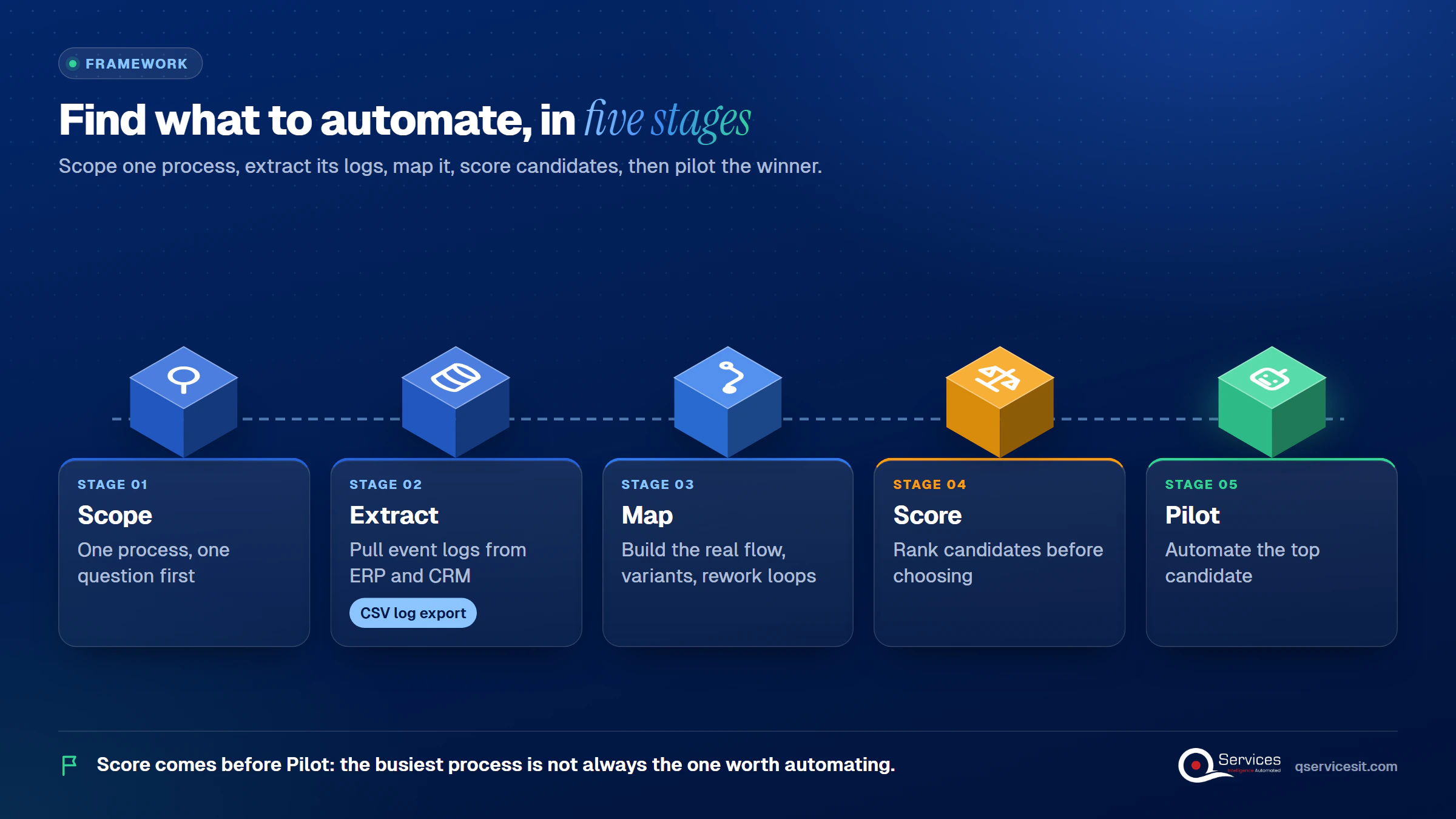
The QServices Framework Find What to Automate = Scope → Extract → Map → Score → Pilot
Scope comes first because logs from five processes at once produce noise. Score comes before Pilot because the busiest process is not always the one worth automating.
The difference between process mining and process discovery is that one is a goal and the other is a method. Discovery asks "how does this work run?" Mining answers part of that from data. Academic usage goes further and treats discovery as one of three types of mining, alongside conformance checking and enhancement, as the process mining overview on Wikipedia explains.
Three usages are in circulation. Some sources treat mining as a technique inside discovery. Academic papers treat discovery as a type of mining. Some task-mining vendors use "process discovery" to mean watching desktop activity, and "process mining" to mean reading back-end logs. So check which one is being sold before you compare quotes.
Process mining rebuilds a process from the timestamps your systems already write down. It takes an event log, one row per step, and draws the real flow: every route an order took, how long each hop lasted, and where work looped back.
It is strongest on high-volume, repeatable work, such as invoices, orders and tickets. It is weak on anything done by phone, email or in someone’s head, because no row exists for it.
Key Insight A log shows what happened and when. It can’t tell you why a clerk reworked an invoice. That reason lives in a person, which is why event log analysis alone never finishes the job.
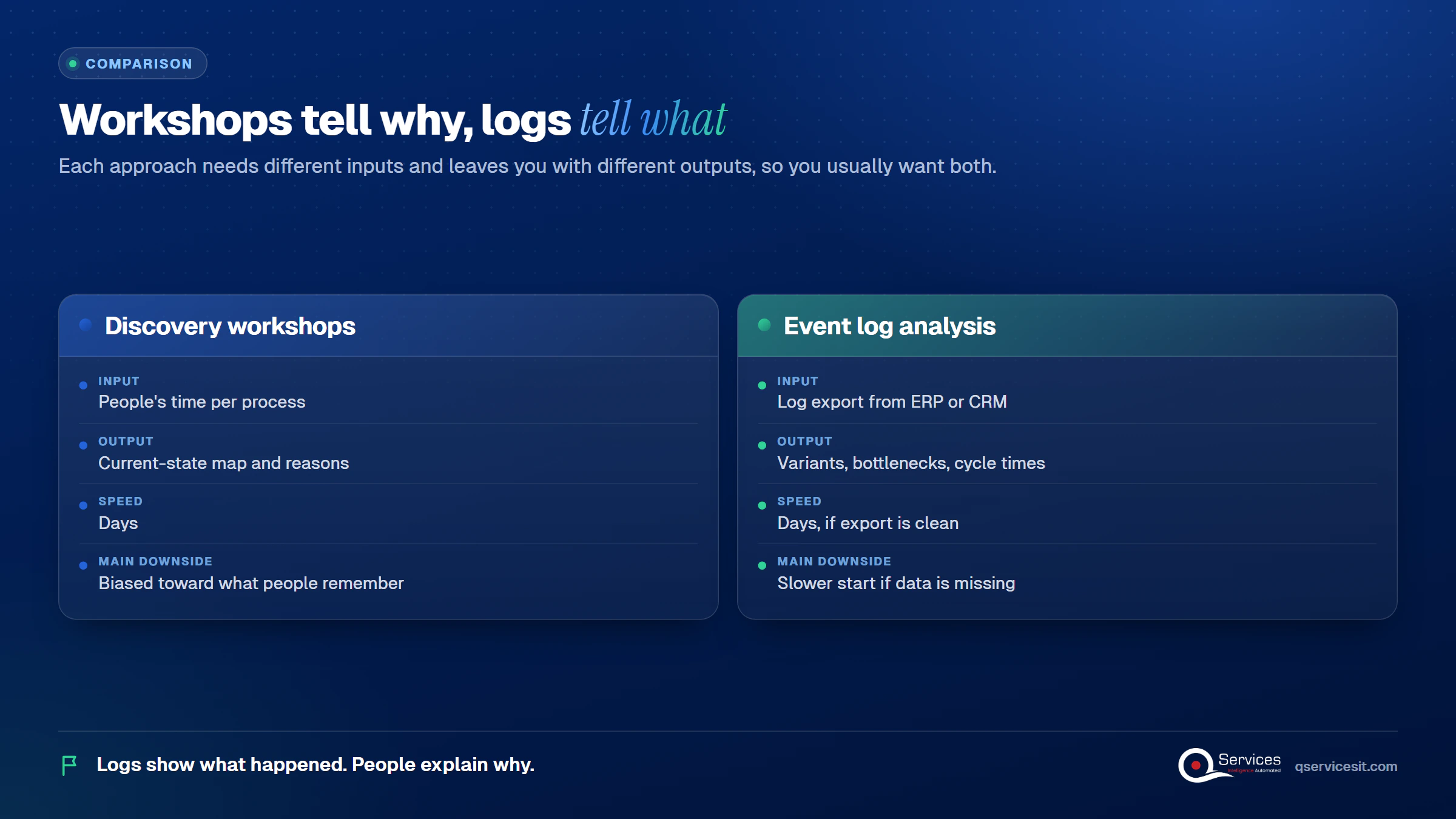
The inputs differ, and they decide how fast you can start.
| Discovery workshops | Event log analysis | |
|---|---|---|
| Input | 6 to 10 hours of people’s time per process | A log export from the ERP or CRM |
| Speed to first result | Days | Days, if the export is clean |
| Captures exceptions and reasons | Yes | No |
| Shows real frequency and timing | No, memory is unreliable | Yes |
| Main downside | Biased toward what people remember | Slower start if case IDs, timestamps or history are missing |
| Scales to many processes | Poorly | Well, once the extract exists |
The honest downside of leading with logs: if your system overwrites fields or keeps short history, you may spend the first week fixing data instead of finding answers.
Three columns at minimum: a case ID on every row (an order number, say), an activity name and a timestamp. Amounts, users and other attributes are optional, per Microsoft Learn’s process mining documentation. CSV export is the easiest way to try it.
The common traps are overwritten fields, short retention and IDs that change between systems, such as a purchase order number that becomes an invoice number. Treat each data-quality finding as an early result, not a failure.
The outputs are different, and you usually want both.
Real-World Scenario A typical case we see: a COO at a 300-person distributor believes order entry is the slow step. Workshops say so too. The ERP log shows orders waiting a median of 3 days, but 41% of that wait sits in credit review, after entry is finished. In the naive approach the team automates entry and saves almost nothing. The Map stage catches it, and Score moves credit review to the top of the list.
Guessing which process to fix?
The event logs in your ERP and CRM already show where work stalls and repeats. A process assessment turns them into a ranked list in about two weeks.
Book a process assessment →Process assessment in two weeks is our view for one process on logs already in the ERP or CRM. It is not an industry norm, and no independent source sets a standard duration. Here is how we run process assessment using ERP event logs:
If the two logs don’t hold enough history, we say so by day 5 and recommend a logging fix first. That’s an honest answer too.
Standards & References
- Microsoft Learn: process mining overview: event log fields and where process mining fits
- IEEE Task Force on Process Mining: the community behind the XES event-log standard
Turning process findings into an automation project is a scoring exercise, not a hunch. This is how to find what to automate first.
Score each candidate from 1 to 5 on four things:
High volume, clear rules and high rework with a small blast radius is your first automation project selection. Cash-related work often scores well: see how the order to cash process breaks into steps, or why unapplied cash piles up.
Tie the score to a number you already track. Days sales outstanding is a good one for finance.
Once a step is chosen, workflow automation handles the fixed rules, and an agent handles the matching and follow-ups. A person approves anything that posts money or changes a system.
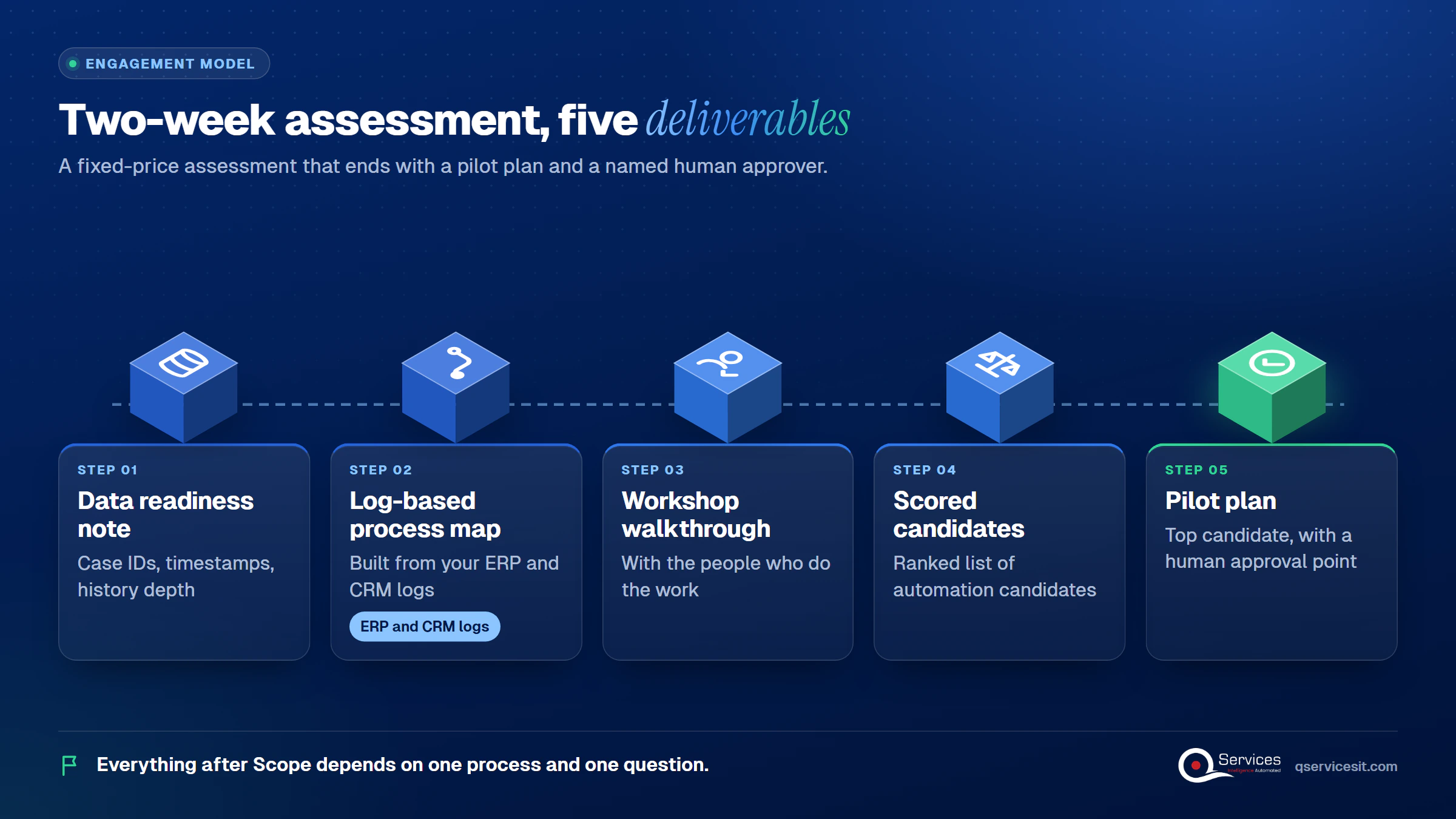
We start at Scope, with one process and one question, because everything after depends on it. Then we run these steps on a fixed-price, two-week assessment:
If the pilot proceeds, our AI agent development team builds agents that run in your own Azure tenant. The same team builds and runs them, so nothing is handed over twice.
Implementation Checklist
- One process and one business question written down
- A log export with a case ID on every row
- An activity name and a timestamp on every row
- At least 3 months of history, not overwritten
- Three people who do the work booked for one hour each
- Each candidate scored on volume, rule clarity, rework and blast radius
- A named person who approves every action that posts money
- One baseline metric recorded before the pilot starts

Process mining vs process discovery doesn’t have to be a tooling debate: start with the logs you already own, then check them with your people. Pilot one process, such as invoice matching, and measure time to match, rework rate and days to post. Book a process assessment and we’ll tell you in two weeks what to automate first.

Written by Rohit Dabra
Co-Founder and CTO, QServices IT Solutions Pvt Ltd
Rohit Dabra is the Co-Founder and Chief Technology Officer at QServices, a software development company focused on building practical digital solutions for businesses. At QServices, Rohit works closely with startups and growing businesses to design and develop web platforms, mobile applications, and scalable cloud systems. He is particularly interested in automation and artificial intelligence, building systems that automate routine tasks for teams and organizations.
Process discovery is the broad job of documenting how work really runs, using workshops, interviews and system data. Process mining is one technique inside it that rebuilds the flow from event logs. Some academic sources reverse this and call discovery one type of mining, so check how a vendor defines each term.
No. Process mining only works where systems leave timestamped records. Discovery also covers what logs miss: phone calls, email, judgment calls and exceptions. Most useful assessments combine the two.
At minimum, an event log with a case ID, an activity name and a timestamp on every row. Users and amounts are optional. A CSV export from your ERP or CRM is enough to start. Overwritten fields and short history are the usual problems.
In our experience, one process on logs already in your ERP or CRM takes about two weeks. That is our view, not an industry standard. If the data is missing or hard to export, it takes longer, and we flag that by day 5.
Score each candidate on volume, rule clarity, rework rate and blast radius. Pick the one with high volume, clear rules and high rework where a mistake is cheap to catch. Keep a person approving anything that posts money or changes a system.

Process mining vs process discovery: see what each needs and delivers, and how your ERP and CRM logs can pick your first automation in two weeks.
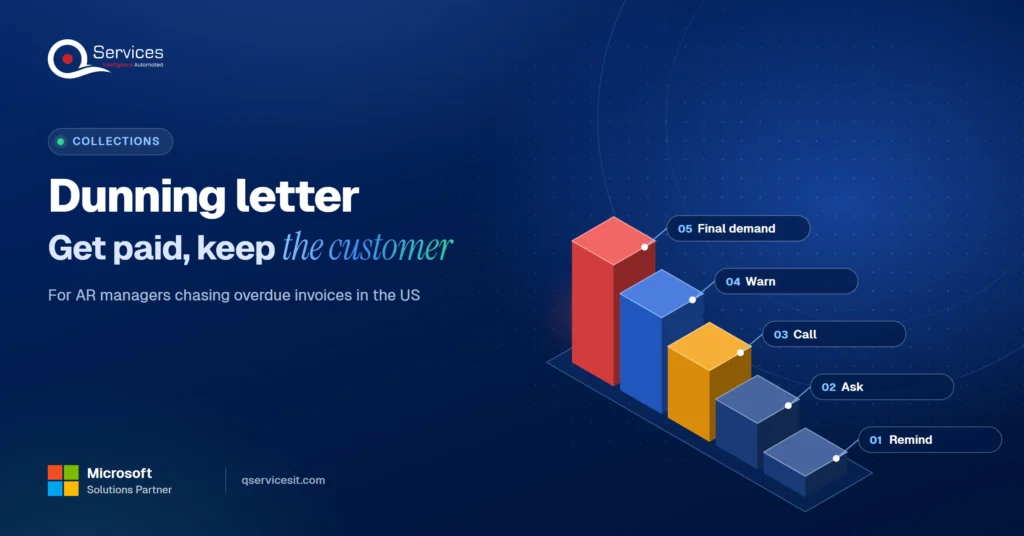
Use this dunning letter sequence with templates for day 1, 7, 15, 30 and 45 to collect overdue invoices faster and keep the customer relationship intact.
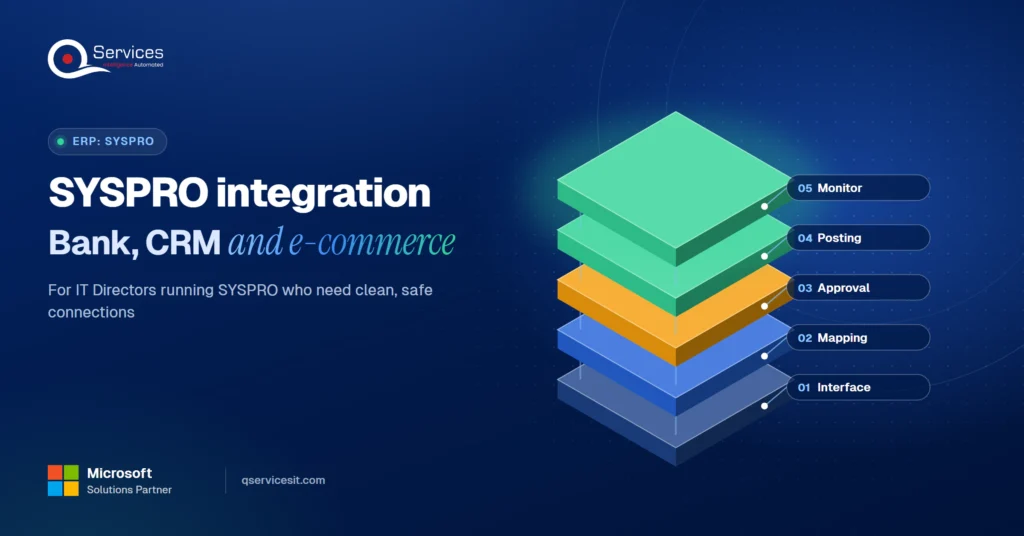
Compare SYSPRO integration options for bank files, CRM and e-commerce, and learn how to connect them without touching your ERP core. Built for IT Directors.
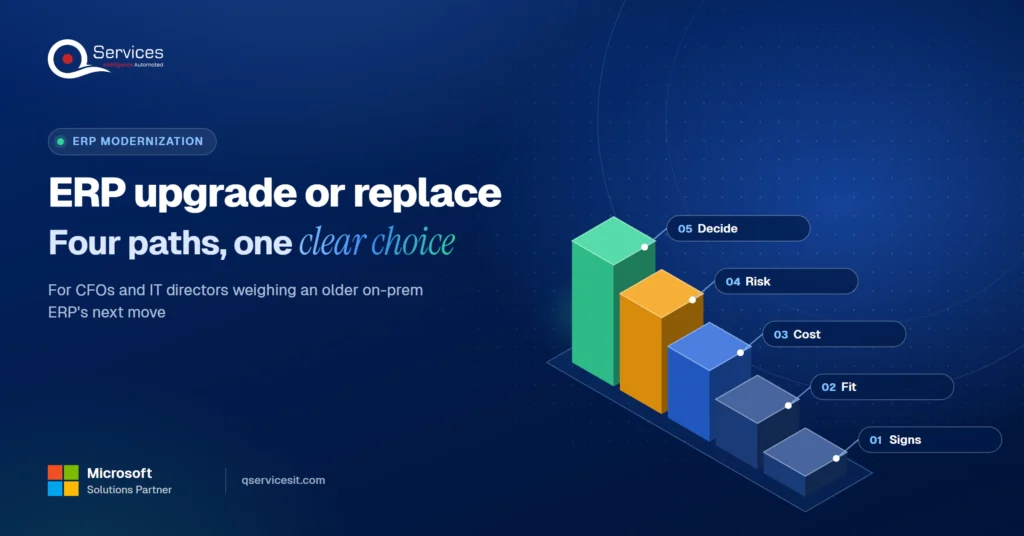
ERP upgrade, cloud move, Power Apps extension or replacement? Compare costs and risks in one decision table and pick the right path for your on-prem ERP.
Legacy application modernization works best in phases. Learn how to decide rebuild, replace or retire for each app and move to .NET 8 and Azure safely.
ERP implementation guide for CFOs and controllers: what to demand on AR requirements, data migration, testing and cutover so receivables work on day one.
Next step
Ready to see your processes as they really run?
Bring a few weeks of ERP and CRM data. We map the real flow, rank the candidates and hand you a first project your team can approve.
Book a process assessment →
Process mining vs process discovery: see what each needs and delivers, and how your ERP and CRM logs can pick your first automation in two weeks.
Use this dunning letter sequence with templates for day 1, 7, 15, 30 and 45 to collect overdue invoices faster and keep the customer relationship intact.
Compare SYSPRO integration options for bank files, CRM and e-commerce, and learn how to connect them without touching your ERP core. Built for IT Directors.
ERP upgrade, cloud move, Power Apps extension or replacement? Compare costs and risks in one decision table and pick the right path for your on-prem ERP.
Legacy application modernization works best in phases. Learn how to decide rebuild, replace or retire for each app and move to .NET 8 and Azure safely.
ERP implementation guide for CFOs and controllers: what to demand on AR requirements, data migration, testing and cutover so receivables work on day one.

Every quote comes from a published review on GoodFirms, Clutch or our own site. Click a source to read the full review.

Trustpilot5.0★★★★★See reviewsGoodFirms5.0★★★★★45 verified reviews

G25.0★★★★★See reviewsClutch5.0★★★★★Quality 5.0 · Schedule 4.8

Google4.7★★★★★Mohali office“QServices was highly professional, knowledgeable, and approachable. We continue to work with them on other projects.”
“Quality assurance is often overlooked, but these guys take that very seriously. … their team of experienced, dedicated developers and highly skilled engineers quickly dissected and decomposed every problem and presented solutions and options that directly met my needs”

Erik BrownBusiness owner and software engineerClient review“The supplier delivered the application on time and was responsive to our needs. He was also flexible, which allowed us to make changes on the fly.”

Zoltan BodnarCFO, Yusen LogisticsGoodFirms“Thank you Sahil and team for wonderful collaboration right from day 0. … Highly recommend the developers.”

Ranbeer MakinClientClient review“They are always looking for new ways to improve their products and services and to deliver value to their customers.”
“I have had an excellent experience working with QServices. We have a highly collaborative relationship and I value them not just as contractors but as partners.”

Alex VanderElsClientClient review“Sahil undertakes every project with a high degree of professionalism. His communication style is unmatched and he is always available to resolve issues or just discuss the project.”

Philmore J.ClientClient review“Responsive, patient and professional. Consistent weekly attention to our project, and new ideas we hadn't asked for.”

Michael WilliamsonPresident and CEO, United Way of Southeast LouisianaGoodFirms“I have been working with them on a project for a year now … They have been able to solve problems that come up with bugs or development and able to communicate well with me.”

Steven LewisClientClient review“We had been working on the app for two years. QServices built it in two months.”

Brian WallerPresident, Technology Association of IowaGoodFirms“All projects were delivered on time and were fully completed upon delivery.”
“They had excellent quality. The hypercare they provided after the project went live is exceptional.”

Founder and CEO

Chief Sales Officer