

ERP implementation: a finance team’s guide to AR on day one
ERP implementation guide for CFOs and controllers: what to demand on AR requirements, data migration, testing and cutover so receivables work on day one.
Home » ERP implementation: a finance team’s guide to AR on day one
Finance’s role in an ERP implementation is to own what the system must do, what data goes in, and what passes testing. IT builds it; only finance can say whether a payment lands on the right invoice.
Most guides are written for IT, so receivables get configured last and tested least. Then day one arrives, cash sits unapplied, and collectors chase customers who already paid. If you’re planning erp modernization, this guide covers what a CFO or controller should demand on AR before anything goes live.
Will AR work the day your new ERP goes live?
Walk through your AR requirements, data migration and cutover plan with us, and see where AI agents can sit inside the new system.
Plan your ERP move →Quick Answer ERP implementation for finance works when the finance team writes the AR requirements, signs off migrated open invoices, tests cash receipts with real remittances, rehearses cutover twice, and staffs a 90-day stabilization period. Skip any one of these and receivables stall on day one.
A finance-led ERP implementation doesn’t mean finance runs the project. It means finance owns the pieces that decide whether cash gets applied: requirements, data, testing and the go/no-go call. Everything else can stay with IT and your implementation partner.
The pattern we see is simple. IT validates that the system works. Finance finds out two weeks after go-live that it doesn’t work for receivables.
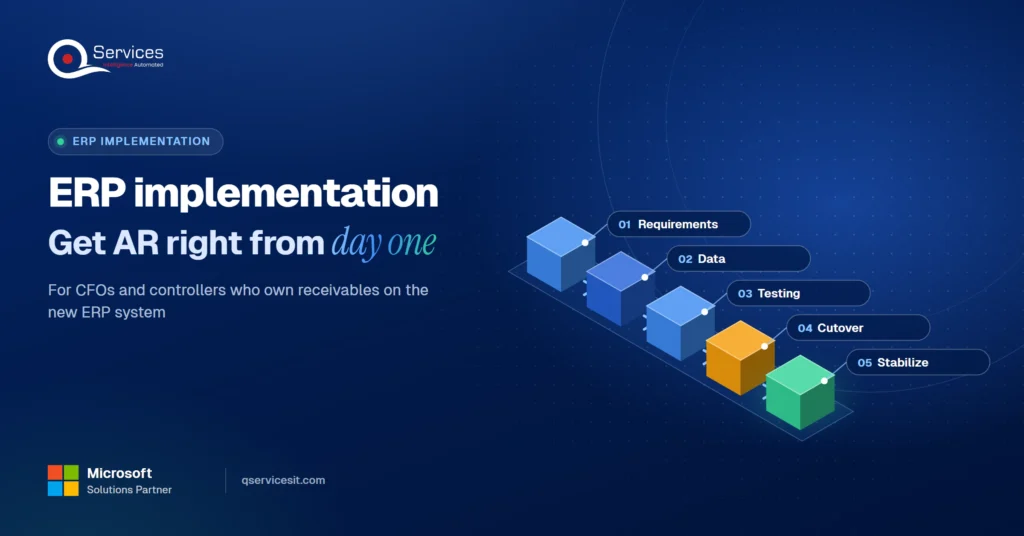
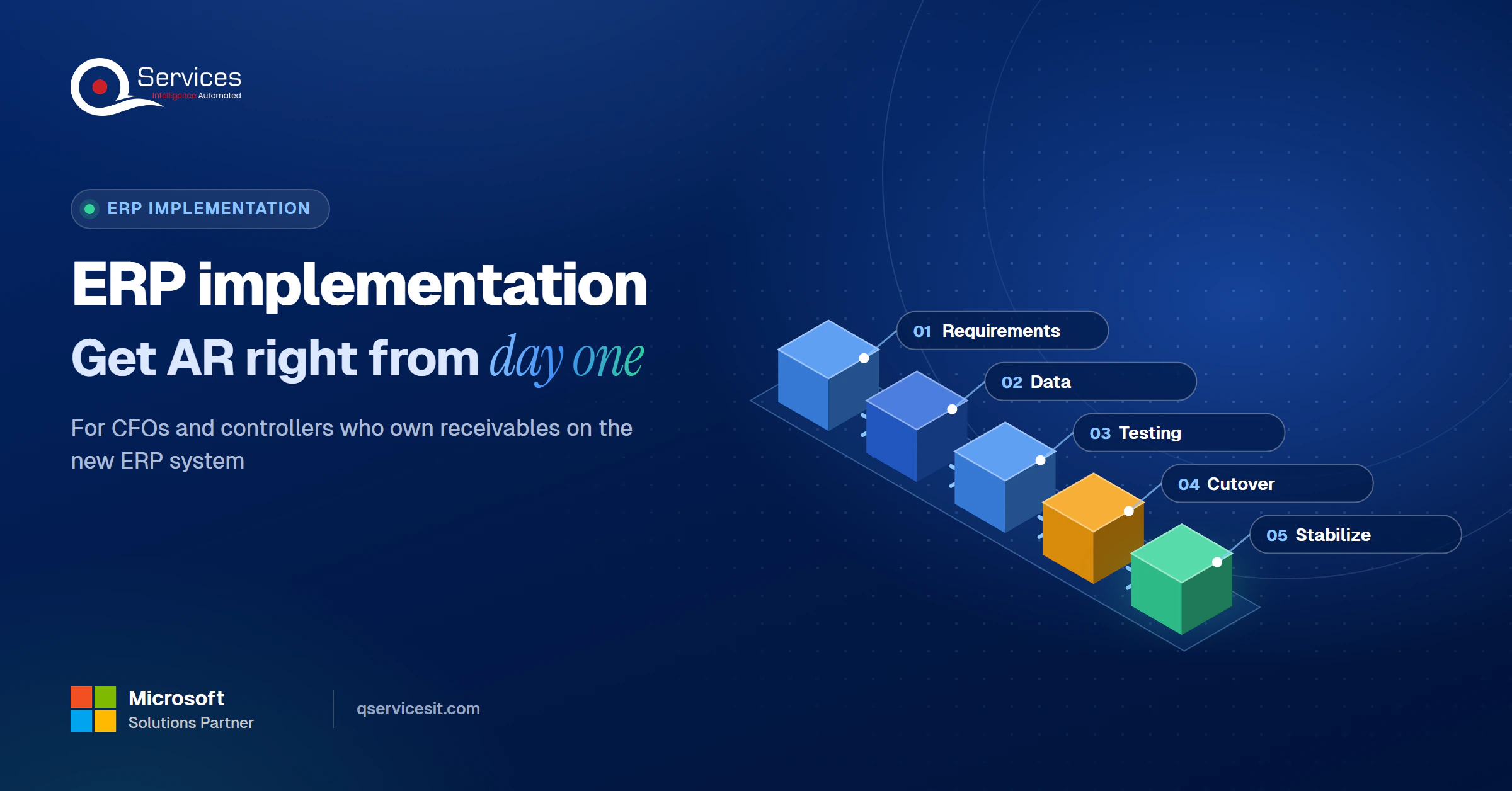
The QServices Framework Day-One AR = Requirements → Data → Testing → Cutover → Stabilize
The order matters because each stage feeds the next. Bad requirements produce bad configuration, which makes migrated data fail, which makes tests meaningless.
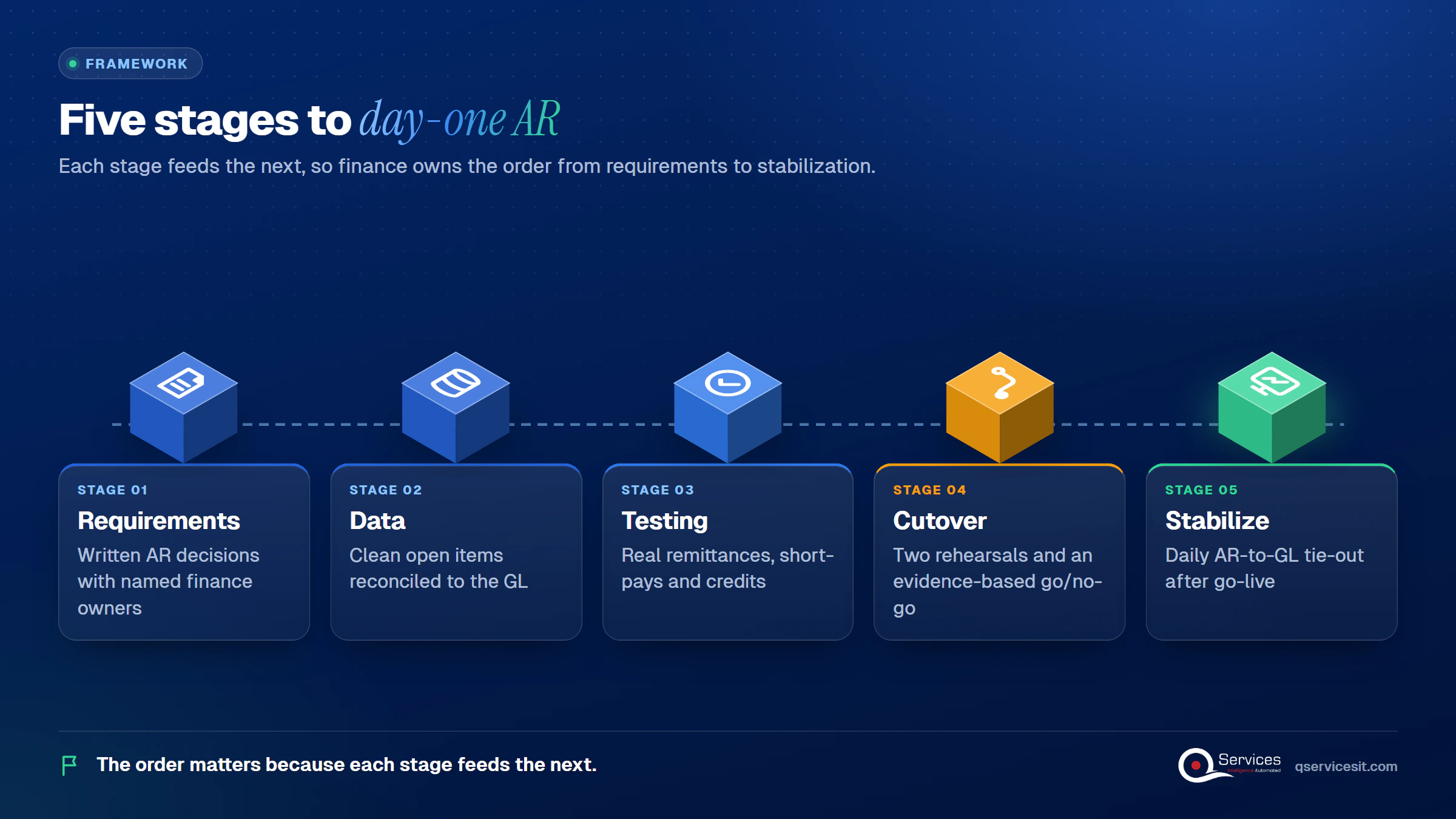
We’ll use those five stage names through the rest of this guide, so you can lift them straight into your ERP implementation plan.
The table below compares the two ownership models for an accounts receivable ERP rollout. The finance-led model isn’t free. It asks more of your team during the busiest weeks.
| Area | IT-led project | Finance-led project |
|---|---|---|
| AR requirements | Inherited from the old system | Written and owned by named finance leads |
| Test data | Synthetic invoices and payments | Real remittances, short-pays and credits |
| Cutover timing | Set by the technical schedule | Set around month-end close |
| Cash on day one | Often unapplied for days | Matched against a tested rule set |
| Finance team time | Lighter during the project | Heavier: testing and rehearsals compete with close |
| Schedule risk | Surfaces late, at go-live | Surfaces early, in rehearsal |
The honest trade-off is the fifth row. If your AR team is already stretched, protect their time before you commit. Our post on how to reduce DSO when your AR team is already stretched covers that capacity problem.
These are the ERP implementation mistakes that hurt collections most often, in our experience:
Key Insight Late payment is common enough that no collections team can absorb a broken process. Atradius reports in its US payment practices research that late payment affects a large share of B2B receivables, so day-one AR errors land on an already-stretched function.
ERP implementation requirements for accounts receivable are decisions, not features. Vendor and consultancy guidance agrees on what finance should specify, and each item needs a named finance owner before configuration starts. Treat this as practitioner guidance, not a standard.
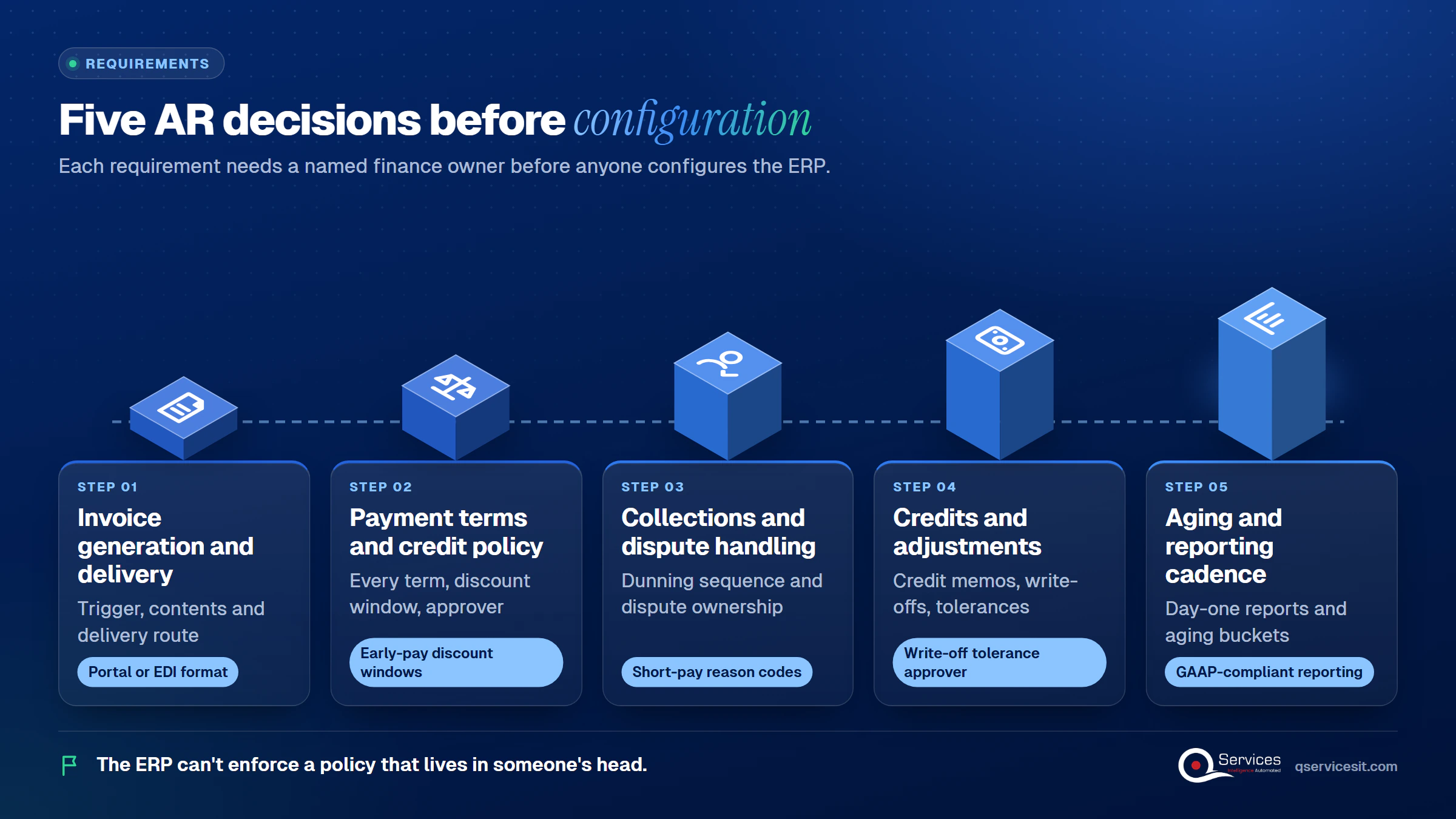
Decide what triggers an invoice, what it must contain, and how it reaches the customer. If a customer portal or EDI feed requires a specific format, write that down now. The order to cash process shows where this step sits.
List every term you offer, including early-pay discount windows, and who can approve exceptions. The ERP will enforce exactly what you configure. It can’t enforce a policy that lives in someone’s head.
Define the dunning sequence, who owns a disputed invoice, and how a dispute stops the clock. Short-pays need their own reason codes, as covered in our guide to tracking short pays.
Specify how credit memos, write-offs and tolerances work. A $0.50 write-off tolerance is a policy choice, so make it an explicit parameter with an approver.
Name the reports you need on day one and the buckets they use. Finance needs GAAP-compliant, flexible reporting, and our guide to reading each AR aging bucket is a good baseline for what to ask for.
ERP data migration for AR is mostly a cleanup job. Your goal is a set of open items you trust, not a copy of ten years of history.
Follow these steps in order:
Run the whole sequence at least once as a trial before the real cutover. Skipping the trial run is one of the most commonly listed migration pitfalls.
Watch for these failure points during your ERP data migration:
Unapplied cash deserves its own line item. If you carry it over without matching it, it follows you into your first close. Our guide to clearing the unapplied cash backlog explains why it piles up.
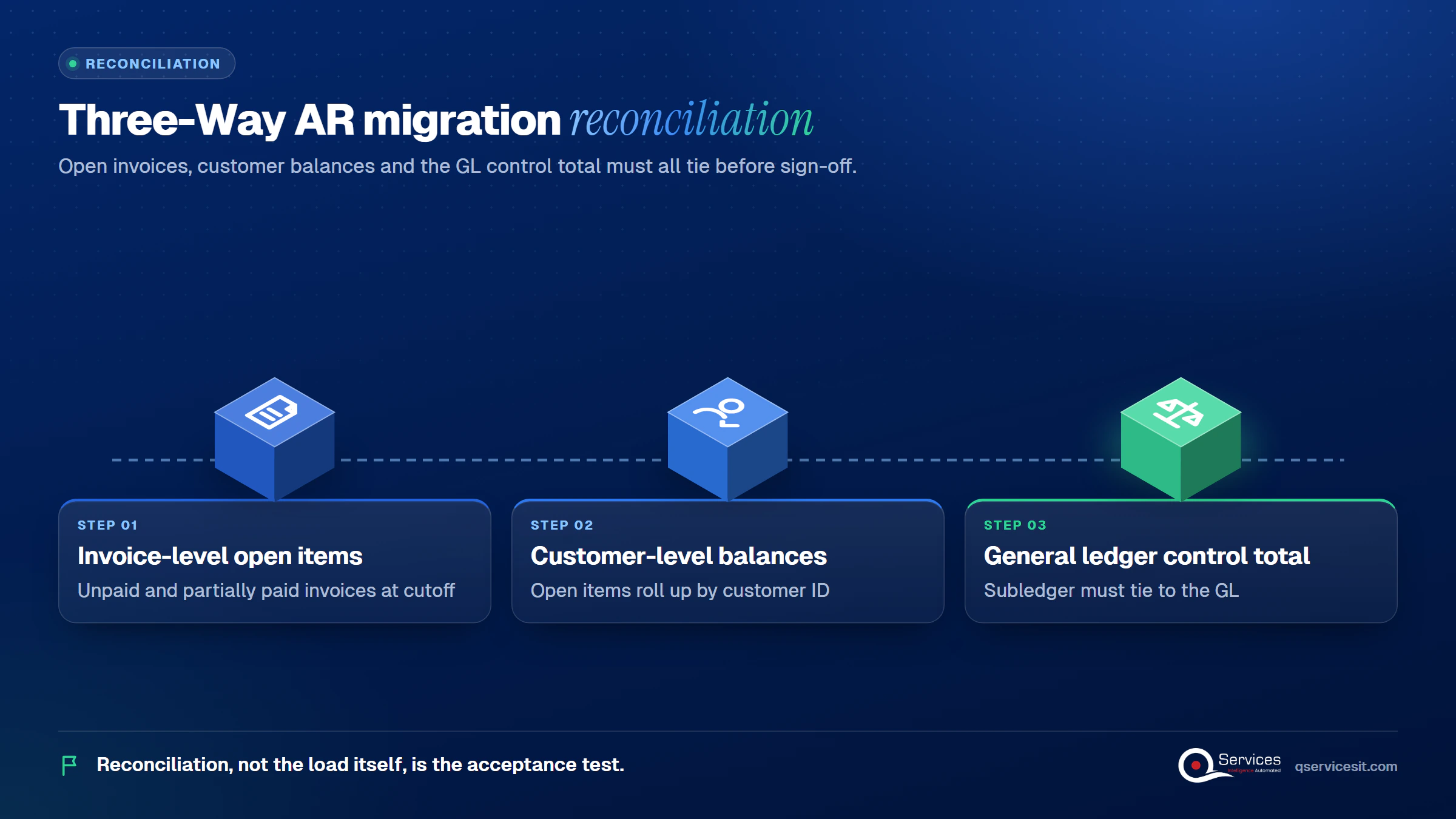
Key Insight Reconciliation, not the load itself, is the acceptance test. If invoice-level, customer-level and GL totals don’t tie, the migration isn’t done, however clean the import log looks.
ERP go-live testing should use the messy payments your customers actually send. No source we reviewed offers a complete cash application UAT script, so build yours from your own bank files and remittance mailbox.
Testing cash receipts in ERP user acceptance testing means feeding real lockbox, ACH and wire remittances through the new system. Include these cases:
Also test the matching order. A sensible hierarchy tries invoice number first, then invoice plus amount, then customer plus PO, then oldest items within a stored tolerance. Keep the bank line ID and remittance ID on each posting so auditors can trace it. Our cash application process post shows where matching typically breaks.
Real-World Scenario A typical case we see: a controller at a distributor tests 40 payments before go-live, all clean, single-invoice ACH. After go-live, customers send multi-invoice wires with short-pays, and about a third of daily cash lands in unapplied. The Testing stage would have caught it, because a test set built from last quarter’s real remittances includes those multi-invoice and short-pay payments. The fix is cheaper in UAT than in month one.
Structured remittance gives the best straight-through rate. Our guide to EDI 820 payment files covers posting them to your ERP, and remittance advice explains what a good one contains.
Standards & References
- Nacha Operating Rules: governs ACH payments and their addenda records
- COSO Internal Control Framework: defines control activities, including segregation of duties
Addenda limits for CCD+ and CTX entries vary between summaries. Check the current Nacha rules before you write test cases around them.
Is your AR data ready to migrate?
Open invoices, customer terms and unapplied payments are where migrations go wrong. We can review yours before the mapping starts.
Plan your ERP move →Open invoices don’t pause during ERP cutover planning. They migrate at your cutoff date, and anything that changes after that date has to be re-keyed or reloaded. The runbook decides who does that.
An ERP cutover plan for finance teams should include:
Use this ERP go-live checklist as your evidence standard:
If criteria aren’t met, you have three choices: de-scope, delay, or proceed with time-bound compensating controls. Pick one on purpose. Payment connectivity is also where good ERP integration services earn their keep. If you’re leaving Dynamics GP, our post on moving to Business Central without AR stopping walks through it, and Microsoft’s GP support ends in 2029. A qualified business central partner should rehearse that migration with you.
Go-live is the start of stabilization, not the end. Plan the first close in advance, and give every workaround a retirement date.
What controllers should check after ERP go-live comes down to daily and weekly habits:
If your team drifts back to spreadsheets, treat it as a signal. It usually means the process or the training is unclear.
| Window | Focus | What to check |
|---|---|---|
| Days 1-30 | Hypercare | Daily AR-to-GL tie-out, unapplied cash |
| Days 31-60 | Gaining control | First close, aging versus baseline |
| Days 61-90 | Institutionalizing | KPI set, credit and dispute tuning |
Use days 60 to 90 for improvement, such as better matching and tighter dispute handling. Watch days sales outstanding as a trend, not a single benchmark.
We start at Requirements, because every later stage depends on it. Our team builds and runs the AI agents that handle matching and follow-ups, and a person approves every action that posts money or changes a system.
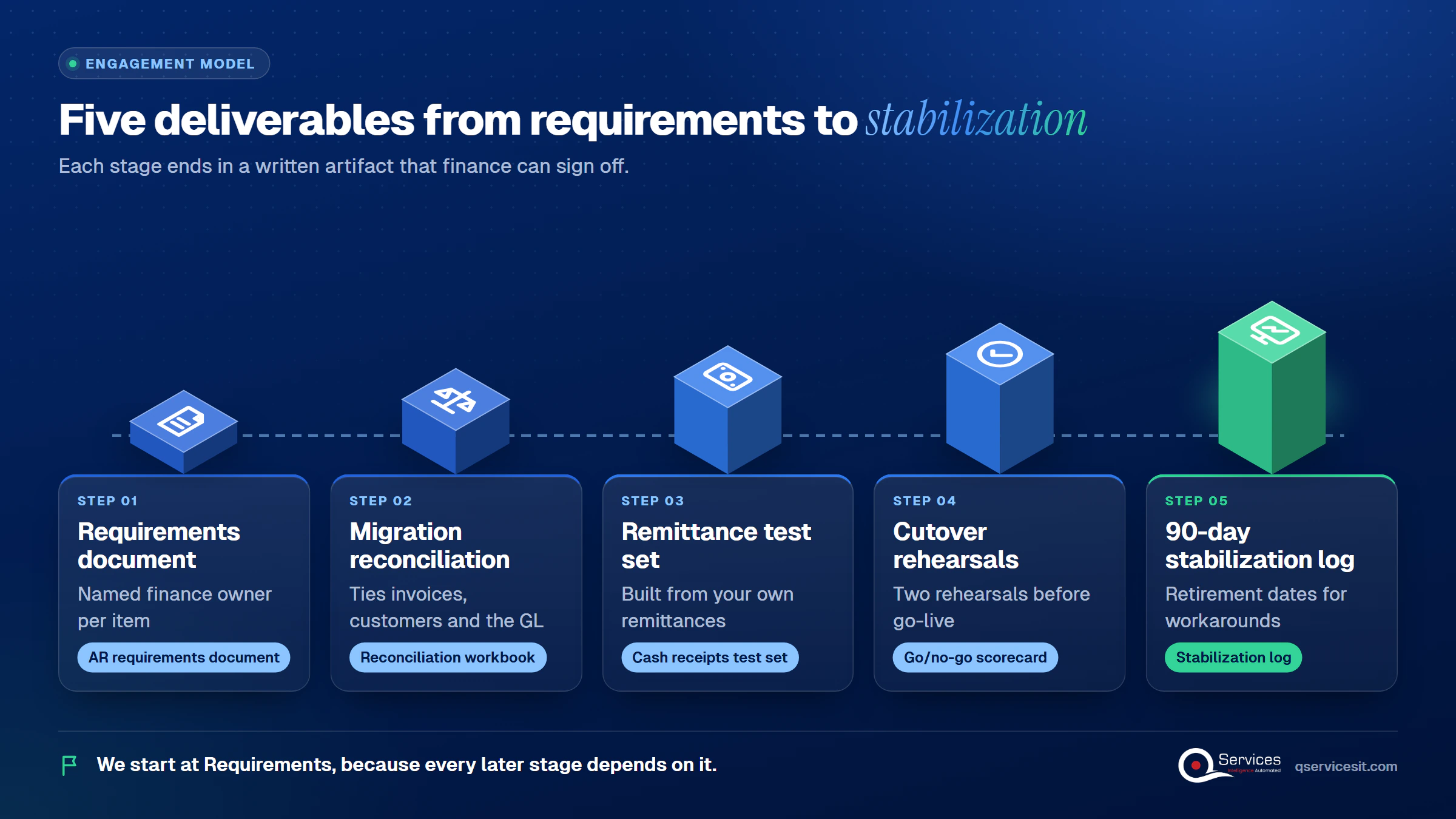
For ERP work, agents run in your own Azure tenant. You can read more on our erp modernization service.
Implementation Checklist
- Every AR requirement has a named finance owner
- Open-item cutoff date is agreed and frozen
- Invoice, customer and GL totals reconcile in a trial load
- UAT includes real multi-invoice payments and short-pays
- Two cutover rehearsals are complete
- Go-live date falls outside month-end close
- Daily AR-to-GL reconciliation is scheduled for week one
- Every workaround has a retirement date

A finance-led ERP implementation gets receivables working on day one because finance owns the requirements, the data, the testing and the cutover call. Pilot it on one entity or one customer segment first, and measure unapplied cash, days to first close, percent of cash auto-matched and DSO against your baseline. When you’re ready, plan your ERP move with our team.

Written by Rohit Dabra
Co-Founder and CTO, QServices IT Solutions Pvt Ltd
Rohit Dabra is the Co-Founder and Chief Technology Officer at QServices, a software development company focused on building practical digital solutions for businesses. At QServices, Rohit works closely with startups and growing businesses to design and develop web platforms, mobile applications, and scalable cloud systems. He is particularly interested in automation and artificial intelligence, building systems that automate routine tasks for teams and organizations.
Finance owns the AR requirements, signs off migrated open invoices, tests cash receipts with real remittances, and makes the go/no-go call. IT builds the system, but only finance can say whether payments land on the right invoices. That is the core of a finance-led ERP implementation.
It depends on scope, but in our client engagements most projects run roughly four to nine months, and multi-entity or heavily customized ones run longer. Vendors often promise faster timelines than finance teams can support, so plan testing and two cutover rehearsals into the schedule.
Set a cutoff date, pull only open items, separate partially paid invoices, and standardize customer IDs, dates and terms. Then reconcile invoice-level to customer-level to GL totals, resolve exceptions, and get written sign-off. Run a trial load before the real cutover.
Open invoices migrate at the cutoff date. Anything that changes after that, such as new payments or credits, must be reloaded or re-keyed under the runbook. Avoid cutover during month-end close, and rehearse the process twice before go-live.
Start by naming a finance owner for each AR requirement, then write those requirements before configuration begins. Collect a sample of real remittances for testing, and agree on a cutoff date and a go/no-go standard. If you want help, plan your ERP move with QServices.

ERP implementation guide for CFOs and controllers: what to demand on AR requirements, data migration, testing and cutover so receivables work on day one.
UAE e-invoicing deadline plan for finance managers: what to do each month from Nov 2026 to 1 July 2027, and what late filers risk. Start with your data.
Follow one deal through the quote to cash process, from CRM to ERP order, invoice and payment. See where data gets retyped and where cash slips.
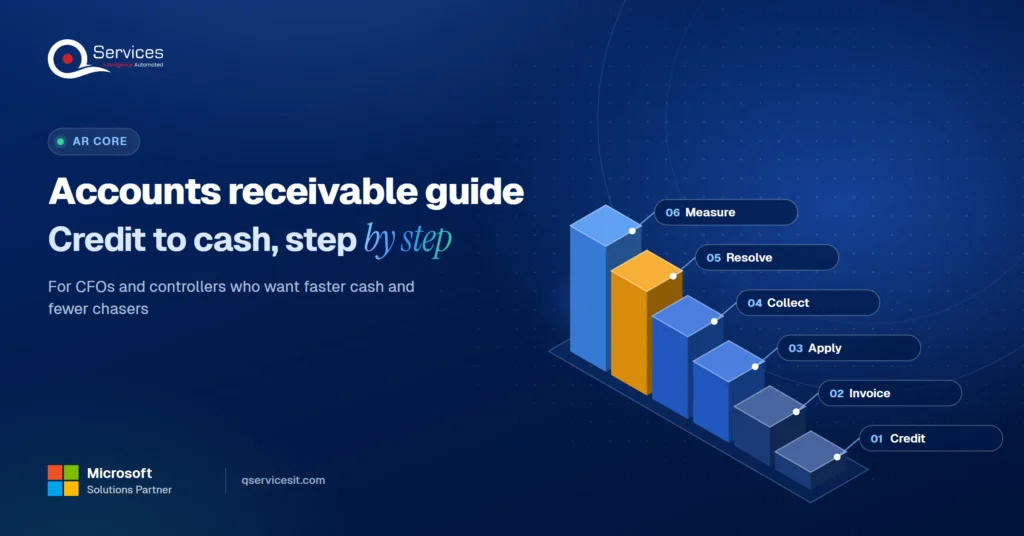
Accounts receivable management explained for finance teams: credit, invoicing, collections and KPIs, plus where AI agents help and people approve.
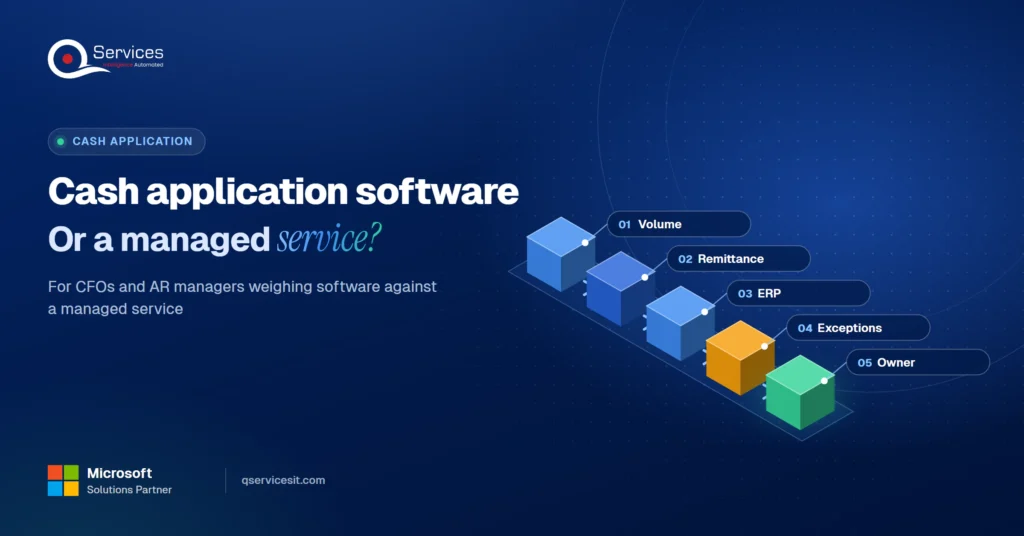
Cash application software or a managed service? Compare cost, ERP fit and team time, and see when each wins for your AR team. Pick with a clear checklist.
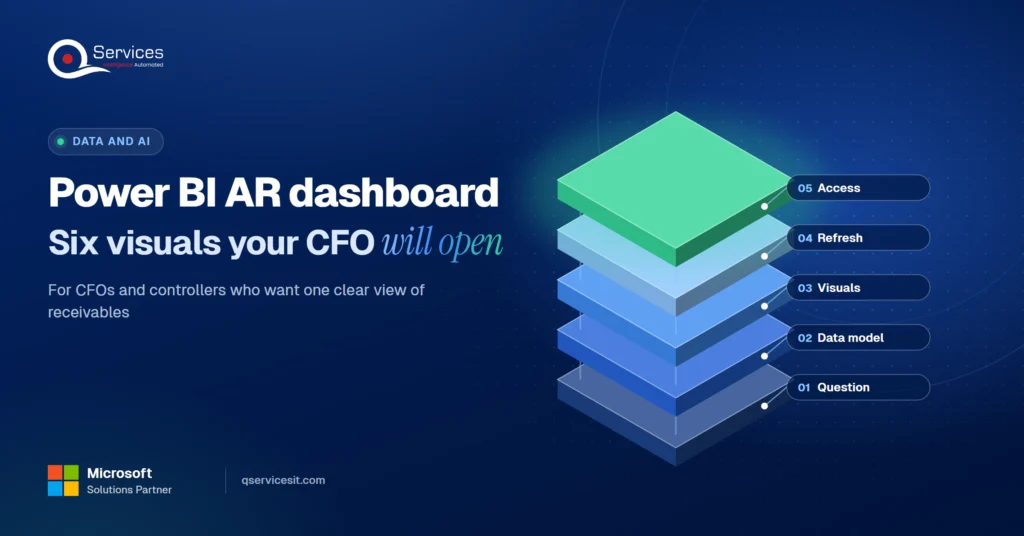
Build a Power BI accounts receivable dashboard CFOs actually open: the six visuals that matter, the data model under them and how to feed it from your ERP.
Next step
Who owns AR on your ERP project?
Bring your project plan and we’ll map where finance needs a seat, what to test with real remittances, and what to watch after go-live.
Plan your ERP move →
ERP implementation guide for CFOs and controllers: what to demand on AR requirements, data migration, testing and cutover so receivables work on day one.
UAE e-invoicing deadline plan for finance managers: what to do each month from Nov 2026 to 1 July 2027, and what late filers risk. Start with your data.

Follow one deal through the quote to cash process, from CRM to ERP order, invoice and payment. See where data gets retyped and where cash slips.

Accounts receivable management explained for finance teams: credit, invoicing, collections and KPIs, plus where AI agents help and people approve.

Cash application software or a managed service? Compare cost, ERP fit and team time, and see when each wins for your AR team. Pick with a clear checklist.

Build a Power BI accounts receivable dashboard CFOs actually open: the six visuals that matter, the data model under them and how to feed it from your ERP.

Every quote comes from a published review on GoodFirms, Clutch or our own site. Click a source to read the full review.

Trustpilot5.0★★★★★See reviewsGoodFirms5.0★★★★★45 verified reviews

G25.0★★★★★See reviewsClutch5.0★★★★★Quality 5.0 · Schedule 4.8

Google4.7★★★★★Mohali office“QServices was highly professional, knowledgeable, and approachable. We continue to work with them on other projects.”
“Quality assurance is often overlooked, but these guys take that very seriously. … their team of experienced, dedicated developers and highly skilled engineers quickly dissected and decomposed every problem and presented solutions and options that directly met my needs”

Erik BrownBusiness owner and software engineerClient review“The supplier delivered the application on time and was responsive to our needs. He was also flexible, which allowed us to make changes on the fly.”

Zoltan BodnarCFO, Yusen LogisticsGoodFirms“Thank you Sahil and team for wonderful collaboration right from day 0. … Highly recommend the developers.”

Ranbeer MakinClientClient review“They are always looking for new ways to improve their products and services and to deliver value to their customers.”
“I have had an excellent experience working with QServices. We have a highly collaborative relationship and I value them not just as contractors but as partners.”

Alex VanderElsClientClient review“Sahil undertakes every project with a high degree of professionalism. His communication style is unmatched and he is always available to resolve issues or just discuss the project.”

Philmore J.ClientClient review“Responsive, patient and professional. Consistent weekly attention to our project, and new ideas we hadn't asked for.”

Michael WilliamsonPresident and CEO, United Way of Southeast LouisianaGoodFirms“I have been working with them on a project for a year now … They have been able to solve problems that come up with bugs or development and able to communicate well with me.”

Steven LewisClientClient review“We had been working on the app for two years. QServices built it in two months.”

Brian WallerPresident, Technology Association of IowaGoodFirms“All projects were delivered on time and were fully completed upon delivery.”
“They had excellent quality. The hypercare they provided after the project went live is exceptional.”

Founder and CEO

Chief Sales Officer