

Legacy application modernization: a phased plan for old apps
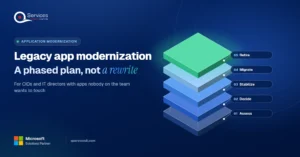
Legacy application modernization works best in phases. Learn how to decide rebuild, replace or retire for each app and move to .NET 8 and Azure safely.
Home » Legacy application modernization: a phased plan for old apps
Legacy application modernization is the work of moving an aging business application onto a supported platform in stages, without stopping the work it does. Each app ends in one outcome: rebuild, replace, retire, or retain.
Picture the Access database that runs half the warehouse: pick lists, bin locations, and a macro only one person understands. Our application modernization services team sees this pattern constantly, and the fix is rarely a rewrite. It’s a phased plan with a clear decision for every app.
This guide gives US CIOs and IT directors that plan, built on.NET and Azure.
Which of your old apps is the real risk?
In a process assessment we map your legacy apps against the workflows that depend on them, so you can decide what to rebuild, replace or retire first.
Book a process assessment →Quick Answer Legacy application modernization works best in phases: inventory every app, choose rebuild, replace, retire or retain for each one, move data and low-risk pieces first, run old and new side by side, then switch off the legacy path. Phasing limits risk, delivers value early, and avoids the failure pattern of big-bang rewrites.
Signs your legacy application is a business risk rarely arrive as an outage. They show up as quiet exposure: no patches, one maintainer, and a budget that only keeps the app alive. These are the four checks we run first in any legacy system modernization.
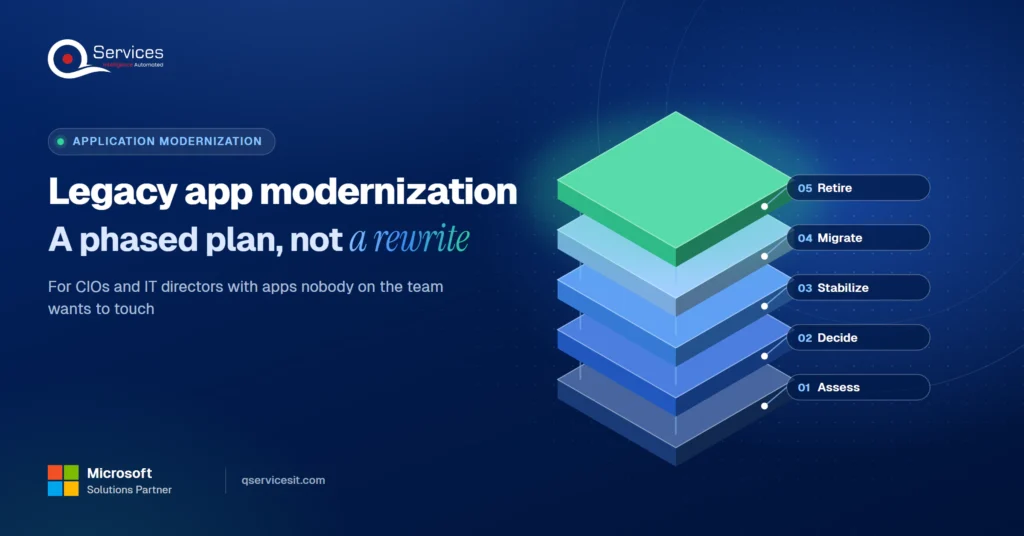
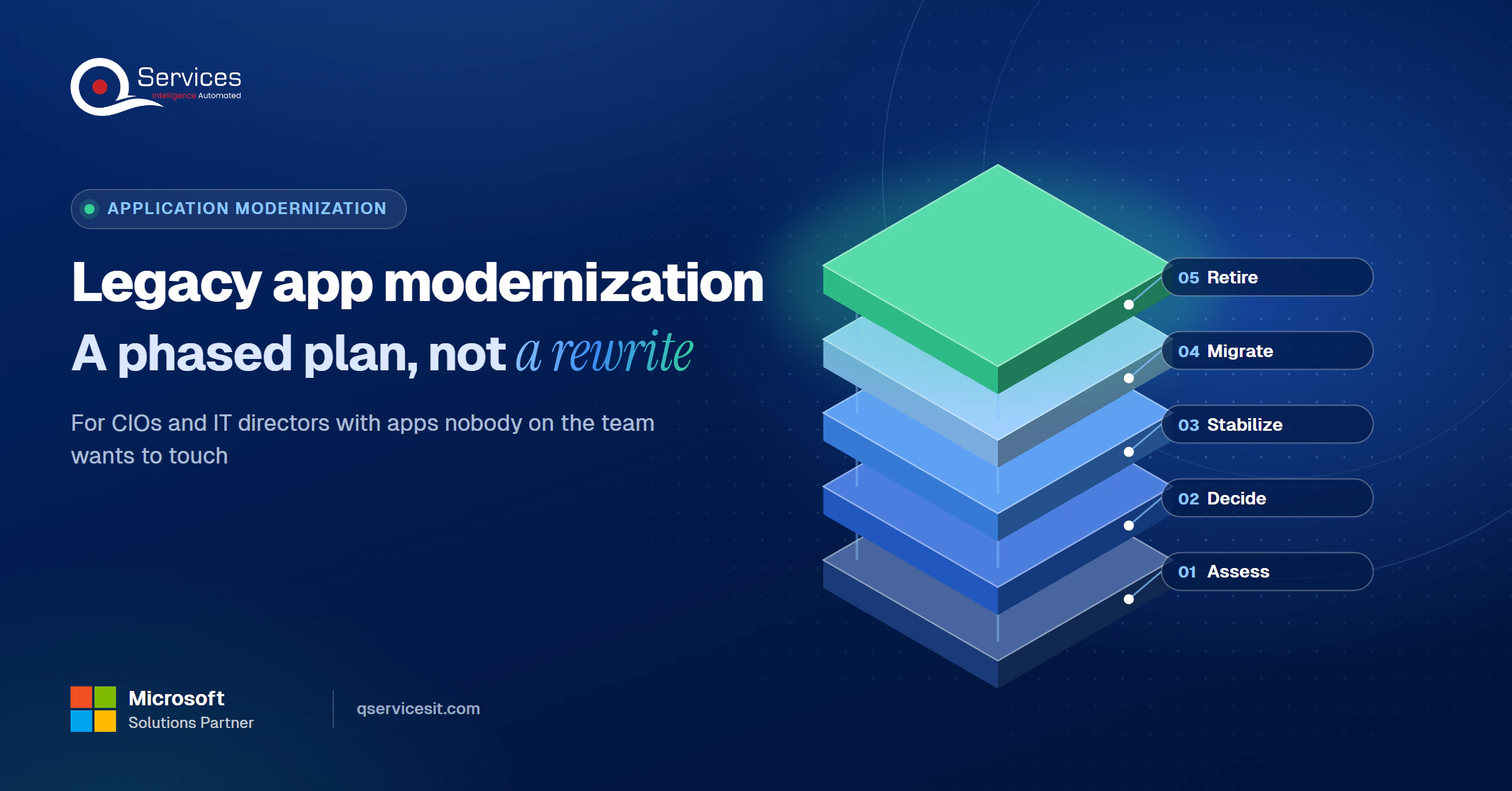
The QServices Framework Phased Modernization = Assess → Decide → Stabilize → Migrate → Retire
Order matters because deciding before assessing produces expensive guesses, and retiring before migrating strands users. Each stage ends with something you can show the business.
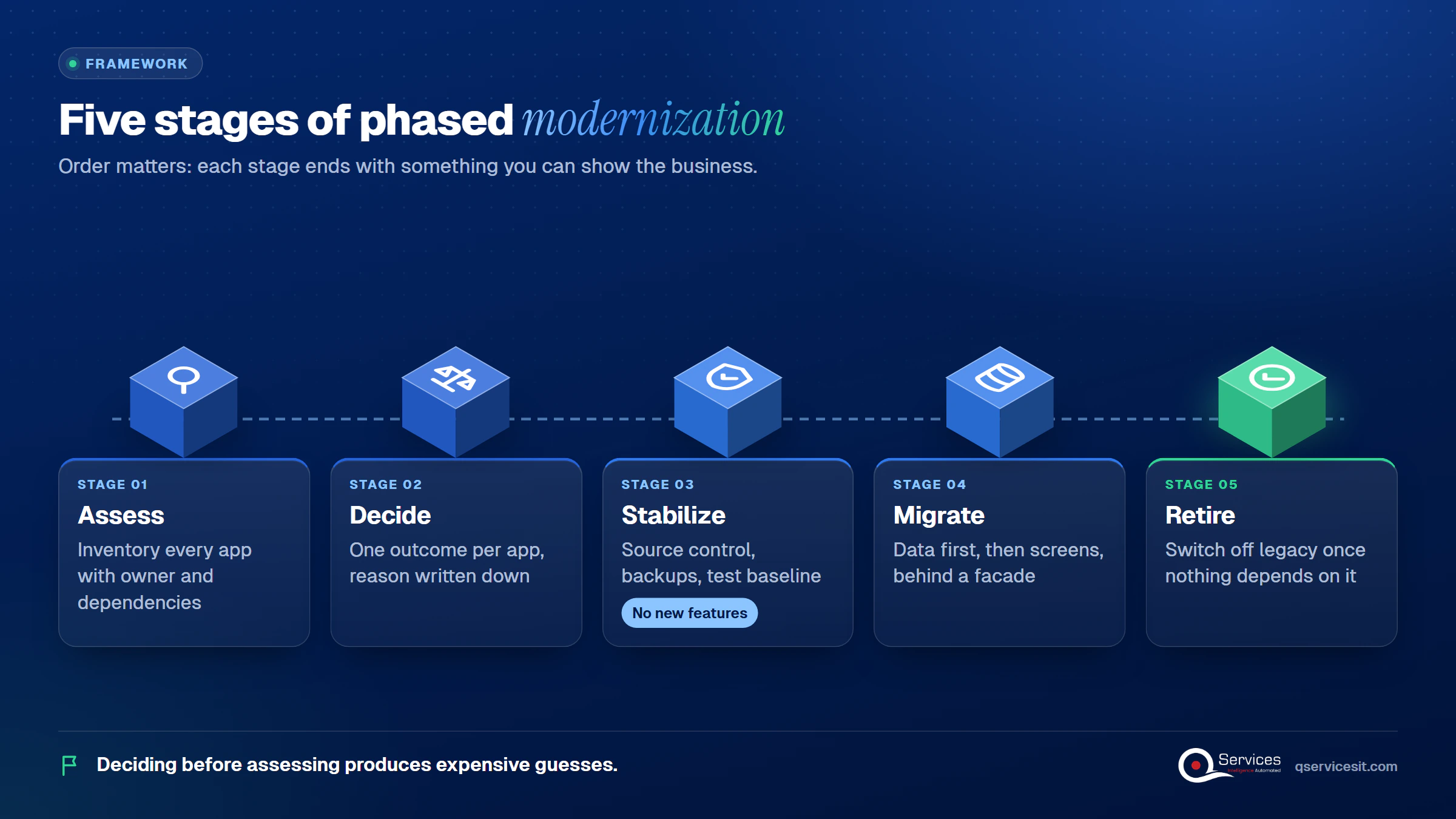
We use this as the legacy application modernization framework for CIOs we work with, and we reuse its stage names below.
Access 2016 and 2019 reached end of support on 14 October 2025. They still open files, but they get no security updates or fixes. Check the same for every runtime and operating system under your apps.
One maintainer, no tests, no documentation. If a small change needs a weekend and a prayer, the app has stopped being an asset and become a dependency you can’t afford to lose.
Business-built Access databases and spreadsheets often skip change management and access control. When one feeds financial reporting, that’s an audit finding waiting to happen.
The US federal government reports that about 80% of its IT spend goes to operations and maintenance (GAO-23-106821, May 2023). That’s government data, so treat it as an illustration, not a private-sector benchmark. Still, US IT leaders’ legacy application risk looks familiar when most of your budget keeps old systems alive.
Key Insight The dangerous legacy app is the one that still works. It passes every user’s test while collecting zero security patches.
Rebuild vs replace vs retire is decided per application, using business value and technical fit. Retire what nobody uses, replace what a package does better, rebuild what is unique and valuable, and retain what isn’t ready to move.
This is the core of any application modernization strategy. We use five outcomes, because replatforming is often the cheap first step.
| Decision | Choose it when | Honest trade-off |
|---|---|---|
| Retire | No inbound connections for 90 days and no business owner | Hidden users surface late, so sign-off takes longer than expected |
| Replace | A packaged or SaaS product covers the process | Your process bends to the product, and data mapping is real work |
| Rebuild | The logic is unique and valuable, and the platform is a dead end | Highest cost and longest timeline of the five |
| Replatform | The code is sound but the runtime or host is not | Fixes the platform, not the design, so debt remains |
| Retain | Dependencies must move first, or a vendor release is pending | The risk continues, so it needs a mitigation plan and a date |
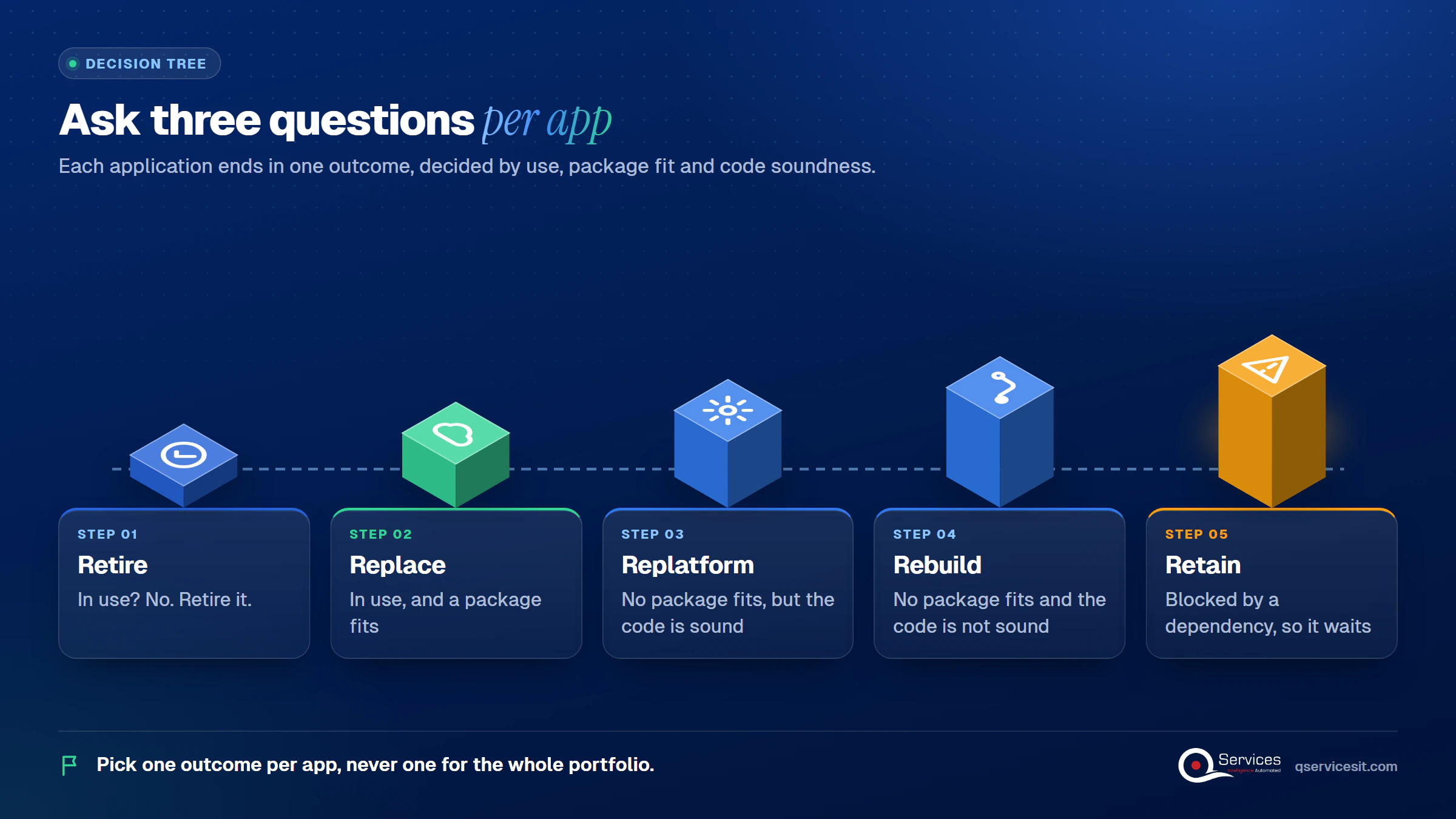
Pick one outcome per app, never one for the whole portfolio. Score each app on business value and technical fit, record the reason, and revisit it only when facts change. Our write-up on when to rewrite, refactor or replace goes deeper on the middle cases.
If the app in question is your ERP, treat it as an ERP modernization decision. For finance teams on Dynamics GP, the 2029 end-of-life date sets the clock.
Big-bang rewrites fail because old behavior is hard to specify, the business can’t pause for a year, and much of the old behavior turns out to be wanted. All the risk lands on one cutover date.
Three causes show up again and again:
We’ve also seen the simple-sounding plan, build the new system and switch, go badly more often than not. We have no reliable industry failure rate to quote, and the figures that circulate come from vendor surveys, so we don’t use them.
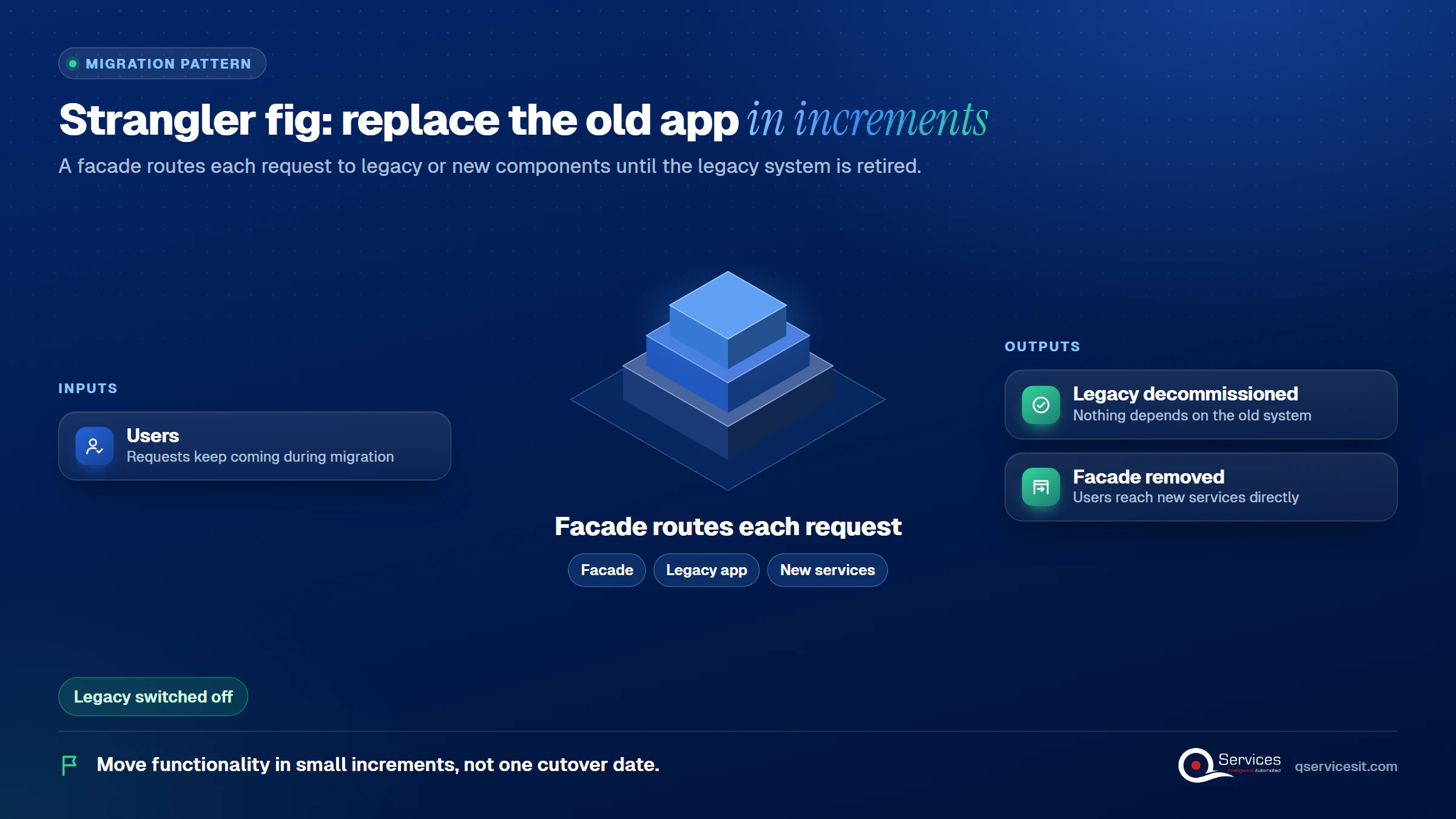
The strangler fig pattern puts a façade in front of the old app. The façade routes each request to either the legacy system or a new component, and you move functionality in small increments. When nothing depends on the old system, you decommission it and remove the façade.
It has limits. It doesn’t suit apps where requests can’t be intercepted, where you can’t touch the legacy system or its database, or small systems that are simple to replace. Use an anti-corruption layer for calls between old and new, and see our guide to connecting old systems to modern APIs for the integration side.
Not sure which apps are rebuild, replace or retire?
We can score your application list with you in one session, covering risk, usage and the processes each app feeds, so the decision stops being a debate.
Book a process assessment →One date shapes this plan:.NET 8 and.NET 9 both reach end of support on 10 November 2026. Existing apps keep running, but without security fixes. Read.NET 8 as a waypoint and target.NET 10, the current LTS release, supported through November 2028.
That is what phased modernization on.NET 8 and Azure looks like in practice: each step is shippable, and none depends on a final big switch.
This application modernization roadmap follows the framework stages:
For the code-level detail, our 5-phase.NET roadmap covers each step.
Legacy app migration steps for.NET Framework apps start with a backup, then upgrade projects in dependency order. The.NET Upgrade Assistant is deprecated. Its replacement is the GitHub Copilot modernization agent in Visual Studio, which builds a migration plan and commits each change so you can validate or roll it back.
Some apps are tied to the operating system. Managed Instance on Azure App Service became generally available in August 2026 and hosts classic.NET Framework apps without code changes, with eligibility checked through Azure Migrate. Confirm current limits for your specific app before you promise it. Our Framework to.NET 8/9 checklist lists what to test.
Our view: replatform or rehost first, then refactor. Doing both in one move doubles what can go wrong.
To modernize an Access database without downtime, move the data first and leave the screens alone. SQL Server Migration Assistant for Access assesses the database, converts the schema, migrates the data, and lets you validate in SQL Server Management Studio. The existing Access front end then links to the migrated tables, so users keep working.
Once the data sits in Azure SQL, you can replace screens one workflow at a time in.NET. Reporting and finance data and AI services can then read one source instead of ten copies.
Real-World Scenario A typical case we see: a US distributor’s IT director inherits an Access database with 38 users, 14 macros and a nightly Excel export that sets customer pricing. The naive plan is a nine-month rewrite, and at month six testers find a rebate rule only a retired analyst knew. In the framework, Assess documents the macros and Stabilize adds a test baseline, so the rebate rule is caught before any screen is rebuilt. Migrate then moves the data first, and the old screens stay live until the new ones match.
Standards & References
- Strangler Fig pattern: incremental replacement behind a routing façade
- .NET support policy: release dates and end-of-support dates for.NET
- SSMA for Access: moves Access data to SQL Server or Azure SQL
Parallel running and tested rollback are the two habits that separate a quiet cutover from a bad weekend.
Keep the legacy path valid for a set period and compare outputs side by side. In our practice, that period covers at least one full month-end close, which is also when unapplied cash and close delays tend to surface. Differences in the comparison are bugs in the new system until proven otherwise.
For database-centric apps, extract one domain at a time using ETL plus change data capture. Rollback stays possible until you remove the legacy objects.
Key Insight A rollback you haven’t rehearsed is a hope, not a plan. Time the reversal once before cutover, and write the result next to the trigger.
We start at Assess, because every later stage depends on an honest inventory. Here is what we deliver:
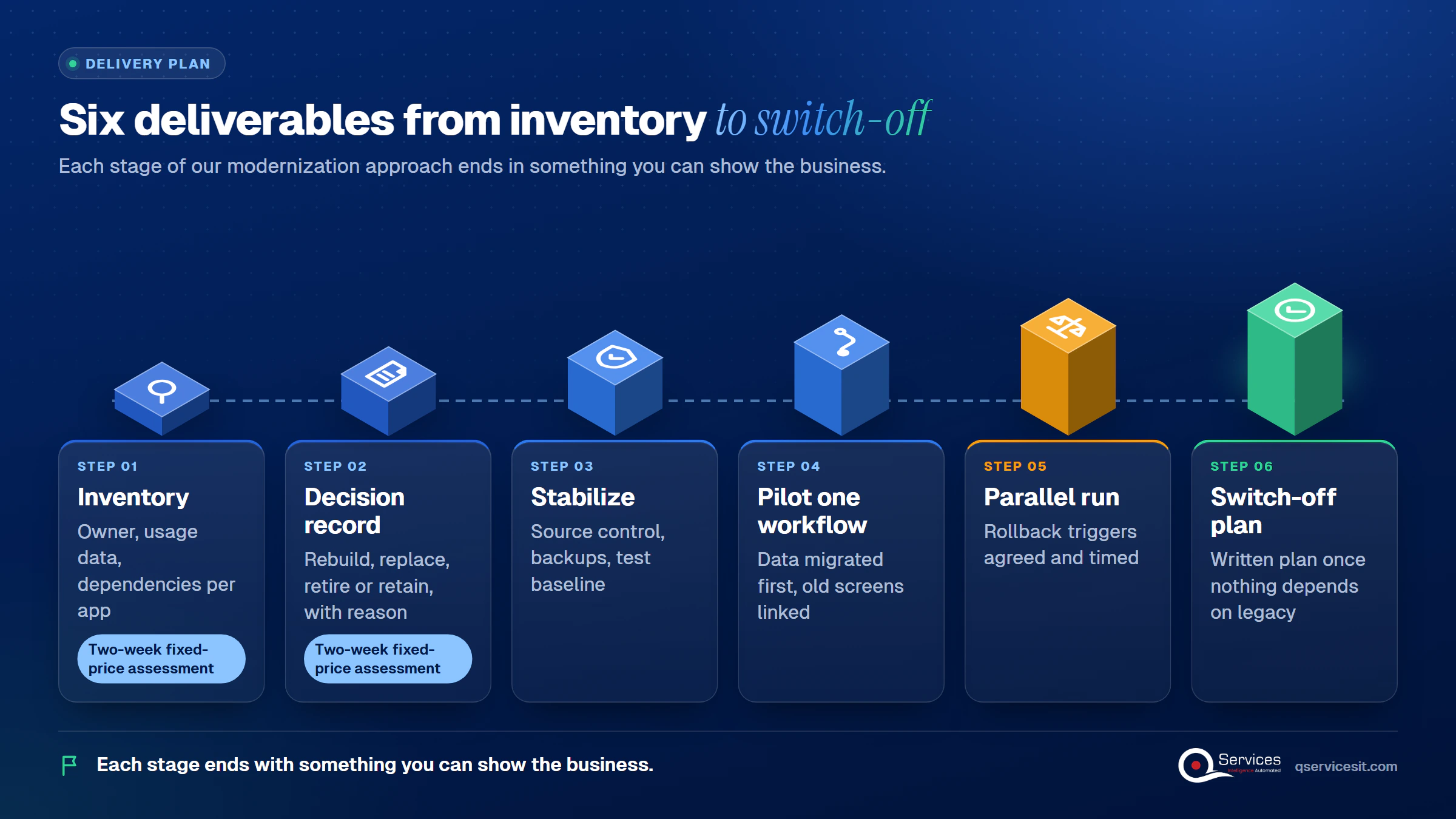
Our two-week fixed-price assessment produces the first two items. The same team that builds the new system runs it afterward. Where we use AI agents for testing or data matching, a person approves every action that changes a system. Learn more about our application modernization services.
Implementation Checklist
- Every app has a named business owner and a usage log
- Each app has one recorded decision: rebuild, replace, retire or retain
- Runtime and OS end-of-support dates are listed per app
- Source control and a tested backup exist before any change
- The target is.NET 10, with.NET 8 treated only as a waypoint
- Access data is migrated and validated before any screen is replaced
- Rollback triggers are written and the reversal has been timed once
- The legacy path stays live through one full month-end close

Legacy application modernization pays off when you pick one app, one decision and one pilot instead of a portfolio-wide rewrite. Pilot your Access database or oldest.NET Framework app first, and measure hours of downtime, defects found in the parallel run, and minutes to roll back. Book a process assessment and we’ll review your app portfolio with you.

Written by Rohit Dabra
Co-Founder and CTO, QServices IT Solutions Pvt Ltd
Rohit Dabra is the Co-Founder and Chief Technology Officer at QServices, a software development company focused on building practical digital solutions for businesses. At QServices, Rohit works closely with startups and growing businesses to design and develop web platforms, mobile applications, and scalable cloud systems. He is particularly interested in automation and artificial intelligence, building systems that automate routine tasks for teams and organizations.
Legacy application modernization is the process of moving an aging business application onto a supported platform in stages, without stopping the work it does. Each app gets one outcome: rebuild, replace, retire, or retain. Phased application modernization keeps risk low because each step ships and can be reversed.
Decide per application, not per portfolio. Retire apps with no users or inbound connections for 90 days. Replace apps a packaged product covers. Rebuild apps with unique, valuable logic on a dead-end platform. Retain apps that depend on something that must move first. Record the reason for each decision.
In our experience, a single-app migration such as Access to .NET and Azure SQL runs a few months, and a full portfolio runs in phases over a year or more. Cost depends on the number of apps, their dependencies and the decision for each. A fixed-scope assessment turns that into a plan with dates before you commit to the build.
Usually yes. Use the strangler fig approach: route traffic through a façade, move one function at a time, run old and new side by side, and keep a rehearsed rollback. For Access, migrate the data first and link the existing front end to the new tables, so users keep working.
It’s worth it when the database feeds finance, operations or reporting, because Access 2016 and 2019 no longer receive security updates. Start by inventorying who uses it and what it feeds. Then run SQL Server Migration Assistant for Access to assess, convert the schema, migrate and validate the data. Replace screens one workflow at a time after that. These are the core legacy app migration steps.

Legacy application modernization works best in phases. Learn how to decide rebuild, replace or retire for each app and move to .NET 8 and Azure safely.
ERP implementation guide for CFOs and controllers: what to demand on AR requirements, data migration, testing and cutover so receivables work on day one.
UAE e-invoicing deadline plan for finance managers: what to do each month from Nov 2026 to 1 July 2027, and what late filers risk. Start with your data.
Follow one deal through the quote to cash process, from CRM to ERP order, invoice and payment. See where data gets retyped and where cash slips.
Accounts receivable management explained for finance teams: credit, invoicing, collections and KPIs, plus where AI agents help and people approve.
Cash application software or a managed service? Compare cost, ERP fit and team time, and see when each wins for your AR team. Pick with a clear checklist.
Next step
Ready to sort your apps into three piles?
Bring your application list to a call. We’ll walk through each app with you and sketch a phased order that keeps the business running throughout.
Book a process assessment →
Legacy application modernization works best in phases. Learn how to decide rebuild, replace or retire for each app and move to .NET 8 and Azure safely.
ERP implementation guide for CFOs and controllers: what to demand on AR requirements, data migration, testing and cutover so receivables work on day one.
UAE e-invoicing deadline plan for finance managers: what to do each month from Nov 2026 to 1 July 2027, and what late filers risk. Start with your data.
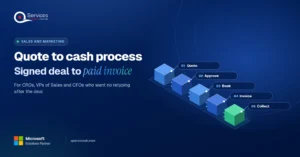
Follow one deal through the quote to cash process, from CRM to ERP order, invoice and payment. See where data gets retyped and where cash slips.
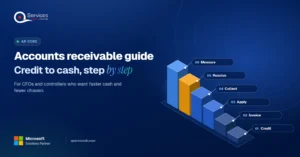
Accounts receivable management explained for finance teams: credit, invoicing, collections and KPIs, plus where AI agents help and people approve.
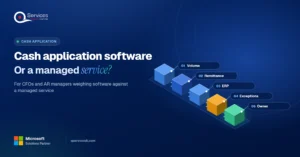
Cash application software or a managed service? Compare cost, ERP fit and team time, and see when each wins for your AR team. Pick with a clear checklist.
Every quote comes from a published review on GoodFirms, Clutch or our own site. Click a source to read the full review.

Trustpilot5.0★★★★★See reviewsGoodFirms5.0★★★★★45 verified reviews

G25.0★★★★★See reviewsClutch5.0★★★★★Quality 5.0 · Schedule 4.8

Google4.7★★★★★Mohali office“QServices was highly professional, knowledgeable, and approachable. We continue to work with them on other projects.”
“Quality assurance is often overlooked, but these guys take that very seriously. … their team of experienced, dedicated developers and highly skilled engineers quickly dissected and decomposed every problem and presented solutions and options that directly met my needs”

Erik BrownBusiness owner and software engineerClient review“The supplier delivered the application on time and was responsive to our needs. He was also flexible, which allowed us to make changes on the fly.”

Zoltan BodnarCFO, Yusen LogisticsGoodFirms“Thank you Sahil and team for wonderful collaboration right from day 0. … Highly recommend the developers.”

Ranbeer MakinClientClient review“They are always looking for new ways to improve their products and services and to deliver value to their customers.”
“I have had an excellent experience working with QServices. We have a highly collaborative relationship and I value them not just as contractors but as partners.”

Alex VanderElsClientClient review“Sahil undertakes every project with a high degree of professionalism. His communication style is unmatched and he is always available to resolve issues or just discuss the project.”

Philmore J.ClientClient review“Responsive, patient and professional. Consistent weekly attention to our project, and new ideas we hadn't asked for.”

Michael WilliamsonPresident and CEO, United Way of Southeast LouisianaGoodFirms“I have been working with them on a project for a year now … They have been able to solve problems that come up with bugs or development and able to communicate well with me.”

Steven LewisClientClient review“We had been working on the app for two years. QServices built it in two months.”

Brian WallerPresident, Technology Association of IowaGoodFirms“All projects were delivered on time and were fully completed upon delivery.”
“They had excellent quality. The hypercare they provided after the project went live is exceptional.”

Founder and CEO
Chief Sales Officer