

Prophet 21 accounts receivable: what Epicor’s 2029 dates mean
Prophet 21 accounts receivable planning starts with two dates: 30 Jun 2029 and 31 Dec 2029. See what each means for Kinetic and P21 users and how to plan.
Home » Prophet 21 accounts receivable: what Epicor’s 2029 dates mean
Prophet 21 accounts receivable planning starts with one date: Epicor ends Active Support for on-premises epicor prophet 21 on 30 June 2029, and Sustaining Support starts 1 July 2029. On-premises Kinetic runs longer, with Active Support through 31 December 2029.
Epicor announced both dates on 6 January 2026, and the final on-premises release dates are still tentative. For a CFO this is a close-cycle question as much as an IT one, because open invoices, credits and unapplied cash have to land cleanly wherever the ERP ends up.
This guide gives you the dates, the options and a timeline that keeps cash coming in while you move.
Is your AR ready for the Epicor 2029 dates?
Walk through your Prophet 21 or Kinetic setup with us and map how receivables keep flowing through a cloud move, a stay-put plan, or a switch.
Plan your ERP move →Quick Answer Prophet 21 accounts receivable is affected by Epicor’s schedule in three steps: the final on-premises release (tentatively May 2028), the end of Active Support on 30 June 2029, and Sustaining Support from 1 July 2029. Nothing shuts off on those dates, but fixes, security updates and full technical assistance stop being included.
Epicor’s 6 January 2026 announcement set a schedule for customers who run its software on-premises. It covers perpetual-license customers who are self-hosted or hosted privately or by unaffiliated providers. Epicor Kinetic SaaS customers are not affected, and Epicor says future innovation goes to Epicor Cloud and affiliated partner clouds.
The useful way to read it is as a sequence, not a single deadline. We work through it with one model:
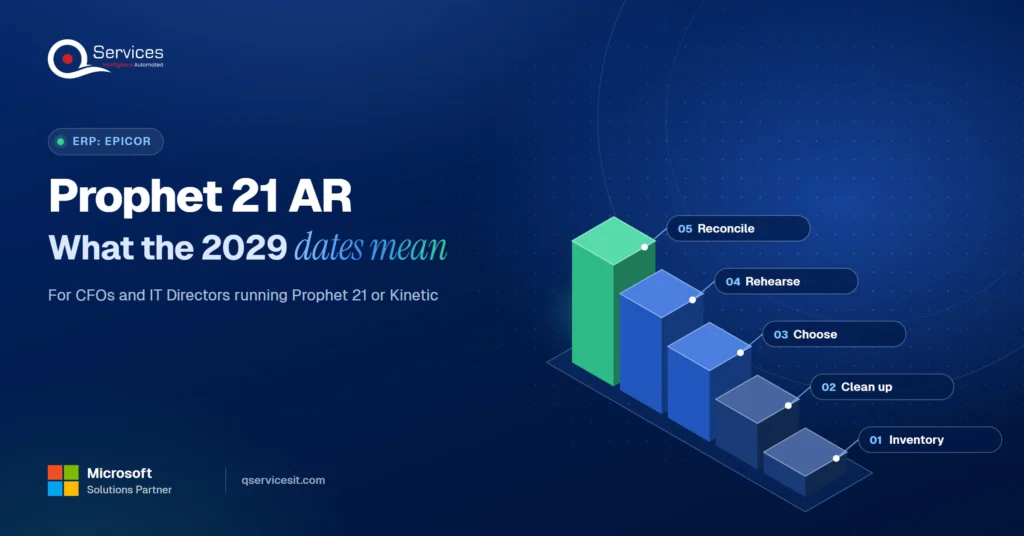
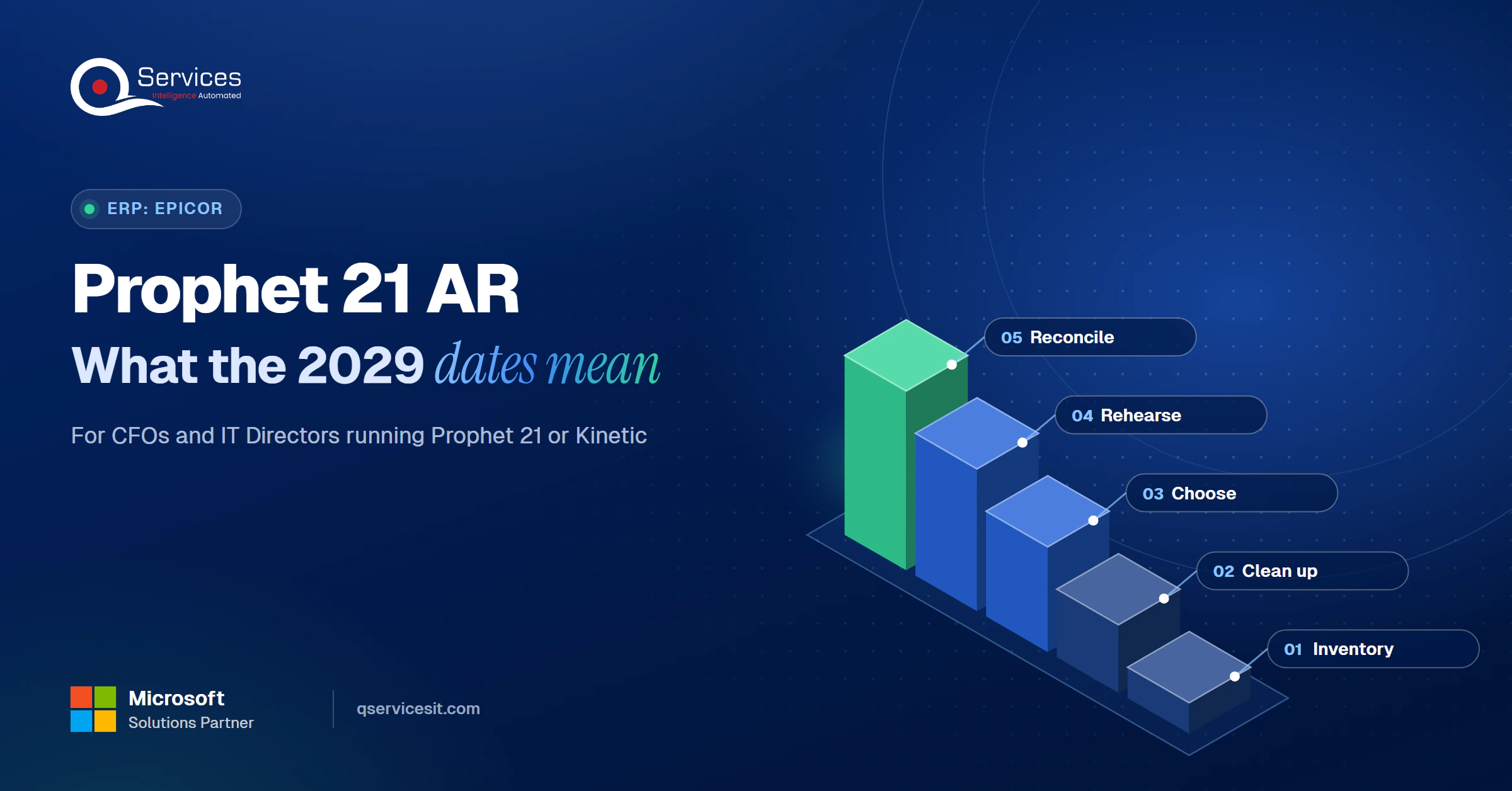
The QServices Framework Prophet 21 AR Cutover = Inventory → Clean up → Choose → Rehearse → Reconcile
Inventory comes first because you can’t choose between cloud, stay or move until you know which integrations, reports and customizations touch AR. Reconcile comes last because open items must tie to the GL control account before you trust the new system.
Active Support for Prophet 21 2028.1 runs through 30 June 2029, and the Epicor Prophet 21 end of support phase change begins 1 July 2029. The final on-premises feature release is 2028.1, tentatively May 2028.
Active Support includes fixes, security updates and full technical assistance. As Epicor describes it, Sustaining Support is limited phone support, access to the latest release but not new modules, and an online knowledge base. Epicor doesn’t itemise either phase publicly, so check your own contract terms.
Key Insight The final release, the end of Active Support and the start of Sustaining Support are three separate milestones. None of them is a shutdown date, but each changes what your AR team can count on.
People mix these two schedules up constantly. Some guides list the Kinetic date against Prophet 21, so check which product a source means before you quote it.
| Milestone | Prophet 21 (on-prem) | Kinetic (on-prem) |
|---|---|---|
| Final on-prem release | 2028.1, tentatively May 2028 | 2028.1, tentatively January 2028 |
| End of Active Support | 30 June 2029 | 31 December 2029 |
| Sustaining Support starts | 1 July 2029 | 1 January 2030 |
| Runway, final release to end of Active Support | About 13 months | About 23 months |
The runway row is our arithmetic from Epicor’s dates, not an Epicor statement. It means Prophet 21 is the tighter schedule, which matters for US distributors who also run heavy year-end AR cycles.
There isn’t a shutdown date. The Epicor Kinetic on-prem end of support point is 31 December 2029, when Active Support ends and Sustaining Support begins 1 January 2030. Systems keep running, but staying put becomes a maintenance decision rather than a growth one.
There are four realistic paths. None is free, and the right one depends on how much custom AR logic you carry.
| Option | Fits when | Honest trade-off |
|---|---|---|
| Stay on-prem | Your AR is stable and customizations are heavy | Less support after 2029 and you own the database, server and patching |
| Hybrid: keep the ERP, add a hosted portal or cloud app | You want AR gains now without a cutover | Integration work starts now, and you govern two systems |
| Move to cloud later | A dependency inventory shows few blockers | Waiting compresses the schedule if the inventory finds surprises |
| Change ERP | The fit is already poor | The longest project, and every AR process is rebuilt |
For most teams we’d start with the hybrid path, because it improves AR before any cutover and makes the later choice cheaper. Its downside is real: you carry integration effort earlier than you’d like.
Confirm with Epicor which cloud target fits your edition, then sequence the work around AR data. List integrations (banks, EDI, payment portals, collections tools). Clean aged items and unapplied cash. Rehearse the load, then reconcile customer balances to the GL.
If you stay on-prem, don’t forget the stack underneath. Microsoft says SQL Server 2016 reached end of support on 14 July 2026, and Windows Server 2022 leaves mainstream support on 13 October 2026. Independent development doesn’t replace vendor patches.
Standards & References
- Epicor newsroom: vendor release announcing the 2028 and 2029 support schedule
- SQL Server 2016 lifecycle (Microsoft Learn): support dates for the database under many P21 installs
- Windows Server 2022 lifecycle (Microsoft Learn): mainstream and extended support dates
One verification note: open the Epicor newsroom page yourself and confirm every date against your contract before you commit budget.
Who keeps AR running during the cutover?
Cutovers are where payments land unmatched. Talk to us about agents that match payments to open invoices, with a person approving every posting.
Plan your ERP move →The answer is to treat cash application as a process you protect, not a table you copy. Invoices keep arriving and customers keep paying while you cut over, so the weak points are open items, credits, unapplied cash and the feeds that bring payments in.
Three habits protect cash:
Real-World Scenario A typical case we see: a distributor’s controller has about 6,000 open invoices and roughly $400,000 of unapplied cash going into a cutover rehearsal. In the naive plan, everything loads as is, so the new system opens with stale credits and payments nobody can match. The Clean up stage catches it: aged items are resolved first, and the Reconcile stage proves customer balances equal the GL control account before go-live. The first month-end then closes on the normal day instead of three days late.
If that backlog sounds familiar, start with clearing unapplied cash and see where the cash application process breaks.
People ask whether AI agents can work inside Prophet 21 accounts receivable. They can: agents read remittances, propose Prophet 21 invoice matching and queue the result. A person approves anything that posts money or changes a system.
That same Epicor AR automation layer can carry across a migration, since the matching logic sits beside the ERP. Epicor has its own AR tools, so compare them to what you already run.
Here is the Epicor 2029 ERP planning timeline we’d put on a CFO’s wall. The Epicor Prophet 21 end of support date leaves little slack once year-end freezes are counted.
| When | What happens |
|---|---|
| Now to mid-2027 | Inventory customizations, integrations, reports and AR dependencies; confirm installed version and support status with Epicor |
| 2027 | Choose cloud, stay or move; run the AR cleanup of aged items and unapplied cash |
| Early 2028 to May 2028 | Cutover rehearsals with reconciliation, before final release 2028.1 |
| By 30 June 2029 | Be off on-prem Active Support, or hold a funded exception plan |
The same pattern played out on the Microsoft side, which we covered in Dynamics GP end of life. Teams that rehearsed early finished without an AR gap.
We start at Inventory and Reconcile, because the ERP choice follows from what AR actually depends on. Our team builds and runs the work, and agents run in your own Azure tenant.
This sits inside our broader ERP modernization work.
Implementation Checklist
- Installed Prophet 21 version and support status confirmed with Epicor in writing
- Every bank, EDI and portal feed into AR listed with an owner
- Custom AR reports and database access needs documented
- Unapplied cash older than 90 days resolved or assigned
- Customer balances tie to the GL control account in a rehearsal
- SQL Server and Windows Server lifecycle dates checked against the 2029 plan
- Approval rule set for any action that posts money

Prophet 21 accounts receivable is safest when you treat 30 June 2029 as the deadline for a rehearsed cutover, not a date to react to. Pilot reconciliation on one customer segment and measure open-invoice match rate and days to apply cash. Plan your ERP move with us before the 2028 rehearsal window.

Written by Rohit Dabra
Co-Founder and CTO, QServices IT Solutions Pvt Ltd
Rohit Dabra is the Co-Founder and Chief Technology Officer at QServices, a software development company focused on building practical digital solutions for businesses. At QServices, Rohit works closely with startups and growing businesses to design and develop web platforms, mobile applications, and scalable cloud systems. He is particularly interested in automation and artificial intelligence, building systems that automate routine tasks for teams and organizations.
Active Support for on-premises Prophet 21 ends on 30 June 2029, and Sustaining Support starts 1 July 2029. This Prophet 21 end of support date comes from Epicor’s 6 January 2026 announcement. The final on-premises feature release is 2028.1, tentatively May 2028.
Active Support for on-prem Kinetic runs through 31 December 2029, with Sustaining Support from 1 January 2030. Kinetic’s final on-premises release is tentatively January 2028. Kinetic SaaS customers are not affected by the Epicor Kinetic on-prem sunset.
Nothing shuts off. After 30 June 2029 on-prem users move to Sustaining Support, described by Epicor as limited phone support, access to the latest release but not new modules, and an online knowledge base. Fixes and security updates are part of Active Support, so confirm your contract terms.
Clean up aged items and unapplied cash first, freeze definitions of open and disputed items, rehearse the load, and reconcile customer balances to the GL control account. Test bank, EDI and portal feeds separately, since they break most often. Our Prophet 21 AR process approach adds an approval queue so a person signs off before anything posts.
Yes. Agents can read remittances, propose payment matches and queue follow-ups for Prophet 21 accounts receivable. A person approves anything that posts money or changes a system, and the agents run in your own Azure tenant.

Prophet 21 accounts receivable planning starts with two dates: 30 Jun 2029 and 31 Dec 2029. See what each means for Kinetic and P21 users and how to plan.
Learn the accounts receivable process step by step, and the questions a new CFO should ask the AR team in week one, plus which answers should worry you.
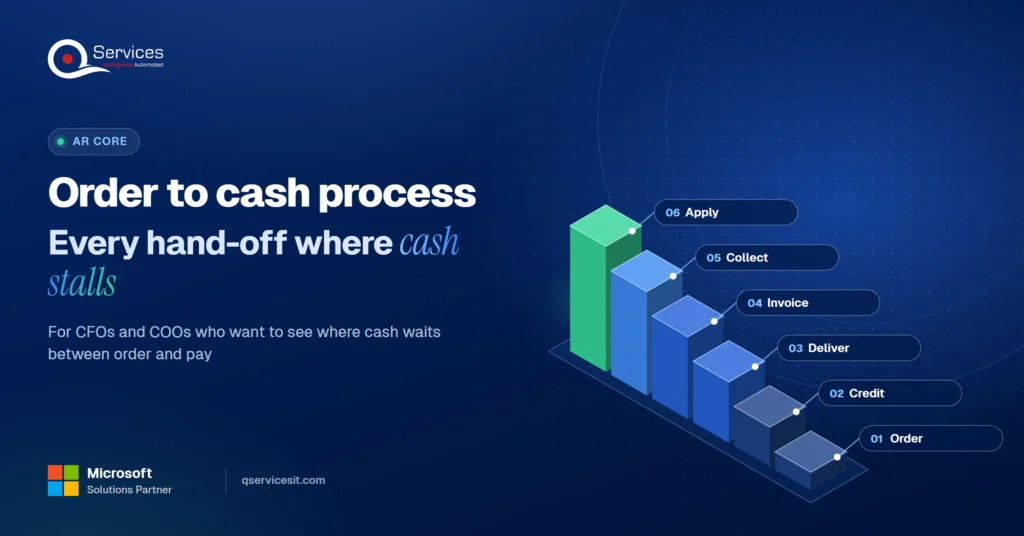
See the order to cash process in one diagram, with the eight stages and the hand-off points where cash gets delayed, and who owns each stage.
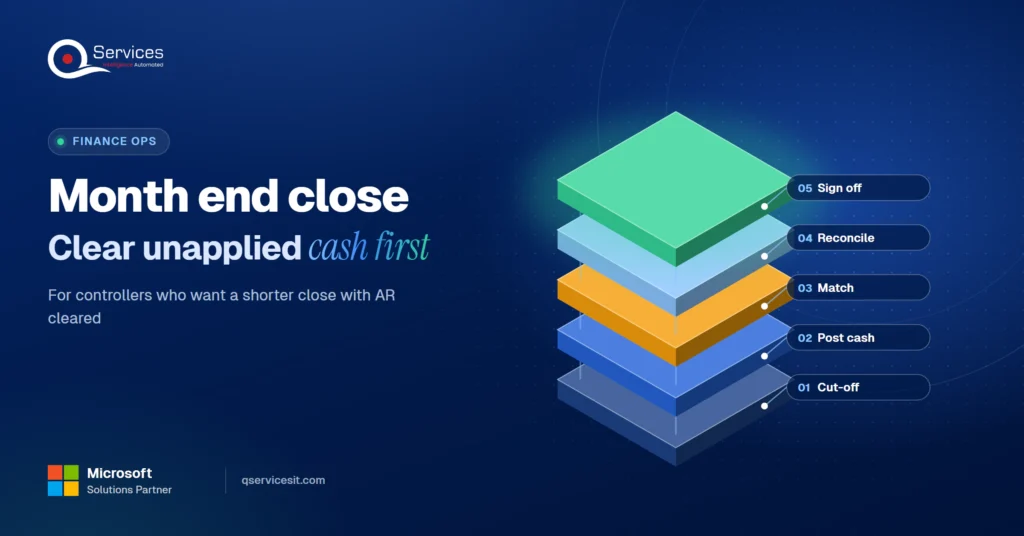
Use this month end close process checklist and find the one AR step that holds up day 1. Clear unapplied cash early and shorten your close.
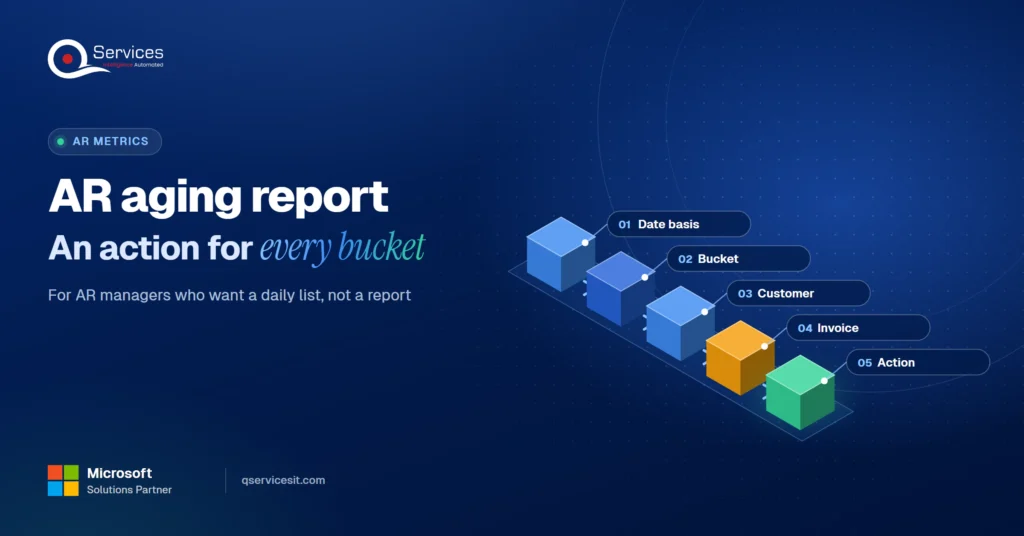
Read your AR aging report bucket by bucket, see the action for each one, and learn why the 1 to 30 day bucket is where your team collects the most cash.
Short pay explained: why customers pay less than the invoice, the common reason codes, and a simple flow from short pay to credit memo or recovery.
Next step
What happens to AR when support ends?
Bring your timeline and your current invoice and payment flow. We’ll sketch how AI agents keep matching and follow-ups running while your team approves each action.
Plan your ERP move →
Prophet 21 accounts receivable planning starts with two dates: 30 Jun 2029 and 31 Dec 2029. See what each means for Kinetic and P21 users and how to plan.
Learn the accounts receivable process step by step, and the questions a new CFO should ask the AR team in week one, plus which answers should worry you.
See the order to cash process in one diagram, with the eight stages and the hand-off points where cash gets delayed, and who owns each stage.
Use this month end close process checklist and find the one AR step that holds up day 1. Clear unapplied cash early and shorten your close.

Read your AR aging report bucket by bucket, see the action for each one, and learn why the 1 to 30 day bucket is where your team collects the most cash.
Short pay explained: why customers pay less than the invoice, the common reason codes, and a simple flow from short pay to credit memo or recovery.

Every quote comes from a published review on GoodFirms, Clutch or our own site. Click a source to read the full review.

Trustpilot5.0★★★★★See reviewsGoodFirms5.0★★★★★45 verified reviews

G25.0★★★★★See reviewsClutch5.0★★★★★Quality 5.0 · Schedule 4.8

Google4.7★★★★★Mohali office“QServices was highly professional, knowledgeable, and approachable. We continue to work with them on other projects.”
“Quality assurance is often overlooked, but these guys take that very seriously. … their team of experienced, dedicated developers and highly skilled engineers quickly dissected and decomposed every problem and presented solutions and options that directly met my needs”

Erik BrownBusiness owner and software engineerClient review“The supplier delivered the application on time and was responsive to our needs. He was also flexible, which allowed us to make changes on the fly.”

Zoltan BodnarCFO, Yusen LogisticsGoodFirms“Thank you Sahil and team for wonderful collaboration right from day 0. … Highly recommend the developers.”

Ranbeer MakinClientClient review“They are always looking for new ways to improve their products and services and to deliver value to their customers.”
“I have had an excellent experience working with QServices. We have a highly collaborative relationship and I value them not just as contractors but as partners.”

Alex VanderElsClientClient review“Sahil undertakes every project with a high degree of professionalism. His communication style is unmatched and he is always available to resolve issues or just discuss the project.”

Philmore J.ClientClient review“Responsive, patient and professional. Consistent weekly attention to our project, and new ideas we hadn't asked for.”

Michael WilliamsonPresident and CEO, United Way of Southeast LouisianaGoodFirms“I have been working with them on a project for a year now … They have been able to solve problems that come up with bugs or development and able to communicate well with me.”

Steven LewisClientClient review“We had been working on the app for two years. QServices built it in two months.”

Brian WallerPresident, Technology Association of IowaGoodFirms“All projects were delivered on time and were fully completed upon delivery.”
“They had excellent quality. The hypercare they provided after the project went live is exceptional.”

Founder and CEO

Chief Sales Officer