


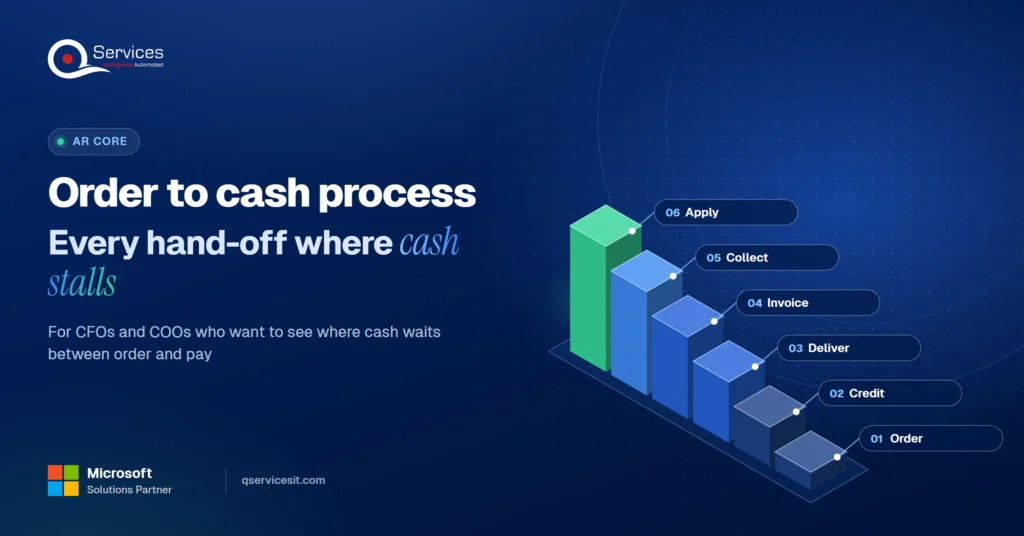
The order to cash process, from order to posted payment
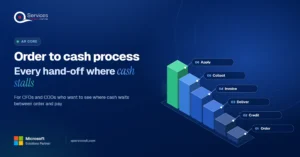
See the order to cash process in one diagram, with the eight stages and the hand-off points where cash gets delayed, and who owns each stage.
Home » The order to cash process, from order to posted payment
The order to cash process runs through eight steps: order management, credit check, fulfillment, shipping, invoicing, accounts receivable, payment collection and reporting. It ends when the customer’s payment is posted against the invoice, not when the invoice goes out.
Most CFOs and COOs can name the steps. Fewer can say which hand-off between them is costing the most days. This post draws the whole order to cash cycle in one view and marks where cash waits.
If the back half of the cycle is where you lose time, accounts receivable automation is the part to look at first.
Where does cash stall between order and payment?
We’ll map your order to cash cycle, mark each hand-off, and show where agents could help while your team approves every action.
Book the AR Cash Assessment →Quick Answer The order to cash process is the sequence from a customer’s order to the payment posted against the invoice. It has eight stages: order management, credit, fulfillment, shipping, invoicing, accounts receivable, collection and reporting. Cash is delayed mostly at the hand-offs between stages, not inside them.
IBM describes order to cash as the process that spans the whole ordering journey, from the customer’s order through payment and the recording of the sale. It touches sales, customer service, credit, logistics and accounts receivable. That is five teams, usually in at least three systems.
That spread is why the order to cash cycle is hard to manage. Nobody sees all of it, so each team tunes its own piece.
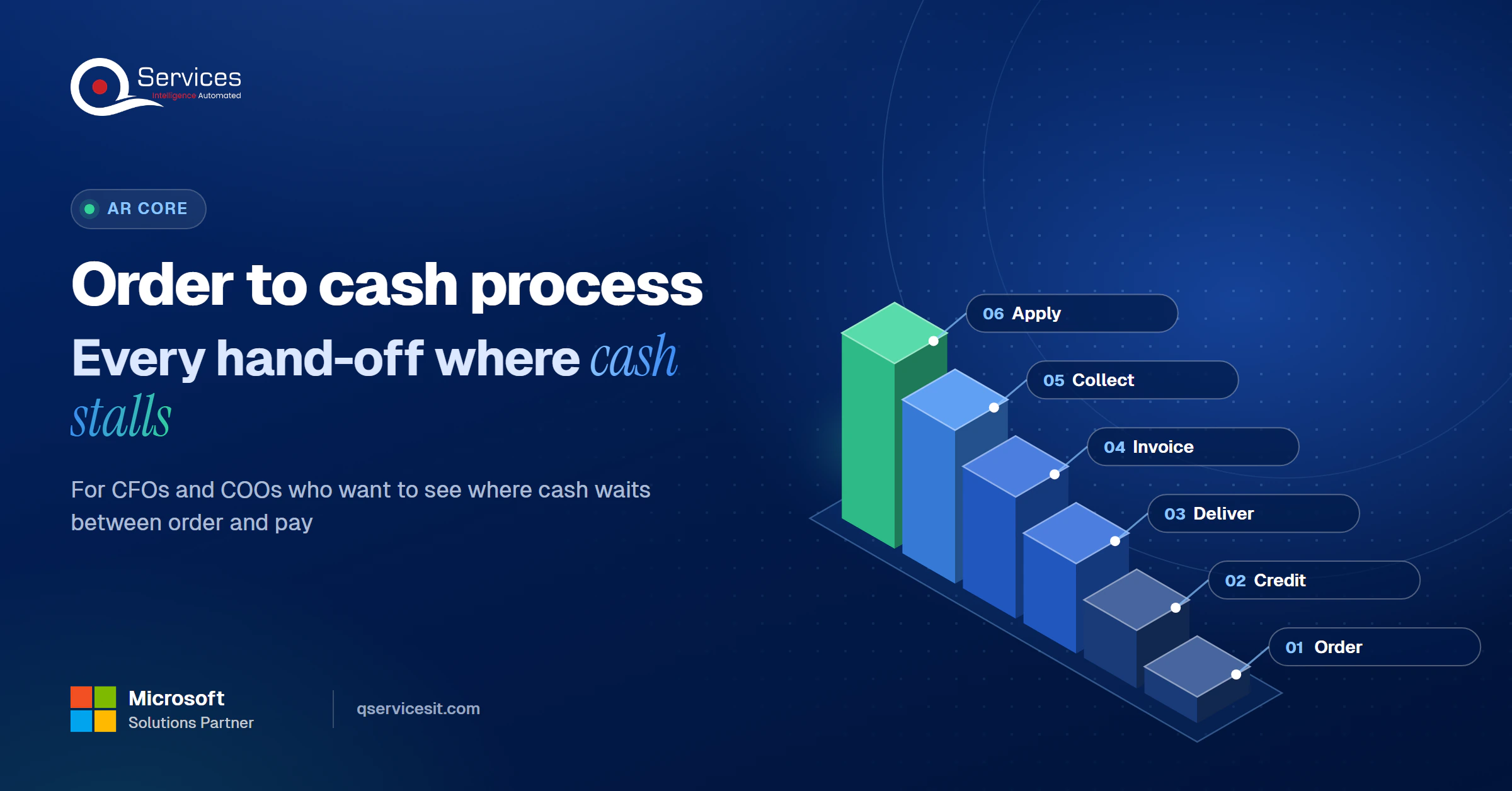
The QServices Framework Order to Cash = Order → Credit → Deliver → Invoice → Collect → Apply
The order matters because every stage inherits the data of the one before it. A wrong price at Order becomes a dispute at Collect and an unmatched payment at Apply.
We use these six words through the rest of this post. Deliver groups fulfillment and shipping. Apply is where the payment is posted.
Order to cash (also written O2C, or the o2c process) is the end-to-end flow that turns a customer order into recorded, settled revenue. It starts at the order and finishes at the posted payment. Revenue recognition under accounting rules can happen earlier than cash, which is a separate question from this flow.
Procure to pay is the buyer-side mirror. Your order to cash invoice is your customer’s procure to pay input, so a mistake you make at Invoice shows up in their approval queue. Quote to cash is the wider version that adds quoting and contracts before the order.
IBM lists eight stages. Published guides count anywhere from six to nine, and the difference is grouping, not substance. We use eight because cash application is the step that produces the posted payment, and it deserves its own place.
The order is captured, checked for price and terms, and entered. This is where the cleanest data is cheapest to get.
Credit sets the limit and approves or holds the order. Slow credit decisions stall otherwise good orders.
The warehouse picks and packs what was ordered. Short shipments start here and turn into invoice disputes later.
Goods leave with proof of delivery. That proof is the evidence you will need if the customer questions the bill.
The invoice is built from the order and the delivery, then sent in the format the customer’s system accepts. A late or wrong invoice delays everything after it.
The invoice is recorded and later matched to the incoming payment. Our cash application services cover this step, and the cash application process post walks through where it breaks.
AR follows up on open items and works the exceptions. Short-pays and disputes live here, which is why collections and dispute management sits close to cash application.
The cycle is measured and the data is cleaned up so the next order starts better. Skip this and the same errors repeat.
Key Insight The eight stages are the easy part. The order to cash cycle is slow because of what happens between them, when one team’s output waits in another team’s queue.
A stage rarely fails on its own. Delay builds at order to cash hand-off points, where work changes hands and nobody is watching the clock. These order to cash hand-off delays are why the cycle takes longer than the sum of its stages.
Vendor surveys point the same way. Several blame human error and email-driven chasing for a large share of disputes, though those figures come from vendors, so treat them as indicative. For the last hand-off, see our guide to unapplied cash and what a good remittance advice contains.
Real-World Scenario A typical case we see: a distributor’s controller is closing the month with a $48,000 invoice disputed and a $120,000 wire sitting unapplied. The invoice carried an old unit price because the order and billing systems disagree (Invoice). The wire has no remittance detail, so nobody can tell which invoices it pays (Apply). Catching the price mismatch before the invoice leaves, and matching the wire against open items with a person approving the posting, clears both without a month-end scramble.
| Manual hand-offs | Agent-assisted hand-offs | |
|---|---|---|
| Invoice checks | Found by the customer, as a dispute | Compared to the order before sending |
| Remittance matching | Spreadsheet and email, per payment | Suggested match, approved by your team |
| Follow-ups | Whoever remembers | Drafted and queued on a schedule |
| Audit trail | Scattered across inboxes | Every action logged |
| Setup effort | None | Needs clean customer and item data first |
| Speed in week one | Fast, because nothing new is added | Slower, because every action waits for approval |
The honest downside is in the last two rows. Agents need tidy master data, and approval queues add a step at the start. Both pay back, but not on day one.
We also see EDI-based customers where EDI 820 files fix the remittance gap, if the file can be posted to the ERP automatically.
Which stage holds your cash the longest?
The AR Cash Assessment measures each hand-off in your cycle, so you see the waiting time stage by stage, not just the average.
Book the AR Cash Assessment →There is no standard RACI for the order to cash owner. Ownership varies by company. What follows is the pattern we see most often.
| Stage | Usual owner |
|---|---|
| Order | Sales or order management |
| Credit | Credit manager |
| Deliver | Warehouse or logistics |
| Invoice | Accounts receivable |
| Collect | AR and collections, with sales for escalation |
| Apply | Accounts receivable |
Microsoft’s guidance groups the stakeholders as finance (CFO, controller), accounts receivable (AR and credit managers) and sales leadership. The disputed boundary is credit limits and collection escalation. Sales wants the customer kept happy, finance wants the cash, and without a named owner the call is made late.
Key Insight If one person can’t say who owns the order to cash cycle end to end, then the cycle has no owner. Name one executive owner and give them one shared measure across the order side and the cash side.
Standards & References
- IBM: order to cash explained: defines the process and its eight stages
- Microsoft Learn: Dynamics 365 guidance: process catalog covering sales orders, receivables and credit
Start with four numbers. Together they show whether the order to cash cycle is working or just busy.
The Credit Research Foundation publishes quarterly median DSO, best possible DSO and days delinquent for US companies. Use it as the order to cash cycle time reference for US companies, and compare your own DSO against it, not against a vendor’s best case.
There’s no single right number, because terms differ. As a rule of thumb, DSO that runs well past your stated payment terms means cash is waiting at a hand-off, not in the customer’s bank. Auto-match benchmarks are vendor claims, so measure your own first-pass rate before trusting anyone else’s.
We start at Apply and Invoice, because that is where hand-offs cost the most and the data is easiest to check. AI agents work inside your ERP and CRM, and your team approves every action that posts money or changes a system.
Implementation Checklist
- One named executive owns the order to cash cycle end to end
- Every stage has a named owner, including credit limits
- Invoice price and quantity are checked against the order before sending
- Proof of delivery is available to billing without a manual request
- Unapplied cash is reported weekly, by age
- DSO and best possible DSO are both tracked
- A person approves every payment posting
- Dispute reasons are logged and reviewed monthly

The order to cash process is only as fast as its slowest hand-off, and most companies find that hand-off sits at Invoice or Apply. Pilot cash application on one entity, and track auto-match rate, unapplied cash and DSO, with your team approving every posting. When you’re ready, Book the AR Cash Assessment.

Written by Rohit Dabra
Co-Founder and CTO, QServices IT Solutions Pvt Ltd
Rohit Dabra is the Co-Founder and Chief Technology Officer at QServices, a software development company focused on building practical digital solutions for businesses. At QServices, Rohit works closely with startups and growing businesses to design and develop web platforms, mobile applications, and scalable cloud systems. He is particularly interested in automation and artificial intelligence, building systems that automate routine tasks for teams and organizations.
Order to cash is the end-to-end process that turns a customer order into a posted payment. It covers order management, credit, fulfillment, shipping, invoicing, accounts receivable, collection and reporting, and it involves sales, credit, logistics and finance teams.
There is no single standard, because it depends on your payment terms. As a rule of thumb, if DSO runs well past your terms, cash is waiting at a hand-off. Compare your DSO against the Credit Research Foundation’s published quarterly medians and track best possible DSO alongside it.
Ownership varies by company. Sales usually owns the order, credit owns limits, logistics owns delivery and accounts receivable owns invoicing, collection and cash application. The common gap is a single executive owner across all stages, plus a clear call on credit limits and collection escalation.
Order to cash is the seller’s process, from customer order to payment received. Procure to pay is the buyer’s mirror, from purchase request to payment made. The invoice you send in order to cash is the input to your customer’s procure to pay.
Map the hand-offs in your own cycle and measure the wait at each one. Pick one workflow, usually invoice checks or cash application, and pilot it with a person approving every posting. Track DSO, unapplied cash and auto-match rate before and after.

See the order to cash process in one diagram, with the eight stages and the hand-off points where cash gets delayed, and who owns each stage.
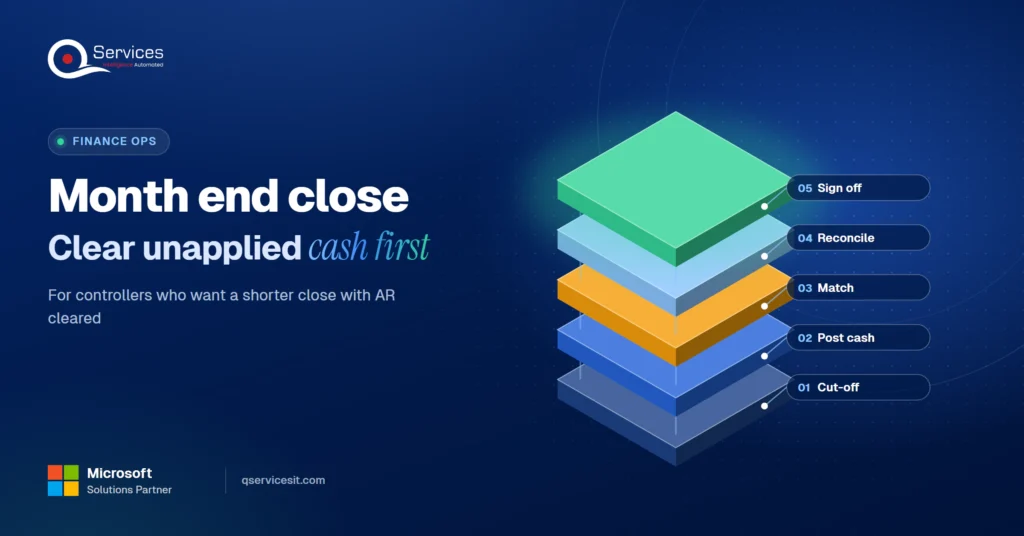
Use this month end close process checklist and find the one AR step that holds up day 1. Clear unapplied cash early and shorten your close.

Read your AR aging report bucket by bucket, see the action for each one, and learn why the 1 to 30 day bucket is where your team collects the most cash.
Short pay explained: why customers pay less than the invoice, the common reason codes, and a simple flow from short pay to credit memo or recovery.
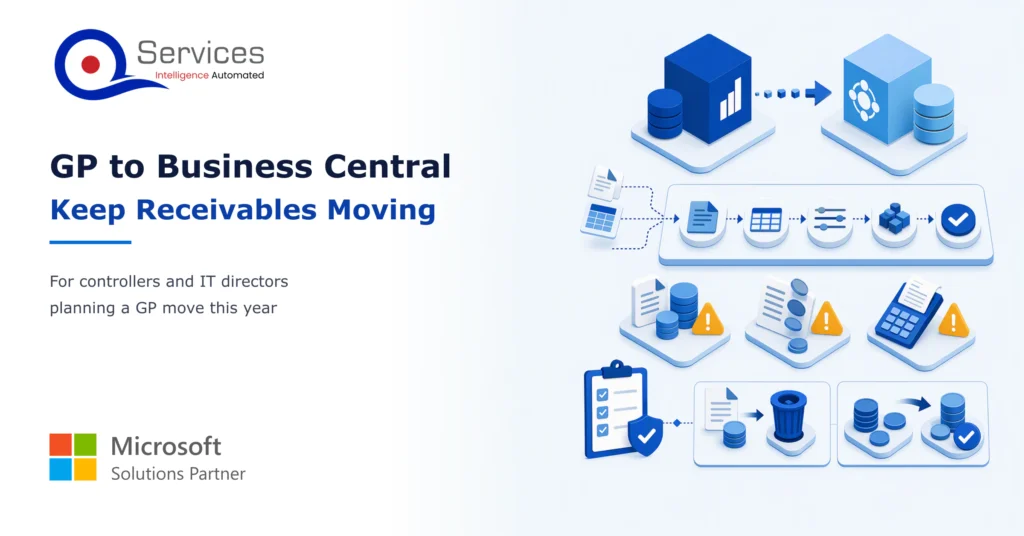
Moving from Dynamics GP to Business Central? Learn how to clean, load and cut over open invoices and balances so your AR team keeps collecting.
Reduce DSO without adding headcount. Six fixes ranked by effort, from same-day cash application to cleaner invoices and faster dispute resolution.
Next step
Ready to see your own cycle on one page?
Bring your last month of invoices and payments. We’ll trace each one from order to posted cash and note where it waited.
Book the AR Cash Assessment →
See the order to cash process in one diagram, with the eight stages and the hand-off points where cash gets delayed, and who owns each stage.
Use this month end close process checklist and find the one AR step that holds up day 1. Clear unapplied cash early and shorten your close.

Read your AR aging report bucket by bucket, see the action for each one, and learn why the 1 to 30 day bucket is where your team collects the most cash.
Short pay explained: why customers pay less than the invoice, the common reason codes, and a simple flow from short pay to credit memo or recovery.
Moving from Dynamics GP to Business Central? Learn how to clean, load and cut over open invoices and balances so your AR team keeps collecting.
Reduce DSO without adding headcount. Six fixes ranked by effort, from same-day cash application to cleaner invoices and faster dispute resolution.

Every quote comes from a published review on GoodFirms, Clutch or our own site. Click a source to read the full review.

Trustpilot5.0★★★★★See reviewsGoodFirms5.0★★★★★45 verified reviews

G25.0★★★★★See reviewsClutch5.0★★★★★Quality 5.0 · Schedule 4.8

Google4.7★★★★★Mohali office“QServices was highly professional, knowledgeable, and approachable. We continue to work with them on other projects.”
“Quality assurance is often overlooked, but these guys take that very seriously. … their team of experienced, dedicated developers and highly skilled engineers quickly dissected and decomposed every problem and presented solutions and options that directly met my needs”

Erik BrownBusiness owner and software engineerClient review“The supplier delivered the application on time and was responsive to our needs. He was also flexible, which allowed us to make changes on the fly.”

Zoltan BodnarCFO, Yusen LogisticsGoodFirms“Thank you Sahil and team for wonderful collaboration right from day 0. … Highly recommend the developers.”

Ranbeer MakinClientClient review“They are always looking for new ways to improve their products and services and to deliver value to their customers.”
“I have had an excellent experience working with QServices. We have a highly collaborative relationship and I value them not just as contractors but as partners.”

Alex VanderElsClientClient review“Sahil undertakes every project with a high degree of professionalism. His communication style is unmatched and he is always available to resolve issues or just discuss the project.”

Philmore J.ClientClient review“Responsive, patient and professional. Consistent weekly attention to our project, and new ideas we hadn't asked for.”

Michael WilliamsonPresident and CEO, United Way of Southeast LouisianaGoodFirms“I have been working with them on a project for a year now … They have been able to solve problems that come up with bugs or development and able to communicate well with me.”

Steven LewisClientClient review“We had been working on the app for two years. QServices built it in two months.”

Brian WallerPresident, Technology Association of IowaGoodFirms“All projects were delivered on time and were fully completed upon delivery.”
“They had excellent quality. The hypercare they provided after the project went live is exceptional.”

Founder and CEO

Chief Sales Officer