


Month end close process: why unapplied cash delays it
Use this month end close process checklist and find the one AR step that holds up day 1. Clear unapplied cash early and shorten your close.
Home » Month end close process: why unapplied cash delays it
Unapplied cash delays the month end close process because the AR subledger can’t tie to the general ledger until every payment is matched to an invoice. Each unmatched receipt becomes a manual exception, so reconciliation waits on the slowest match.
Most controllers see it on day 1: the bank rec ties, but AR doesn’t. Cash application automation clears that backlog daily instead of in a last-minute scramble. This post gives you the close checklist, plus the one AR step that holds up everything else.
How much of your cash is sitting unapplied?
On the call we review how payments reach your ledger today and where unapplied cash builds up before each close. You leave with a clear view of the gaps.
Book the AR Cash Assessment →Quick Answer A month end close process is the set of tasks that locks the books, reconciles every account and produces final financials. Accounts receivable usually holds it up because unapplied cash must be matched to invoices before the AR subledger can be reconciled to the general ledger. Clear unapplied cash daily, not at month end.
Every close has three phases: pre-close, execution and post-close review. What differs between teams is who owns each task and which day it’s due. A financial close process works when each task has one owner, one due day and a separate reviewer.
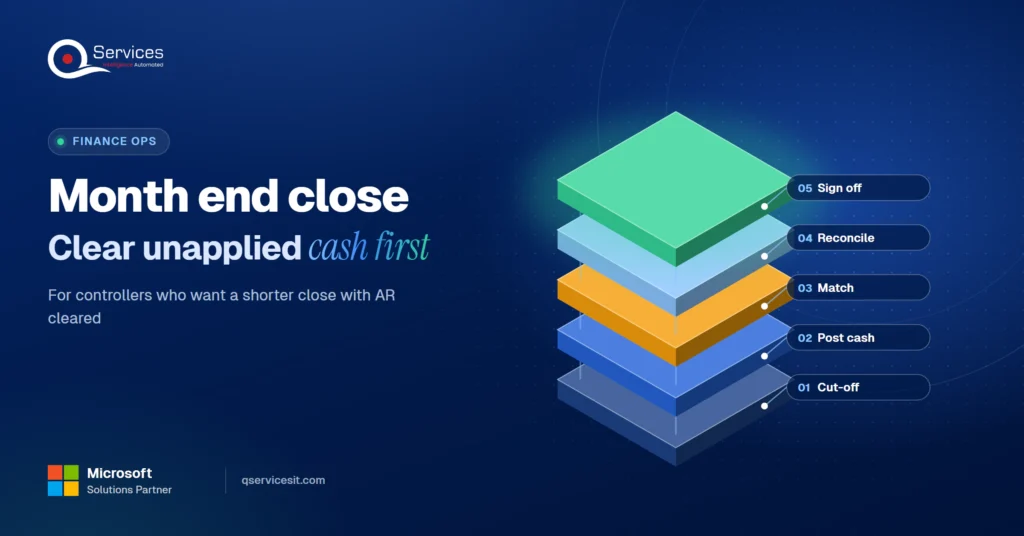
The QServices Framework AR Close = Cut-off → Post cash → Match → Reconcile → Sign off
The order matters because each stage feeds the next. Reconcile before cash is matched and you’re reconciling a number that’s about to change.
This controller close checklist covers the month end close tasks that matter most:
Published US month end close benchmarks mix calendar days and business days, so a 6-day figure from one survey isn’t comparable to a 7-day figure from another. In our experience, a close that regularly runs past 7 to 10 business days points to a process problem, not a headcount problem.
Key Insight A fast close that needs late adjustments isn’t a healthy close. Measure days to a final number nobody reopens.
The accounts receivable close is the slice of the close that proves customer balances are right. It’s where accounts receivable activity gets frozen, matched and tied to the general ledger. It also gates revenue-related reviews, so a late AR tie-out pushes everything behind it.
These AR reconciliation steps run in order:
Steps 2 and 3 gate the rest. Don’t start the tie-out until cash and credit memos are posted to the cut-off date. If your DSO also nets unapplied balances, check the method before comparing periods (our DSO formula guide covers it).
Standards & References
- PCAOB AS 2201: audit standard for internal control over financial reporting
Unapplied cash is customer cash that’s recorded but not matched to an open invoice, or matched to the wrong customer or invoice. It overstates AR, distorts the aging and hides collection problems. Reconciliation can’t finish until each item is resolved.
Four causes show up again and again:
There’s a side effect too: open invoices keep a paid customer over its credit limit, which can block new orders.
Unapplied payments in the general ledger sit in an on-account or unapplied cash account until someone clears them. The bank reconciliation can tie perfectly while AR is still wrong. Teams often use the two terms interchangeably. Some reserve ‘unapplied payments’ for receipts with a known customer but no invoice reference.
Real-World Scenario A typical case we see: a controller at a distributor receives about 1,200 payments a month. Roughly 90 land on account because remittances arrive by email after the bank file. On day 1 the unapplied balance sits at a few hundred thousand dollars, so the aging looks stale and the tie-out stops. The Match stage catches it: the remittances get read and matched on day 0, and a person approves each match before it posts.
Is unapplied cash stalling your close right now?
If AR is still open on day 3, the cause is usually payments waiting to be matched. We can walk through your own process and show where the hold-up starts.
Book the AR Cash Assessment →The fix is a routine, not a heroic final push. Review the unapplied cash account daily, and treat month end as the day you confirm it’s already clean. Our cash application process guide shows where each step tends to break.
Key Insight In our experience, items older than 30, 60 or 90 days, and large unapplied amounts created in the last week, carry the most risk. Review those first. For a longer backlog, see why unapplied cash piles up and how to clear it.
Shortening the close means moving work out of the last three days. AR reconciliation before close, done daily, removes the biggest surprise.
The biggest gain comes from changing when exceptions get worked, not how fast people type.
| Manual matching | Agent-assisted matching | |
|---|---|---|
| Exceptions at month end | Pile up and get worked in the final days | Worked daily, so the queue is small by day 1 |
| Remittance capture | Email and portal lookups by hand | Pulled from each channel into one queue |
| Who approves postings | The preparer | A person approves every match before it posts |
| Audit trail | Spreadsheet notes | Logged match, reason and approver |
| Setup effort | None | Higher: remittance sources, match rules and approval routing come first |
Treat vendor claims about cutting unapplied cash by large percentages as unverified until you baseline your own numbers.
We start at the Match stage because that’s where the close stalls, then work outward to Cut-off and Reconcile. Our accounts receivable automation runs as AI agents inside your ERP, and your team approves every action.
Implementation Checklist
- Posting window and cut-off date documented for the close
- Cut-off notice sent to other departments before month end
- All cash posted through cut-off before the AR tie-out starts
- Unapplied cash tagged by cause with an owner on every item
- Items past 30 days logged with documented outreach
- AR subledger reconciled to the general ledger
- Preparer and reviewer sign-offs recorded

The month end close process speeds up when unapplied cash is cleared daily, not at month end. Pilot it on one entity for one close and track days to clear unapplied cash, the unapplied balance on day 1 and total close days. Book the AR Cash Assessment to get your baseline.

Written by Rohit Dabra
Co-Founder and CTO, QServices IT Solutions Pvt Ltd
Rohit Dabra is the Co-Founder and Chief Technology Officer at QServices, a software development company focused on building practical digital solutions for businesses. At QServices, Rohit works closely with startups and growing businesses to design and develop web platforms, mobile applications, and scalable cloud systems. He is particularly interested in automation and artificial intelligence, building systems that automate routine tasks for teams and organizations.
The month end close steps run in three phases. Pre-close: send a cut-off notice and confirm accrual policy. Execution: post journal entries and reconcile bank, AR, AP, payroll and fixed assets. Post-close review: run flux analysis, collect preparer and reviewer sign-offs and archive the package. For AR, the order is cut-off, post cash, match, reconcile, sign off.
It varies by company size and complexity, and published surveys mix calendar and business days, so compare like with like. In our experience, a close that regularly runs past 7 to 10 business days is a reason to review the process, and a fast close that needs later adjustments isn’t a healthy one.
Unapplied cash is customer payment money that’s recorded but not matched to an open invoice, or matched to the wrong customer or invoice. It overstates AR and distorts the aging until someone clears it. Some teams call receipts with a known customer but no invoice reference unapplied payments.
Lock the posting window, post all cash through cut-off, clear unapplied cash, review credit memos, run the aging, then reconcile the AR subledger to the general ledger. Update the bad debt provision and get exception sign-off. Do the AR reconciliation before close, not after, so the tie-out isn’t chasing moving numbers.
Move exception work out of the last three days. Review the unapplied cash account daily, tag each item by cause, assign owners and send items older than 30 days to an exceptions log. AI agents can read remittances and propose matches, and your team approves every action before anything posts.

Use this month end close process checklist and find the one AR step that holds up day 1. Clear unapplied cash early and shorten your close.
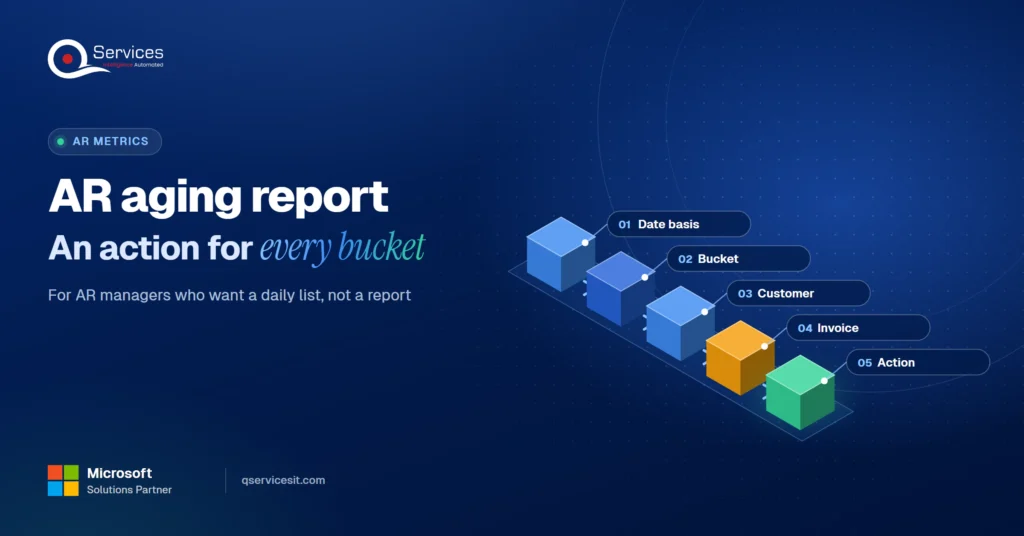
Read your AR aging report bucket by bucket, see the action for each one, and learn why the 1 to 30 day bucket is where your team collects the most cash.
Short pay explained: why customers pay less than the invoice, the common reason codes, and a simple flow from short pay to credit memo or recovery.
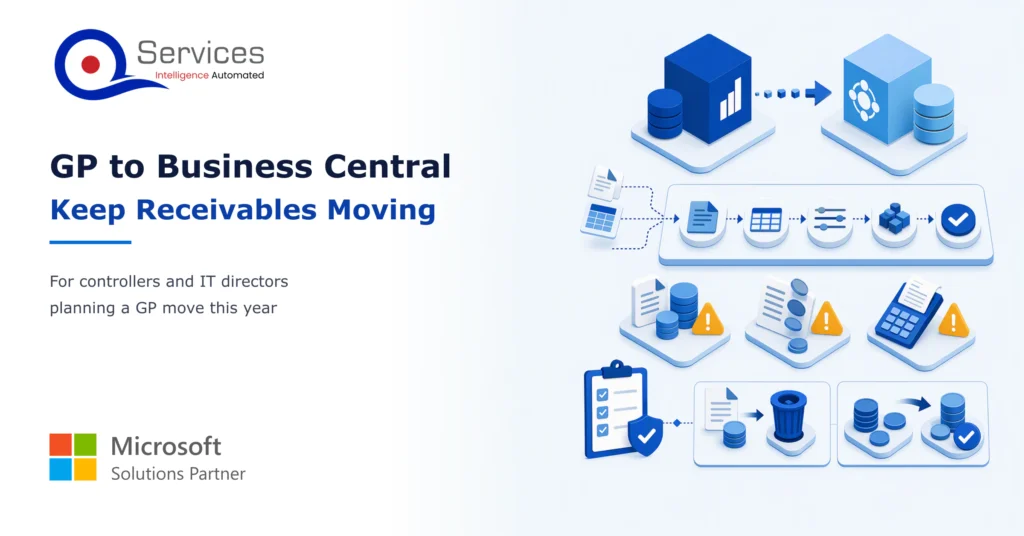
Moving from Dynamics GP to Business Central? Learn how to clean, load and cut over open invoices and balances so your AR team keeps collecting.
Reduce DSO without adding headcount. Six fixes ranked by effort, from same-day cash application to cleaner invoices and faster dispute resolution.
Learn to read an EDI 820 segment by segment, match it to the invoices it pays, and post it cleanly in SYSPRO, Epicor or Business Central.

Next step
Ready to start the next close with AR cleared?
Our AI agents match payments to invoices inside your ERP, and your team approves every action. Book a session to see how that fits your close.
Book the AR Cash Assessment →
Use this month end close process checklist and find the one AR step that holds up day 1. Clear unapplied cash early and shorten your close.

Read your AR aging report bucket by bucket, see the action for each one, and learn why the 1 to 30 day bucket is where your team collects the most cash.
Short pay explained: why customers pay less than the invoice, the common reason codes, and a simple flow from short pay to credit memo or recovery.
Moving from Dynamics GP to Business Central? Learn how to clean, load and cut over open invoices and balances so your AR team keeps collecting.
Reduce DSO without adding headcount. Six fixes ranked by effort, from same-day cash application to cleaner invoices and faster dispute resolution.
Learn to read an EDI 820 segment by segment, match it to the invoices it pays, and post it cleanly in SYSPRO, Epicor or Business Central.

Every quote comes from a published review on GoodFirms, Clutch or our own site. Click a source to read the full review.

Trustpilot5.0★★★★★See reviewsGoodFirms5.0★★★★★45 verified reviews

G25.0★★★★★See reviewsClutch5.0★★★★★Quality 5.0 · Schedule 4.8

Google4.7★★★★★Mohali office“QServices was highly professional, knowledgeable, and approachable. We continue to work with them on other projects.”
“Quality assurance is often overlooked, but these guys take that very seriously. … their team of experienced, dedicated developers and highly skilled engineers quickly dissected and decomposed every problem and presented solutions and options that directly met my needs”

Erik BrownBusiness owner and software engineerClient review“The supplier delivered the application on time and was responsive to our needs. He was also flexible, which allowed us to make changes on the fly.”

Zoltan BodnarCFO, Yusen LogisticsGoodFirms“Thank you Sahil and team for wonderful collaboration right from day 0. … Highly recommend the developers.”

Ranbeer MakinClientClient review“They are always looking for new ways to improve their products and services and to deliver value to their customers.”
“I have had an excellent experience working with QServices. We have a highly collaborative relationship and I value them not just as contractors but as partners.”

Alex VanderElsClientClient review“Sahil undertakes every project with a high degree of professionalism. His communication style is unmatched and he is always available to resolve issues or just discuss the project.”

Philmore J.ClientClient review“Responsive, patient and professional. Consistent weekly attention to our project, and new ideas we hadn't asked for.”

Michael WilliamsonPresident and CEO, United Way of Southeast LouisianaGoodFirms“I have been working with them on a project for a year now … They have been able to solve problems that come up with bugs or development and able to communicate well with me.”

Steven LewisClientClient review“We had been working on the app for two years. QServices built it in two months.”

Brian WallerPresident, Technology Association of IowaGoodFirms“All projects were delivered on time and were fully completed upon delivery.”
“They had excellent quality. The hypercare they provided after the project went live is exceptional.”

Founder and CEO

Chief Sales Officer