


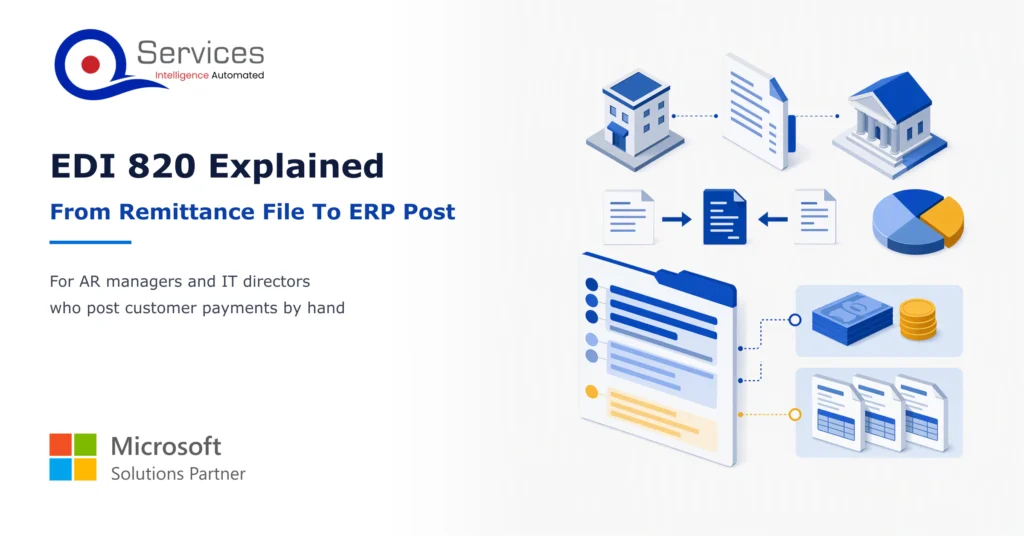
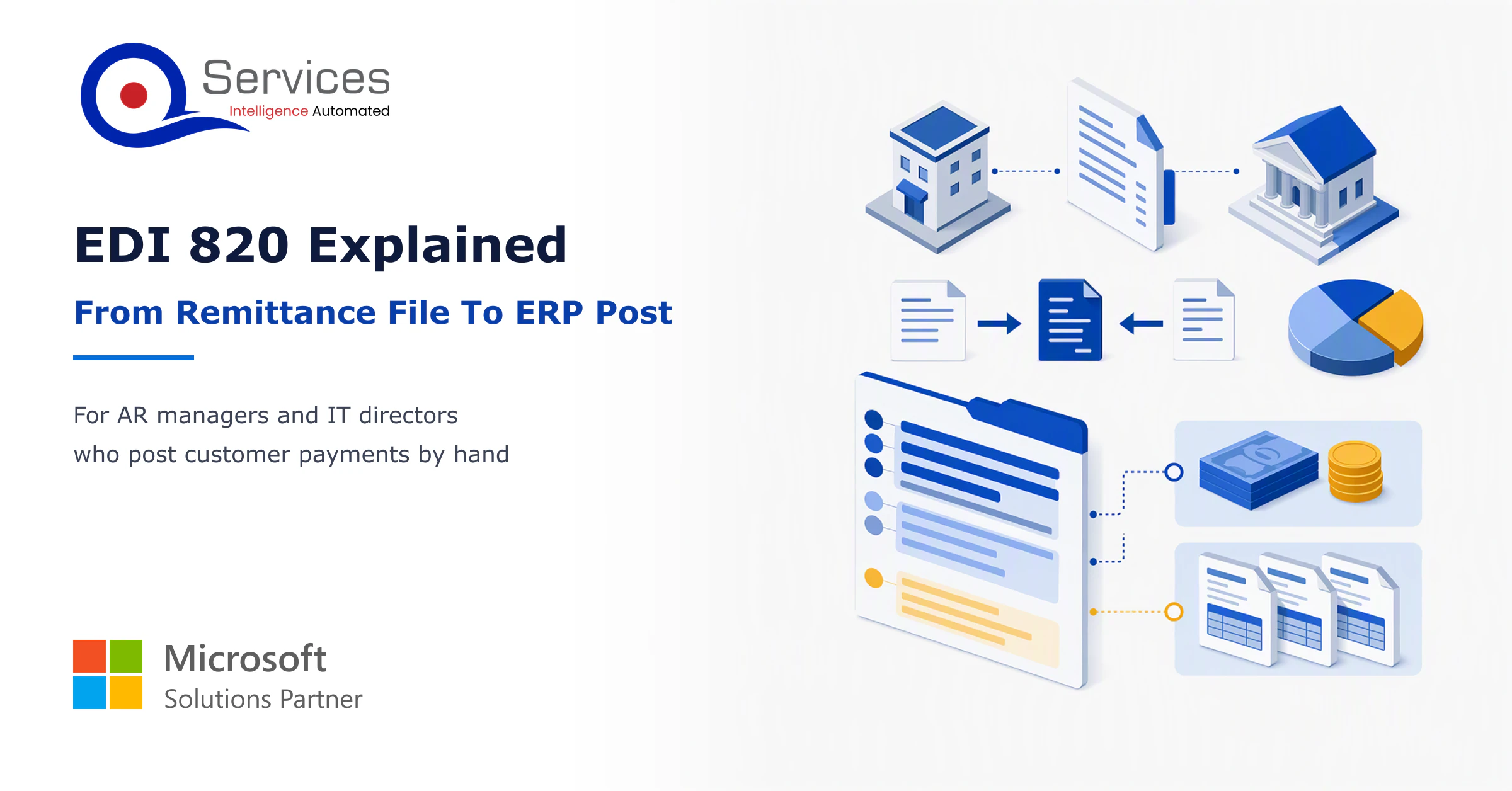
EDI 820 explained: how to post the payment file to your ERP
Learn to read an EDI 820 segment by segment, match it to the invoices it pays, and post it cleanly in SYSPRO, Epicor or Business Central.
Home » EDI 820 explained: how to post the payment file to your ERP
An EDI 820 tells you which invoices a payment covers. To post it, decode the BPR and RMR segments, match each line to an open invoice, and post cash once the bank credit lands. Most of the trouble sits in the matching step.
If your team still keys remittances by hand, the 820 is the file that can end that work. It’s also where a quiet mismatch of $80 can park a whole payment in unapplied cash. This guide shows a decoded file next to the invoices it pays, and it fits into any plan for cash application automation.
We’ll stay practical. You’ll get one worked example, the exceptions that should stop posting, and what SYSPRO, Epicor and Business Central teams actually do.
How many 820s still get keyed in by hand?
Walk through your own remittance files with us and see where matching stalls before a payment posts. A person approves every posting.
Book the AR Cash Assessment →Quick Answer An EDI 820 is the ASC X12 payment order and remittance advice a customer sends to say what a payment covers. Read the BPR segment for amount, method and date, read each RMR line for the invoice it pays, match both to open items, then post cash against the bank credit.
The EDI 820 meaning is simple. It’s the ASC X12 Payment Order/Remittance Advice transaction set. One transmission can instruct a bank to move money, describe a payment started elsewhere, or do both. It usually answers an 810 invoice or an 850 purchase order.
The 810 asks for payment. The 820 says what a payment covers. That’s the EDI 820 definition in one line.
The QServices Framework 820 Posting = Receive → Decode → Match → Review → Post
Matching happens before posting because the 820 states intent, not proof that money moved. Review sits between them so a person sees every exception first.
The header carries the total, the payment method and a trace number. The detail carries one line per open item and any adjustments. The N1 loop names the payer (N1PR, your customer) and the payee (N1PE, you). The Stedi 004010 listing for the 820 shows the full structure.
The 835 is the healthcare claim payment and remittance counterpart. It carries claim-adjudication data the 820 lacks. If you invoice commercial customers, you’ll see 820s. If you bill payers for patient care, you’ll see 835s.
Here’s how to read an EDI 820 file: start at BPR, then walk the RMR lines, then check ADX. The example below is illustrative, and positions vary by version and trading partner. Your partner’s guide governs.
ST*820*0001~
BPR*C*4820.50*C*ACH*CTX*01*111000025*DA*123456789***01*222000111*DA*987654321*20261105~
TRN*1*TRACE0098765~
N1*PR*Acme Distribution~
N1*PE*Your Company~
RMR*IV*INV10452**3000.00~
RMR*IV*INV10466**1900.50~
ADX*80.00*59~
The two RMR lines add to $4,900.50. The $80.00 adjustment brings it to the BPR total of $4,820.50. That’s an EDI 820 example that reconciles.
| Segment | What it tells you | What to check |
|---|---|---|
| BPR02 | Total payment amount | Equals the bank credit |
| BPR03 | Credit/debit flag | D means money going out, so call the buyer’s AP team |
| BPR04/05 | Method (ACH, CHK, FWT) and ACH format | Sets the rail and settlement lag |
| BPR16 | Effective date | Expected settlement, not actual |
| TRN | Trace number | Ties the 820 to the bank credit |
| RMR02/04/06 | Invoice number, amount paid, discount | Invoice exists and is open |
| ADX | Adjustment amount and reason code | Every deduction has a reason |
Key Insight The 820 conveys intent and allocation, not proof that money moved. Match when the file arrives, but post cash only against the bank credit.
The EDI 820 format also depends on the ACH rail. A plain CCD payment carries no remittance. CCD+ adds one 80-character addenda, enough for one reference. CTX can carry the full 820. Same Day ACH changes speed, not content.
Standards & References
- Stedi X12 004010 820 listing: segment structure, loops and mandatory elements
- ASC X12: body that publishes the X12 standards
Usually because of netting, deductions or timing. One 820 can map to many open items, and a deduction in ADX may have no invoice behind it. An 820 can also arrive hours or days after the deposit, or never.
Real-World Scenario A typical case we see: an AR manager at a distributor gets an 820 with 14 RMR lines totalling $18,900 and one ADX of $500. The bank credit is $18,400. Keyed by hand, the 14 invoices post in full, the deposit is $500 short, and $500 sits in unapplied cash for weeks. At the Review stage, the ADX with no matching invoice is flagged, a person confirms the deduction with the buyer, and only then does the Post stage run.
These four conditions should halt a posting:
Payers also alter invoice numbers. Leading zeros disappear and prefixes drop, so normalise RMR references on receipt.
When no rule can place a line, hold it in staging instead of forcing a match. That’s how unapplied cash piles up, and why the cash application process breaks at exactly this step. Unresolved deductions also push up days sales outstanding.
Does your 820 total ever miss the deposit?
When an 820 doesn’t match the invoices it pays, someone ends up chasing the gap. We can review your exceptions with you and show what an agent would flag for approval.
Book the AR Cash Assessment →The pattern is the same everywhere: stage, match, review exceptions, post. This EDI 820 ERP posting workflow is how PeopleSoft and JD Edwards handle it too. Few mid-size ERPs read an 820 natively, so you translate first.
Map BPR02 to the payment header, TRN to the bank reference, RMR02 to the customer invoice, RMR04 to the applied amount, RMR06 to discount, and ADX to an adjustment line. Keep matching and posting as separate steps. This is the core of EDI 820 to ERP work, and our ERP integration services cover it.
Business Central’s Payment Reconciliation Journal auto-matches with Payment Application Rules and rates each match Low, Medium or High confidence. It shows a Difference field and lets you transfer the difference to an account. We didn’t find native 820 import, so an EDI connector or translation layer feeds it, and you should check the connector’s 820 coverage before you buy.
SYSPRO’s AR Payments Import loads fixed-width payment lines keyed by customer invoice. Check it against your current help, but the practical route is to translate the 820 into that layout. Epicor users report that 820s are uncommon there. One approach is to convert the file to the AR Lockbox format, but lockbox accepts one payment amount, so invoice-level discounts can’t be imported.
An EDI 820 vs PDF remittance comparison comes down to structure. A PDF needs extraction before anything can match, and text extraction can return wrong answers if nobody checks it.
| Factor | EDI 820 | PDF remittance |
|---|---|---|
| Structure | Fixed segments, machine-readable | Free layout, needs extraction |
| Invoice references | One per RMR line | Read from page text |
| Setup effort | Higher: partner enrolment, mapping, testing | Lower: works with email today |
| Skill needed | EDI mapping knowledge | Little up front, more review later |
| Ongoing errors | Fewer, but partner changes break maps | More, from layout drift |
The honest downside: an 820 costs more to set up and each trading partner needs its own mapping. Plenty of customers will never send one, so you’ll handle both.
We start at the Match stage, because that’s where cash gets stuck. Then we build the other stages around it. Our agents run in your own Azure tenant, and your team approves every action before anything posts. It fits within wider accounts receivable automation.
Implementation Checklist
- BPR02 equals the sum of RMR04 minus ADX for every file
- BPR03 "D" files are routed to a person
- Invoice numbers are normalised before matching
- Every ADX line carries a reason code
- Matching and posting run as separate steps
- Cash posts only against a confirmed bank credit
- Unmatched lines stay in staging, not unapplied cash
- A person approves anything that posts money

Pick one high-volume customer who sends 820s and pilot the full path, measuring the share of lines matched without keying, the unapplied cash balance and the days to clear each deduction. A clean EDI 820 process is Receive, Decode, Match, Review, Post, in that order. Then Book the AR Cash Assessment and we’ll review your own 820 samples with you.

Written by Rohit Dabra
Co-Founder and CTO, QServices IT Solutions Pvt Ltd
Rohit Dabra is the Co-Founder and Chief Technology Officer at QServices, a software development company focused on building practical digital solutions for businesses. At QServices, Rohit works closely with startups and growing businesses to design and develop web platforms, mobile applications, and scalable cloud systems. He is particularly interested in automation and artificial intelligence, building systems that automate routine tasks for teams and organizations.
An EDI 820 is the ASC X12 Payment Order/Remittance Advice transaction set. It can instruct a bank to move money, describe a payment already started, or both. It tells the receiver which invoices a payment covers. An 810 asks for payment, and the 820 says what a payment covers.
Start with the BPR segment: BPR02 is the total, BPR03 the credit or debit flag, BPR04 and BPR05 the method and ACH format, BPR16 the expected date. Then read each RMR line for the invoice number and amount paid, and check ADX for deductions and reason codes. The lines should reconcile to the total.
Common causes are deductions netted from the payment, an ADX with no invoice, invoices the buyer grouped differently, or remittance arriving hours or days after the deposit. Plain CCD payments carry no remittance at all. Check that RMR amounts minus ADX equal BPR02, then confirm any deduction with the buyer’s AP team.
None of the three, as far as we found, reads an 820 natively. Translate the file first. For SYSPRO, map to the AR Payments Import layout. For Epicor, teams use BPMs or the AR Lockbox format, which can’t carry invoice-level discounts. For Business Central, feed the Payment Reconciliation Journal through an EDI connector. Always post after the bank credit.
Collect 20 to 30 real 820s from one customer, with the bank credits and remittances that went with them. Map segments to your ERP fields, then run matching in a staging step where a person approves every exception. The AR Cash Assessment is how we review that sample with you.

Learn to read an EDI 820 segment by segment, match it to the invoices it pays, and post it cleanly in SYSPRO, Epicor or Business Central.
Copilot Studio agents can read remittances, take orders from email and triage tickets. See what each needs from your ERP and where a person approves.
Get a free remittance advice template, learn what a good one includes, and see how 200 customer formats hit your AR team. Download the template today.

When PDF text extraction drops the spaces between words, AI agents can’t find facts that are right there. How we found it in Azure AI Foundry and fixed it.
Pint AE explained for UAE finance teams with one sample invoice: see which fields come from your ERP, which go missing, and how to test before go-live.
Days sales outstanding explained for CFOs: the formula, worked examples, named industry benchmarks, and why seasonal sales distort DSO. See what moves it.
Next step
Ready for 820s that post themselves to review?
We’ll map your remittance formats to your ERP and show how agents prepare each match for your team to approve. Nothing posts without a person.
Book the AR Cash Assessment →
Learn to read an EDI 820 segment by segment, match it to the invoices it pays, and post it cleanly in SYSPRO, Epicor or Business Central.
Copilot Studio agents can read remittances, take orders from email and triage tickets. See what each needs from your ERP and where a person approves.

Get a free remittance advice template, learn what a good one includes, and see how 200 customer formats hit your AR team. Download the template today.

When PDF text extraction drops the spaces between words, AI agents can’t find facts that are right there. How we found it in Azure AI Foundry and fixed it.
Pint AE explained for UAE finance teams with one sample invoice: see which fields come from your ERP, which go missing, and how to test before go-live.

Days sales outstanding explained for CFOs: the formula, worked examples, named industry benchmarks, and why seasonal sales distort DSO. See what moves it.


Founder and CEO

Chief Sales Officer

Join our live webinar on Sept 24 and see five
ways to automate meetings, approvals, and
document search with tools already in your
tenant.



