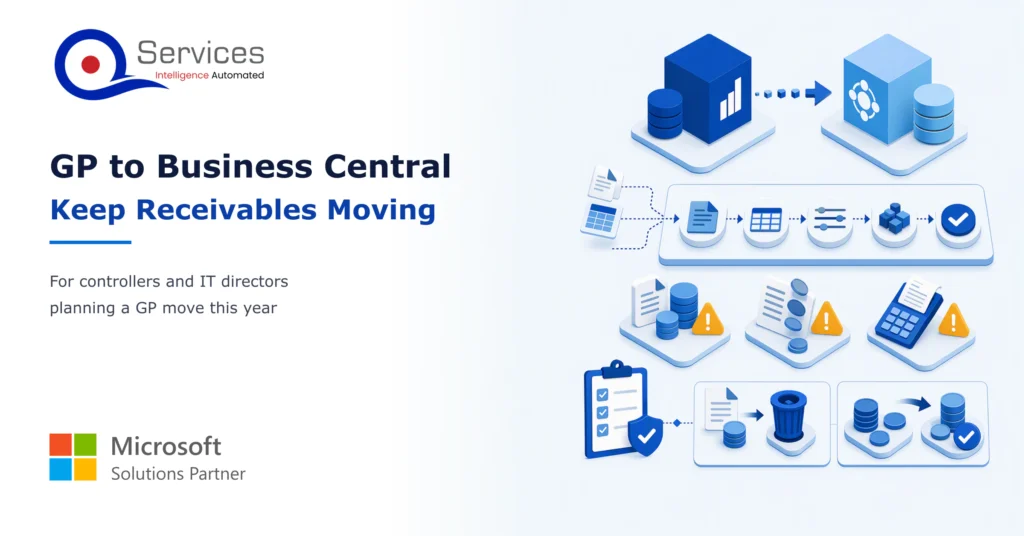
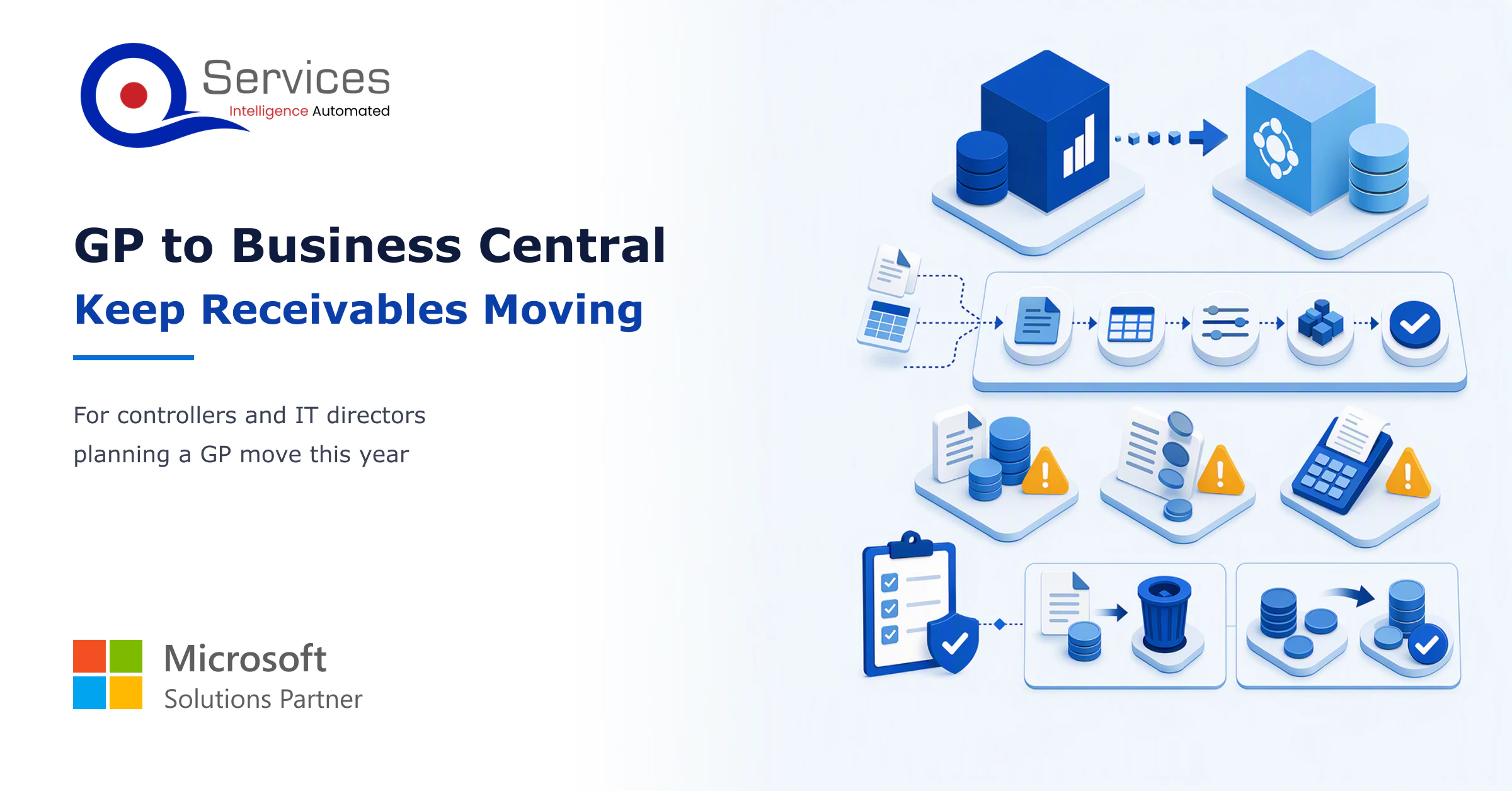
To move dynamics gp to business central without stopping AR, clean the open items first, load each invoice, credit and unapplied receipt as its own line, and reconcile the customer ledger to the GL control account before go-live. Run the whole sequence twice in a test tenant before anyone collects against it.
Most teams plan the GL and the chart of accounts and treat receivables as an afterthought. Then the first week on the new system arrives and collectors can’t tell which invoices are open. A good dynamics gp consultant will start with AR for exactly that reason.
This guide is for controllers and IT directors who need cash to keep coming in during the move.
In This Article, You'll Learn
Why open invoices and unapplied cash cause most cutover pain
Which AR records to clean in GP before you extract anything
How Microsoft's migration tool treats open receivables, and where journals are the better choice
A day-by-day cutover checklist for the AR team
The three-way tie-out that proves your balances in the first month
Is your AR ready for cutover week?
Talk through your open invoices, unapplied cash and cutover plan with a team that has moved receivables between ERPs. A person approves every step.
Quick Answer A dynamics gp to business central migration keeps AR running when open invoices, credits and unapplied receipts are cleaned in GP, loaded as individual customer ledger entries, and reconciled to the GL control account before go-live. Test the load twice, cut over away from quarter end, and treat the first clean month-end close as the exit test.
Why Is AR the Risky Part of Dynamics GP to Business Central?
AR is risky because every open item is a promise someone will pay, and a collector needs the right amount, due date and customer on each one. A GL balance that is off by a few dollars is an accounting problem. An invoice that arrives with the wrong remaining amount is a phone call to a customer who already paid.
There is also a structural reason. Most checks on a migration look at master data and GL balances. Microsoft’s built-in validation tests G/L accounts, bank accounts, customers, vendors and items, but open AR documents and customer balances are not on its list of tested entities. So you reconcile AR yourself.
The QServices Framework AR Cutover = Clean → Load → Reconcile → Cut over → Stabilize
Cleaning comes first because every later stage inherits whatever mess you carry in. Reconcile sits before cutover because a variance found in a test costs an hour, and one found after go-live costs a week of collections.
Why does Dynamics GP end of life set the clock?
Microsoft’s Dynamics 365 blog says product support and updates for Dynamics GP end on 31 December 2029, moved from 30 September 2029 in a January 2025 notice. Security patches run to 30 April 2031. Older articles still quote September, so check the date before you build a plan. Our Dynamics GP end of life guide covers what that means for your team.
What the migration tool does to open receivables
Per Microsoft Learn, outstanding receivables arrive at the amount remaining. A $1,000 invoice with $400 paid arrives as a $600 invoice. That is fine for collecting, but the original amount and earlier applications are not in the ledger entry. Detail can be copied into a read-only GP Historical Snapshot for reporting.
Key Insight The migration tool brings over what is owed, not how it got there. If an auditor or customer asks for the original invoice amount, the answer lives in the snapshot or in an archived GP, so decide where before you cut over.
What to Clean Before You Migrate to Business Central
Clean in GP, not in Business Central. Every fix made before extraction is a fix you make once, and every fix made after is a journal you have to explain.
Dynamics GP AR cleanup before migration
Start with a list of what goes wrong most often:
Invoices with a tiny remaining balance from short payments or rounding
Customers flagged inactive that still carry open items
Duplicate customer records created through acquisitions or typos
Credit memos left unapplied for years
Posting accounts in customer classes that no longer match your Business Central posting groups
Write off or settle what you can. Microsoft notes inactive customers are off by default in the migration tool, so a customer with a balance and an inactive flag can silently stay behind. Check it.
Dynamics GP unapplied cash migration
Dynamics GP unapplied cash migration deserves its own decision. Microsoft’s documentation describes no GP-specific handling for unapplied cash or customer credit balances, so confirm behavior in a test run rather than assuming. Posted cash receipts must also be deposited in GP before migrating, because undeposited receipts are not migrated.
Apply what you can now. Our guide to clearing an unapplied cash backlog walks through the usual causes, and the cash application process shows where matching breaks. Whatever remains should be a short list a person has reviewed and signed off on.
Real-World Scenario A typical case we see: a controller at a distributor with 3,400 open invoices finds 210 unapplied receipts, many over a year old, two days before the test load. In the naive approach they migrate everything, and collectors then dun customers who already paid. The Clean stage catches it: the team applies or documents each receipt first, and the load starts with a reviewed list rather than a surprise.
How to Migrate Open Invoices from Dynamics GP to Business Central
There are two routes, and most teams use the tool for master data and balances, then journals for anything that needs adjusting. A person reviews each batch before anything posts.
Approach
Best for
Honest downside
Migration tool
Customers, open receivables, GL history by period
Open items arrive at remaining amounts, so original invoice detail is lost from the ledger
Journal load
Opening balances with each invoice as its own line
Slower to prepare and more manual effort
Historical snapshot
Read-only AR detail for reporting
Cannot be applied against; collectors work from the live entries
Migrate customer balances to Business Central
To migrate customer balances to Business Central, choose all or active customers, then map each customer class posting account to a Business Central customer posting group. Migrated transactions auto-post in batches by type. You can turn auto-posting off and adjust the data first, which we recommend for the final test.
Business Central opening balances for customers
For Business Central opening balances for customers loaded by journal, Microsoft says to use journals rather than writing ledger entries directly. Load each open invoice, credit memo and unapplied receipt as its own line so later payments apply to the original invoice. Practitioner guides suggest a clearing account on the GL side. That is advice, not a standard, so test it.
How to migrate open invoices from Dynamics GP to Business Central: the sequence
Back up GP and run a full replication into a test tenant.
Compare the customer subledger to the GL receivables account.
Fix variances in GP, then rerun. Later runs move only changes.
Repeat once more with auto-posting off and review the batches.
Never run the cloud migration into a production tenant already in use.
Cutover week is where a plan meets collectors. Practitioners advise avoiding go-live at quarter or year end, and we agree. Pick a window right after a close.
Dynamics GP to Business Central cutover checklist
This is the dynamics gp to business central cutover checklist we use for AR:
Freeze new invoices and receipts in GP at an agreed hour.
Deposit all posted cash receipts in GP.
Take the final backup and run the final replication.
Run the data upgrade. It disconnects every client session, so warn users first.
Tie the customer ledger to the GL control account and sign off.
Open Business Central to the AR team with the aging report printed.
Capture a pre-cutover DSO baseline now. No source we found quantifies how migration moves it, and you will want a number to compare. Our DSO formula guide shows how to calculate it consistently.
Key Insight After a successful data upgrade, replication cannot be rerun from an earlier version. Treat step 4 as a one-way door and finish your reconciliation before you walk through it.
The First Month on Business Central
The first month is about proof. Controllers should expect to reconcile daily in week one, then weekly.
How do you reconcile AR after a Dynamics GP migration?
Use a three-way tie-out. The Aged Accounts Receivable (Excel) report is Microsoft’s recommended aging report, and it reconciles the customer subledger to the GL receivables account when direct posting is disabled. Customer Trial Balance shows opening balances, period activity and closing balances. Customer – Detail Trial Balance confirms every entry for a customer is accounted for.
Should you bring history or only open items?
Bring open items and a limited history. Microsoft calls limiting the GL years a best practice, since history arrives as summary transactions by period. Years marked historical in GP arrive as open in Business Central and must be closed there. Use the snapshot for detail you may need.
Exit test: the first clean month-end close, with AR tying to the GL and no unexplained items.
How QServices Approaches GP to Business Central Migration
We start with the Clean stage, because AR problems are cheapest to fix in GP. The same team that builds the migration runs the cutover with you.
An AR cleanup list, signed off by your controller.
A test migration into a separate tenant.
A tie-out workbook covering ledger, control account and aging.
A cutover runbook with named owners per hour.
A first-month reconciliation schedule.
We treat this as part of wider ERP modernization, and a business central partner should be able to show you each deliverable above. Where we add AI agents for matching and follow-ups, your team approves anything that posts money or changes a system.
Implementation Checklist
Customer classes mapped to Business Central posting groups
Inactive customers with open balances reviewed
Posted cash receipts deposited in GP
Unapplied receipts applied or documented
Two test migrations completed with auto-posting off
Customer ledger total equals GL control account
Pre-cutover DSO baseline recorded
Go-live date set outside quarter end
Conclusion
AR does not have to stop when you move. Clean first, reconcile twice, and cut over right after a close. Plan your ERP move with a team that starts with receivables.
Co-Founder and CTO, QServices IT Solutions Pvt Ltd
Rohit Dabra is the Co-Founder and Chief Technology Officer at QServices, a software development company focused on building practical digital solutions for businesses. At QServices, Rohit works closely with startups and growing businesses to design and develop web platforms, mobile applications, and scalable cloud systems. He is particularly interested in automation and artificial intelligence, building systems that automate routine tasks for teams and organizations.
Clean the open items in GP, then replicate into a test tenant with auto-posting off. Microsoft’s tool brings open receivables at the amount remaining. If you need each invoice as its own line, load opening balances by journal. Reconcile the customer ledger to the GL control account before go-live.
Microsoft documents no GP-specific handling for unapplied cash, so confirm it in a test migration. Posted receipts must be deposited in GP first, because undeposited receipts are not migrated. Apply or document unapplied receipts before the final load.
It depends on modules, companies, open transactions, history and customizations. Partner estimates range from a few months to well over a year. Plan for at least two full test migrations of AR before go-live, and book your partner early because capacity tightens as 2029 approaches.
Bring open items plus a limited number of GL years. Microsoft calls limiting years a best practice. Keep detailed AR history in the read-only GP Historical Snapshot or an archive instead of the live ledger.
Start with an AR cleanup list and a pre-cutover DSO baseline. Then run a test migration into a separate tenant and compare the customer ledger, GL control account and aged receivables. Our team can run that first step with you before you commit to a go-live date.
When PDF text extraction drops the spaces between words, AI agents can’t find facts that are right there. How we found it in Azure AI Foundry and fixed it.
Next step
Who owns AR on the day GP goes dark?
Bring your GP aging report and your go-live date. We’ll map what to clean first and where agents can help with matching and follow-ups, with your team approving.
When PDF text extraction drops the spaces between words, AI agents can’t find facts that are right there. How we found it in Azure AI Foundry and fixed it.
Globally Esteemed on Leading Rating Platforms
Earning Global Recognition: A Testament to Quality Work and Client Satisfaction. Our Business Thrives on Customer Partnership
QServices Inc. undertakes every project with a high degree of professionalism. Their communication style is unmatched and they are always available to resolve issues or just discuss the project.
Turn the Microsoft Licenses
You Already Own Into an AI Workplace
Join our live webinar on Sept 24 and see five ways to automate meetings, approvals, and