What happens when companies automate every possible task, but the next challenge is doing it without traditional coding? That question defines the new direction of enterprise automation and Power platform development.
As this year closes, no-code automation is steering digital transformation across industries. Businesses that began with low-code tools are now scaling faster through Power platform development strategies. Many are realizing that innovation, security, and efficiency can coexist when automation is built on Microsoft Power platform.
Gartner’s latest enterprise report highlights that more than 70% of workflow automation is now linked to Power platform development or similar low-code frameworks. This change is reshaping how organizations design, test, and deploy solutions. The Microsoft low code platform fuels agility by connecting business users directly to process design through Power Automate, Power Apps, Power BI, and Power Virtual Agents.
Artificial intelligence enhances this foundation. Features such as Power platform copilot bring adaptive logic and predictive automation that refine decisions continuously within Power platform development. Microsoft’s internal analytics show rapid adoption growth across compliance-heavy sectors, where Power platform development simplifies operations without adding risk or development lags.
Here’s a question worth asking: when teams can build, monitor, and refine automated workflows through Power platform development integrated with Power BI data automation, how much time can they redirect to strategic goals?
Microsoft’s vision aligns low-code strategy directly with enterprise goals. Integrated systems combining Azure low code and Microsoft 365 strengthen every phase of Power Platform development, creating unified automation layers that are both scalable and secure. Teams using citizen development tools under an enterprise automation strategy now replace lengthy project cycles with rapid, intelligent deployments through Power platform development.
What’s emerging is a productive ecosystem driven by intelligent automation tools and centered on the reliability of Power platform development. It’s not just simplifying workflows—it’s building consistent automation architectures that sustain transformation.
The Power platform revolution continues to expand as organizations explore new horizons of power platform development, redefining how automation drives outcomes and how modern enterprises stay adaptive to change.
How Power Platform architecture connects with enterprise systems to enable governed automation and integration
How does modern automation actually work behind Microsoft’s low-code ecosystem? Many overlook the architecture that makes it function as a single, intelligent system rather than four separate tools.
At its core, the Microsoft Power Platform integrates Power BI, Power Apps, Power Automate, and Power Virtual Agents through a common data layer known as dataverse. This shared foundation allows businesses to connect apps, workflows, and data into one cohesive environment. A recent IDC report found that companies leveraging unified data models within this platform achieve 43% faster workflow deployment compared to those using siloed automation systems.
Data, logic, and connectivity at work (h3)
Every application within Microsoft Power Platform uses connectors to access external data sources such as Dynamics 365, SharePoint, SQL Server, or even custom APIs. These connectors are built on REST principles, enabling secure bidirectional data movement. When users design an app or automate a workflow, the platform automatically handles authentication and policy enforcement through Microsoft Entra ID (formerly Azure AD).
The most underrated part of this architecture is the way intelligence flows through it. Tools like Power Platform Copilot embed AI capabilities directly inside logic workflows, analyzing repeat patterns to suggest triggers and actions. That’s how workflow automation without coding evolves from manual rule-setting into predictive process design.
Why Integration defines scalability
Can Power Platform scale without overloading security frameworks? The answer is yes, because of Microsoft’s governance model built into the platform. Role-based access controls, environment separation, and data policies ensure that even non-developers working with citizen development tools follow enterprise-grade compliance standards.
Forrester’s study on automation governance noted that organizations adopting structured integration through Microsoft Power Platform reported a 52% reduction in automation risks within operational processes.
A unified ecosystem for intelligent automation
Power platform development enables orchestration between teams, systems, and AI logic without code rewrites or lengthy setups. Executives and developers operate under the same architecture, which continuously updates across Microsoft 365 and Azure integrations.
As automation grows complex, Power platform development acts as the convergence point turning disconnected digital tools into a single intelligent automation engine.
How Power platform development speeds up No-Code automation
Making tasks easier with Power Automate
How much time could your teams save if routine jobs were done automatically? Power Automate helps businesses build workflows that handle boring, repetitive tasks like sending emails or approving requests, automate tasks such as sending emails or approving requests, all without writing code. Microsoft says that using power automate workflows helps organizations finish work up to 70% faster than before.
It has over a thousand ready connections to popular apps like Outlook, SharePoint, and Salesforce. New AI features like Power platform copilot suggest automations based on your regular tasks. For instance, if workers always move email files to a folder, the system can offer to automate that for you.
Making custom apps simple with Power Apps
Can businesses build apps without coding experts? Yes. Power Apps lets teams create apps quickly using easy templates. These apps can manage things like requests, approvals, or tracking inventory. Companies using power apps development have seen app delivery times cut by almost half, helping employees work more efficiently.
These apps connect directly with Microsoft 365 and keep data safe. Non-technical staff using citizen development tools can build and share apps across departments, speeding up innovation.
Turning data into decisions with Power BI
How does your data help your business grow? With Power BI data automation, dashboards show live data that helps teams track goals and spot issues fast. Nearly all Fortune 500 companies use Power BI to understand their business better.
Users can ask questions like “What were my best sales months?” and get answers immediately. These insights can even start automated workflows using power automate code language, so your business responds quickly to changes.
What makes the Power Platform special is how Power platform development links Power Automate, Power Apps, and Power BI into one smooth system. They share data, keep information secure, and use AI together.
This unified system lets businesses work faster and smarter, changing digital transformation with power platform from a plan into an everyday reality.
Let's Discuss Your Project
Get free Consultation and let us know your project idea to turn into an amazing digital product.
Managing Citizen Development for safe and scalable Innovation
Why governance Is critical for citizen developers
Letting employees build apps and automate workflows speeds up innovation. But without clear rules, it can lead to data security issues, app chaos, and compliance breaches. Good governance creates a balance encouraging innovation while keeping risks under control.
Creating a center of excellence (CoE)
A proven approach is to set up a Center of Excellence (CoE). This team provides guidance, standard templates, and ongoing support to citizen developers. The CoE tracks who is creating what, manages environment use, and ensures everyone follows security and compliance rules.
Examples like Zurich Insurance show how a CoE helps secure the platform and manage risks while enabling fast innovation. It creates a central hub for governance that scales with growth.
Key governance practices
Use role-based permissions to control who can create or share apps.
Set up groups or environments to isolate and secure different projects.
Implement data loss prevention policies to protect sensitive information.
Regularly review app usage and update policies as needed.
These controls help prevent accidental leaks or malicious activities while allowing employees to innovate safely.
Building a culture of responsible innovation
Governance is about creating a culture of safe, effective automation. Providing training, clear policies, and support encourages employees to develop solutions within agreed standards, enabling rapid growth without sacrificing security.
A well-governed platform allows organizations to scale citizen development confidently, turning fast innovation into a competitive advantage.
How AI makes Power Platform smarter and easier to use
AI is changing how automation happens. Power Platform Copilot helps you build workflows, apps, and reports faster by suggesting next steps and automating boring tasks. For example, if you often create a workflow to approve expenses, Copilot can suggest it automatically, saving you time and avoiding mistakes.
Build workflows using everyday language
Now you don’t need to know technical details or code. Just tell Copilot what you want in simple language, like “Send a reminder when an invoice is overdue,” and it creates a workflow for you. This makes automation accessible to more people across an organization.
AI learns and improves automation over time
The AI also watches how workflows work, finds slow or repetitive parts, and suggests improvements. For example, it might see a common delay in approvals and recommend making the process quicker. This means your automated systems get better without you having to change them manually.
AI-Powered Automation boosts business productivity
Using AI tools in Power Platform means faster workflow setup, better user adoption, and higher return on investment. By pairing AI with citizen developers and good governance, businesses can innovate safely and work more efficiently. This marks the next big step in no-code automation.
What’s new and next: Power Platform roadmap for 2026
AI and Copilot emergence in Power Platform Development
As we approach 2026, Power platform development is being reshaped by artificial intelligence. The latest Power platform copilot brings powerful AI assistance inside Power Apps and Power Automate, letting users build apps and workflows using simple natural language instructions. This cuts down development time drastically and lowers the barrier for business users and citizen developers to create no-code automation helping companies innovate faster and smarter.
Real-time data and smarter Insights with Power BI and Microsoft Fabric
The integration of Power BI data automation with Microsoft Fabric now provides real-time, predictive analytics. This allows business leaders to access live data dashboards that not only display trends but also suggest actionable insights. These data-driven intelligence features help organizations make faster, more informed decisions as part of their enterprise automation strategy.
Autonomous agents and AI-Driven workflow optimization
Power Automate now includes AI-powered autonomous agents that watch over workflows, detect problems, and automatically optimize processes. These smart agents reduce the need for constant manual intervention, making no-code automation more reliable and responsive to changes in business conditions.
AI-enhanced customer engagement through Power Pages
Power Pages has been upgraded with new AI-powered chatbots called Web Agents that offer multi-channel customer service via email, Teams, or WhatsApp. These bots automate common customer interactions and FAQs, improving customer satisfaction while reducing support workload.
Strengthened governance and security for 2026 and beyond
Security remains a top priority. Microsoft has enhanced governance with new admin portals and automated policy enforcement, giving enterprises full visibility and control over citizen development tools and Power platform development projects. This enables scaling automation securely across large organizations while maintaining compliance.
Eager to discuss about your project ?
Share your project idea with us. Together, we’ll transform your vision into an exceptional digital product!
Best practices for scaling Power Platform adoption and ensuring success
Growing your Power platform development initiatives successfully requires a solid governance framework, strong user empowerment, and operational discipline. These elements guard security and compliance while enabling rapid innovation through no-code automation.
1. Establish a robust governance framework Create policies and controls to manage citizen development tools safely. Define clear roles with a dedicated Power platform admin and a center of excellence (CoE) that sets standards, monitors progress, and supports users. Implement role-based access controls, environment strategies, and data loss prevention (DLP) policies using updated 2025 governance tools for audit, inventory, and automated enforcement.
2. Empower citizen developers through training and collaboration Train business users on platform capabilities and best practices. Foster collaboration between IT and business teams to align development with organizational goals. Provide reusable templates and ongoing support to promote quality and consistency.
3. Apply application lifecycle management (ALM) practices Manage app and workflow versions with controlled deployment pipelines, automated testing, and release management. Use Power platform’s admin features to minimize errors during promotion from development to production.
4. Monitor adoption and measure business impact Track key performance indicators like automation ROI, user engagement, and process efficiency via Power BI dashboards. Use AI-generated insights to identify bottlenecks and optimize workflows continuously.
5. Integrate Power platform deeply with Microsoft 365 and Azure. Leverage seamless connections across the microsoft ecosystem to enable secure data sharing, end-to-end automation, and enterprise-grade compliance.
Following these best practices ensures your Power platform development scales efficiently while securing governance and operational excellence. It turns citizen development from isolated projects into strategic, enterprise-wide automation programs.
Citizen developers benefit from easy-to-use tools under a strong governance framework that ensures security and compliance. AI-driven improvements and autonomous agents help make automation smarter and more reliable.
As the platform grows with new features and deeper integrations with Microsoft 365 and Azure, companies ready to adopt and scale Power platform development will gain greater efficiency, agility, and competitive advantage.
The no-code automation revolution is not just about technology but about empowering every team member to innovate and transform how work gets done.
What is the core advantage of using Power Platform for no-code automation compared to traditional development?
Power Platform enables faster solution creation by allowing both technical and non-technical users to build workflows, apps, and dashboards without writing code, significantly reducing development time and cost.
How does Power Platform Copilot improve the no-code development experience?
Power Platform Copilot uses AI to understand natural language commands, suggest workflow automations, and generate app logic, making it easier for citizen developers to build intelligent solutions with minimal technical skills.
What role does Microsoft Dataverse play in Power Platform integration?
Dataverse provides a unified, secure data layer that connects Power Apps, Power Automate, Power BI, and Power Virtual Agents, enabling seamless data sharing and consistent logic across all automation components.
How do AI-powered autonomous agents in Power Automate enhance workflow automation?
These agents monitor processes in real time, identify bottlenecks or errors, and automatically adjust workflows to improve efficiency without constant human intervention.
What governance practices are essential when scaling citizen development using Power Platform?
Key practices include establishing a Center of Excellence (CoE), enforcing role-based access controls, environment management, data loss prevention policies, and continuous monitoring to balance innovation with security.
How does integrating Power BI with Microsoft Fabric improve business analytics?
This integration enables real-time data replication, faster processing, and predictive analytics, helping organizations gain actionable insights faster and make informed decisions within their no-code automation systems.
What are the benefits of using Power Pages with AI-powered Web Agents for customer engagement?
AI chatbots accessible via multiple channels (email, Teams, WhatsApp) automate routine customer interactions, reduce support workload, and improve satisfaction without requiring manual coding.
How can enterprises measure the success and ROI of Power Platform adoption?
By tracking KPIs such as automation deployment speed, user adoption rates, efficiency improvements, and direct cost savings through dashboards powered by Power BI and AI analytics.
What is the importance of Application Lifecycle Management (ALM) in Power Platform development?
ALM ensures version control, automated testing, and smooth deployment pipelines which reduce errors and maintain high quality as no-code solutions move from development to production.
How does Power Platform ensure security and compliance at scale?
Through built-in governance models, including environment segmentation, role-based permissions, audit trails, policy enforcement via Microsoft Entra ID, and automated compliance monitoring.
How do citizen development tools fit into a broader enterprise automation strategy?
They empower business users to innovate quickly while IT provides governance and support, allowing rapid deployment of no-code automation that aligns with organizational goals and security standards.
What future trends should organizations prepare for in Power Platform development beyond 2025?
Expect deeper AI integration including more autonomous agents, expanded real-time analytics with Microsoft Fabric, tighter Microsoft 365 and Azure integration, and enhanced governance automation to support broader enterprise automation.
Azure migration cost breaks down by workload strategy, not a single number. See real per-workload ranges, what FastTrack and Azure Migrate and Modernize actually cover, and how a fixed-price Blueprint Sprint replaces a vague estimate with a firm quote.
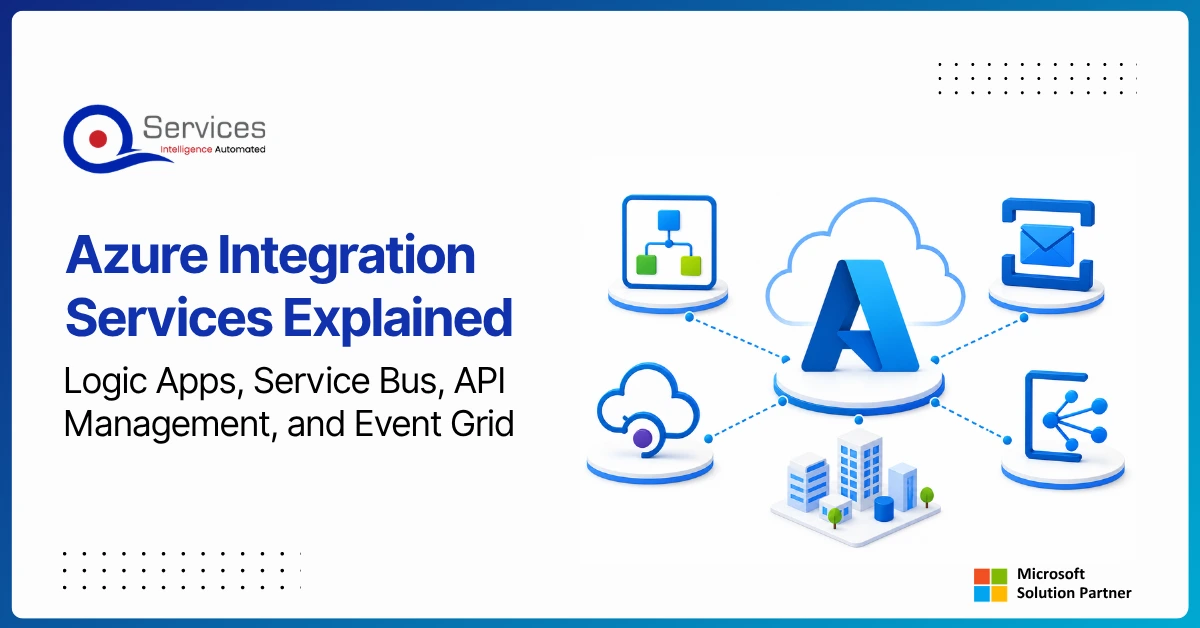
Azure Integration Services is Microsoft’s suite of cloud-native tools for connecting applications, data, and processes across your enterprise. When your organization runs a mix of on-premise systems, SaaS platforms, and custom APIs, getting them to communicate reliably is one of the hardest operational problems you will face. Azure integration services address that directly with four purpose-built components: Logic Apps for workflow automation, Service Bus for reliable messaging, API Management for governing APIs at scale, and Event Grid for event-driven architecture.
Key Insight Azure Integration Services is Microsoft’s suite of cloud-native tools for connecting applications, data, and processes across your enterprise.
This guide breaks down each component, explains how they work together, and covers when azure cloud migration services can bring your entire integration layer into the cloud. Teams evaluating azure consulting services for the first time will find the service breakdowns most useful. Teams already planning a lift and shift to azure should jump straight to the migration section.
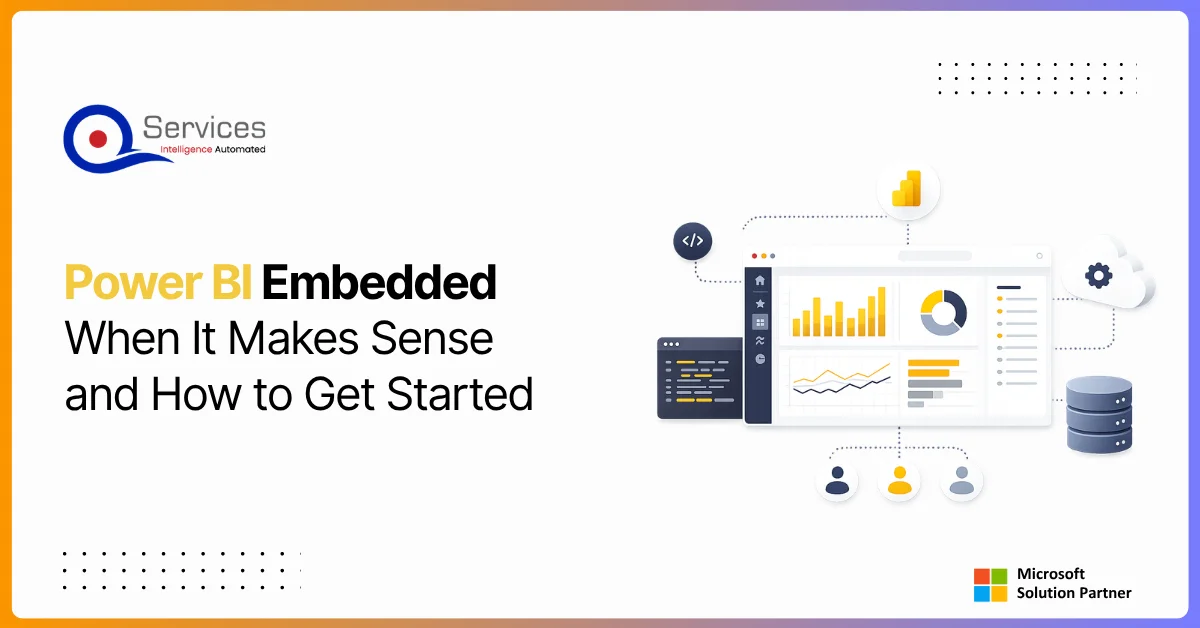
Power BI Embedded is Microsoft’s developer-focused API for embedding interactive analytics directly inside third-party apps, customer portals, and SaaS products. If you are building software and want customers to see live dashboards without logging into the Power BI service, this is where that journey starts. The question is not whether you can embed Power BI reports, you almost certainly can. The real question is whether it makes financial and architectural sense for your specific situation. This guide covers the when, the how, and the cost math that most tutorials skip.
QServices Inc. undertakes every project with a high degree of professionalism. Their communication style is unmatched and they are always available to resolve issues or just discuss the project.
Turn the Microsoft Licenses
You Already Own Into an AI Workplace
Join our live webinar on Sept 24 and see five ways to automate meetings, approvals, and