





Azure Integration Services Explained: Logic Apps, Service Bus, API Management, and Event Grid Rohit Dabra | July 10, 2026 Table
Architecture map, prioritized backlog, 15/20/45 plan, and risk register — ready for your board.
One workflow shipped end-to-end with audit trail, monitoring, and full handover to your team.
Stabilize a stalled project, identify root causes, reset delivery, and build a credible launch path.
Monitoring baseline, incident cadence targets, and ongoing reliability improvements for your integrations.
Answer 3 quick questions and we'll recommend the right starting point for your project.
Choose your path →Turn scattered data into dashboards your team actually uses. Weekly reporting, KPI tracking, data governance.
Cloud-native apps, APIs, and infrastructure on Azure. Built for scale, maintained for reliability.
Automate manual processes and build internal tools without the overhead of custom code. Power Apps, Power Automate, Power BI.
Sales pipelines, customer data, and service workflows in one place. Configured for how your team actually works.
Custom .NET/Azure applications built for workflows that off-the-shelf tools can't handle. Your logic, your rules.
Every engagement starts with a clear plan. In 10 days you get:
Patient data systems, compliance reporting, and workflow automation for regulated environments.
Real-time tracking, route optimization, and inventory visibility across your distribution network.
Scale your product infrastructure, integrate third-party tools, and ship features faster with reliable ops.
Secure transaction processing, regulatory reporting, and customer-facing portals for financial services.
Get a clear plan in 10 days. No guesswork, no long proposals.
See case studies →Download our free checklist covering the 10 steps to a successful delivery blueprint.
Download free →15-minute call with a solutions architect. No sales pitch — just clarity on your project.
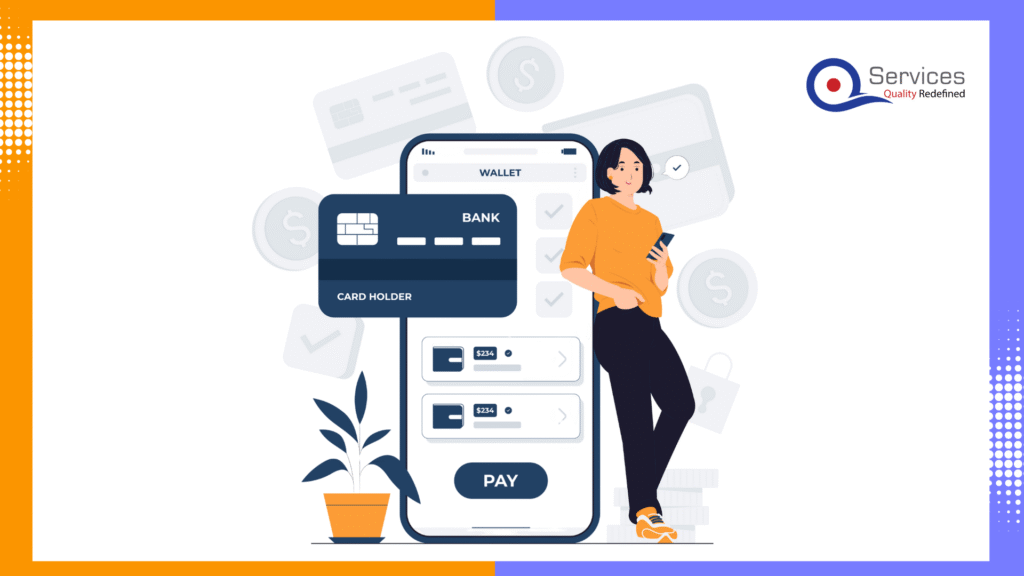
Book a call →Streamline Your Payment Operations with QServices: Your Financial Process Automation Partner
Modern payment processing companies face increasing demands for speed, security, compliance, and seamless customer experiences. QServices empower payment processors with advanced automation and AI-driven solutions, transforming traditional workflows into agile, scalable, and future-ready systems.
QServices specializes in financial process automation, delivering tailored solutions for payment processors, banks, fintechs, and financial institutions.
Leverage Microsoft-certified platforms such as Azure and Dynamics 365 CRM to ensure secure, compliant, and robust payment operations.
Automate everything from transaction initiation and validation to settlement, reconciliation, and reporting. Reduce manual intervention, eliminate errors, and accelerate payment cycles.
Benefit from built-in compliance and governance tools, ensuring your payment workflows meet industry standards and regulatory requirements.
Integrate with existing banking, ERP, and payment gateway systems for unified operations and real-time data visibility.
Digitize and automate payment initiation, approvals, and settlements for faster, error-free processing.
Deploy AI-powered monitoring to identify suspicious transactions and reduce fraud risk.
Match incoming and outgoing payments automatically, ensuring accurate financial records and reducing reconciliation time.
Automate the generation and submission of compliance reports, reducing manual effort and audit risk.
Offer real-time payment status updates, digital receipts, and self-service portals for clients.
Harness the power of Azure for scalable, high-availability payment platforms that grow with your business.
QServices has enabled financial institutions to cut processing times, improve accuracy, and enhance customer satisfaction by automating payment and finance operations using Microsoft Dynamics 365 CRM and Azure AI.
Check out our Digital payment gateway – https://www.qservicesit.com/portfolios/t-plus
Explore our portfolio for success stories. Here, we spotlight case studies reflecting technology's impact, empowering businesses and individuals to achieve success.
Explore More >>
GovWins is an all-inclusive software solution that simplifies government contract complexities. It offers an easy-to-use platform that guides businesses through the contracting…
Loan Cirrus is your modern financial companion, reimagining the loan experience for you. It is your go-to destination for tailored loan solutions that align with your goals and dreams…
Optrax is a mobile application that tracks employee activity based on their location. It allows employees and site managers to create and log in to accounts…
The project centres around an innovative mobile networking application known as “Ask Around” that seamlessly connects users with local service…
Odenza Vacations sought to overhaul their online booking platform to tackle several key challenges. Their existing system struggled with a cumbersome booking…

Azure Integration Services Explained: Logic Apps, Service Bus, API Management, and Event Grid Rohit Dabra | July 10, 2026 Table

Power BI Embedded is Microsoft’s developer-focused API for embedding interactive analytics directly inside third-party apps, customer portals, and SaaS products. If you are building software and want customers to see live dashboards without logging into the Power BI service, this is where that journey starts. The question is not whether you can embed Power BI reports, you almost certainly can. The real question is whether it makes financial and architectural sense for your specific situation. This guide covers the when, the how, and the cost math that most tutorials skip.

Power apps portals sit at an interesting crossroads for IT leaders: they’re fast, deeply integrated with the Microsoft stack, and manageable without a dedicated development team. But they’re also constrained in ways that matter when your business needs a portal that handles complex UI logic, third-party integrations outside the Microsoft ecosystem, or pixel-perfect UX design.
This guide gives you a straight comparison so you can make the right call without spending three months in discovery. We’ll cover what each option actually delivers, where each breaks down, and the governance questions that need answers before you commit either way.
If you’re evaluating your Microsoft stack more broadly, our breakdown of Power Platform vs Custom .NET Development provides useful parallel context.

Founder and CEO

Chief Sales Officer