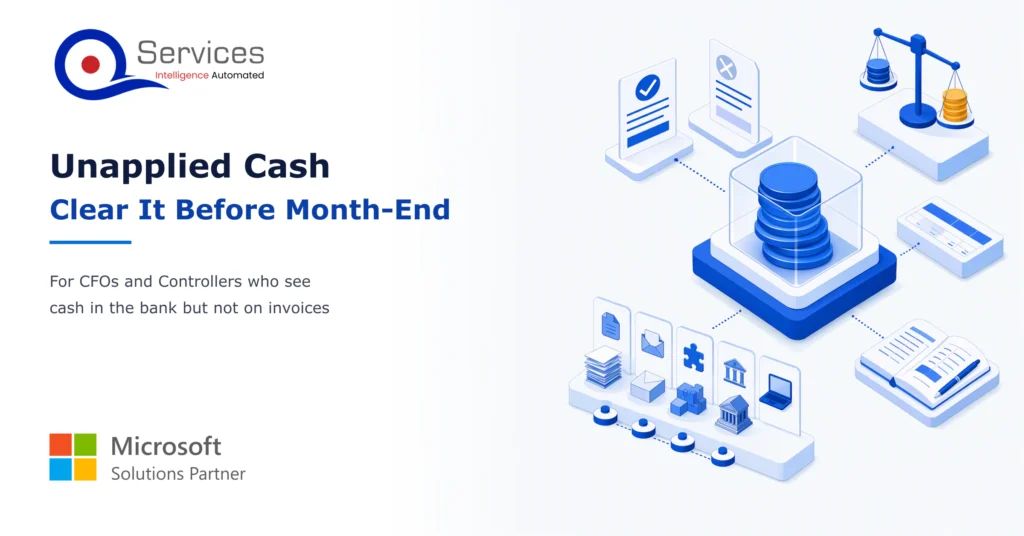
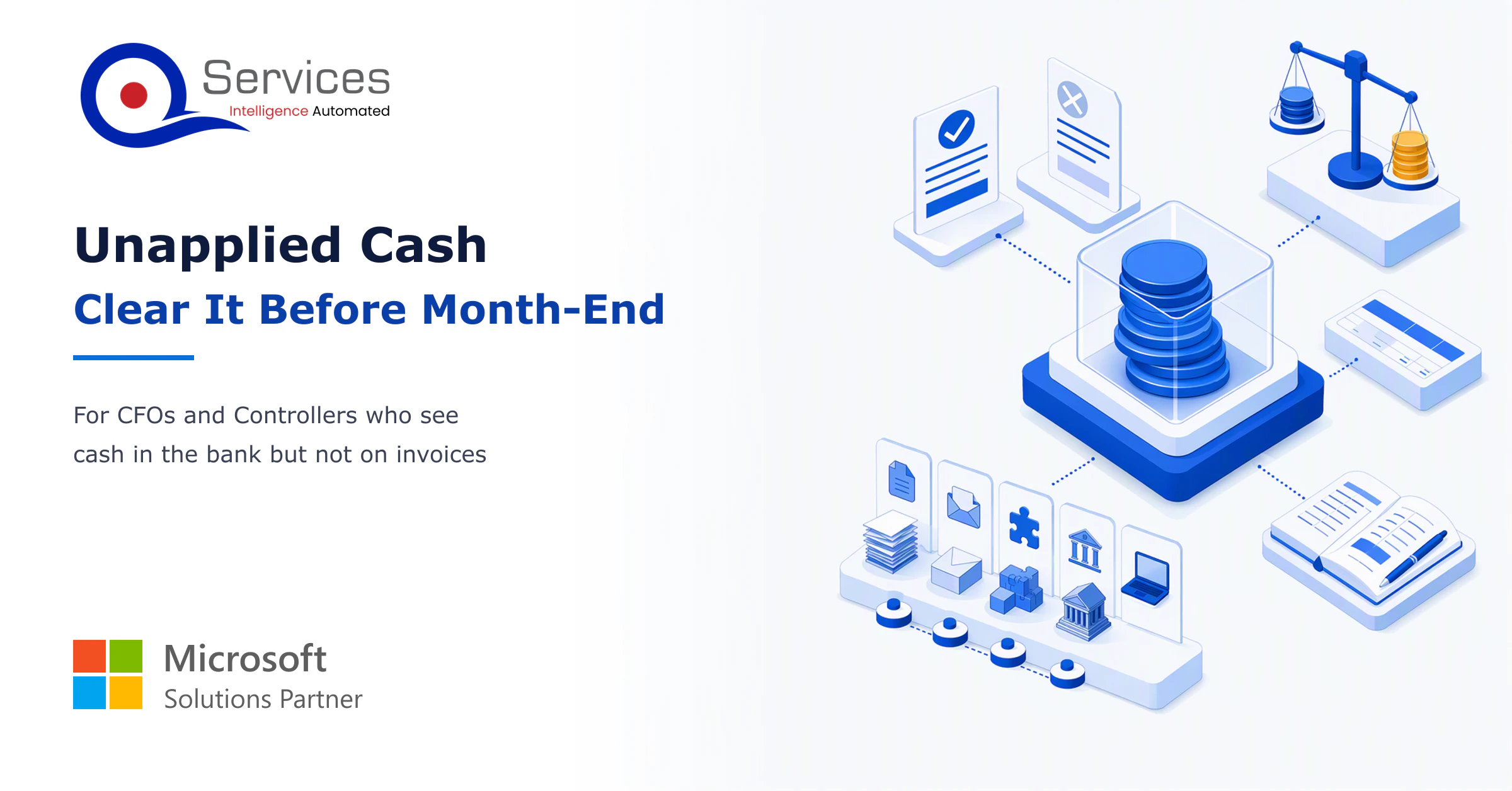
Unapplied cash is the quiet problem behind a lot of ugly month-ends. Picture the 28th: $412,000 sits in the bank, and not one dollar of it is applied to an invoice. Your aging report still shows those customers as overdue, and your collectors are about to call people who already paid.
That’s a symptom, not a mystery. In our experience it traces back to five specific causes, and each one has its own fix. This post walks through them, then shows how to clear the pile in a week and keep it from coming back. If you’re also looking at payment processing automation, the fixes here are the manual groundwork it depends on.
In This Article, You'll Learn
What unapplied cash is, and how it differs from unidentified cash
The 5 root causes of unapplied payments, each with a targeted fix
What an unapplied balance does to working capital, the close and collector calls
A one-week plan to clear the backlog before month-end close
The journal entries and balance sheet treatment auditors expect
Which controls stop the pile from rebuilding
How much of your cash is sitting unapplied?
Our team reviews your open unapplied items on your ERP and shows which of the five causes is behind them, with a plan to clear them.
Quick AnswerUnapplied cash is money a customer has paid that sits in your bank and ledger but isn’t matched to any open invoice. It piles up when remittance detail is missing, payments are short or bundled, references are wrong, or timing slips. Matching each receipt to specific invoices, then fixing the cause, clears it.
What Is Unapplied Cash (and What It Isn't)?
Unapplied cash is a customer payment you’ve received and recorded, but haven’t allocated to a specific invoice. The cash is real. The customer’s open invoices just don’t know about it yet.
That’s why it hurts. Your bank balance looks healthy while your receivables look late.
The QServices FrameworkUnapplied Cash Clearance = Find → Match → Post → Reconcile → Prevent
Order matters because you can’t match what you haven’t found, and prevention only works once you know which cause produced each item.
We’ll reuse these five stage names through the rest of the post.
What is unapplied cash in accounts receivable?
In unapplied cash in accounts receivable, the payment sits as a credit on the customer account (or a holding account) until someone assigns it to invoices. Most ERPs show it as an open credit next to the open debits. The balance only nets out once you apply it.
Unapplied cash vs unidentified cash
The difference is whether you know who paid. Mixing them up sends the wrong person to fix the problem.
Unapplied cash
Unidentified cash
Customer known?
Yes
No
Invoice known?
No
No
Typical fix
Match to invoices
Trace the payer first
Owner
AR / cash application team
AR plus treasury
Our rule of thumb: identify the payer before you worry about invoices.
Unapplied cash on the balance sheet
Unapplied cash on the balance sheet is usually shown as a credit within accounts receivable, reducing the net receivable. Some teams park unidentified items in a liability account instead. Pick one policy with your auditors and apply it every month. Check the treatment against FASB guidance for your situation.
Unapplied cash journal entry
A typical unapplied cash journal entry has two steps:
On receipt: debit Cash, credit Unapplied Cash (or the customer’s AR credit).
On application: debit Unapplied Cash, credit Accounts Receivable for each invoice paid.
The second entry is where the aging finally becomes true.
The 5 Reasons Unapplied Payments Pile Up
Teams often ask why does unapplied cash pile up when everyone is working hard. Because the causes are structural. Fix the cause and the volume drops. Skip it and you clear the same items again next month.
1. Missing remittance detail
The money arrives by ACH or wire with no invoice list. Someone has to chase an email, a portal or a phone call. Fix: require remittance data at the point of payment, and set up a shared inbox that feeds the matching team directly.
2. Short pays and deductions
The customer pays $9,400 against a $10,000 invoice and doesn’t say why. Many teams leave the whole receipt unapplied while they argue about the $600. Fix: apply to the invoice, book the difference to a dispute code, and move on.
3. Bundled payments
One payment covers 14 invoices across three bill-to accounts. Matching it by hand takes an hour. Fix: match on invoice number lists first, then amount combinations, and keep a hierarchy of customer parents.
4. Wrong or duplicate references
Customers type the PO number where the invoice number belongs, or pay the same invoice twice. This is one of the main causes of unapplied payments in ERP systems that match on exact strings. Fix: add fuzzy matching on references, and flag duplicates for refund or credit.
5. Timing and batch delays
Cash lands on the 27th, but the lockbox file or bank feed posts on the 30th. The receipt exists, but nobody can see it yet. Fix: move to daily bank file imports and set a cutoff for same-day application.
Key Insight Most unapplied balances aren’t a volume problem. They’re a repeat problem: the same few customers and the same one or two causes generate the bulk of the pile. Find those first.
What Unapplied Cash Costs: Working Capital, a Late Close, Wrong Collector Calls
The cost doesn’t show up as a line item. It shows up as three separate irritations that add up.
Working capital impact
Unapplied cash working capital impact is a distortion. Your receivables look higher than they are, so the cash forecast and any borrowing-base reporting rest on overstated numbers. Customers who already paid look late, and credit decisions follow the false picture.
A late month-end close
For month-end close accounts receivable, the pile blocks a clean subledger tie-out to the general ledger. Controllers at US companies often hold the close open for a day or two just to chase this. Accounts receivable reconciliation can’t finish while credits float unmatched.
Wrong collector calls
Collectors work from aging. If paid invoices still look open, they call customers who already paid. That’s a relationship cost you can’t easily put a dollar figure on.
Real-World Scenario A typical case we see: a controller at a $180M distributor finds $412,000 unapplied on the 28th, spread over 31 receipts. Six of them, worth $250,000, are bundled payments from two customers with no remittance. In the naive approach, collectors keep calling those two accounts about "overdue" invoices, and the close slips a day. The Match stage catches it: pull the remittance emails, match on invoice lists, and post before the cutoff.
Seeing $412,000 you can’t match to invoices?
Bring your latest unapplied report. We will walk through the five causes and tell you which ones your list points to.
How to Clear Unapplied Cash Before Month-End Close in a Week
Here’s how to clear unapplied cash before month-end close without hiring a team for the job. It’s a one-week sprint with a hard order: Find, Match, Post, Reconcile.
Find and age the pile
Export every unapplied receipt with date, amount, customer, and payment method. Sort by age and by dollar value. Tag each item with one of the five causes. This tags unapplied payments for the later Prevent stage, too.
Match remittance advice to open invoices
To match remittance advice to open invoices, work in this order:
Exact invoice numbers from remittance emails or portals
Exact amount against a single open invoice
Sum of several invoices that equals the payment
Short pay patterns (payment equals invoice less a known deduction)
Customer outreach for what’s left
Large dollar items first. Ten receipts often hold most of the value.
Post the entries and reconcile
Here’s how to apply unapplied payments in practice: select the customer, apply the receipt to the matched invoices, and book any residual to a dispute or write-off code with approval. Then reconcile the unapplied account to the subledger and the general ledger so the balance reads zero or a short, explained list.
Manual Matching vs Automated Matching
Manual matching
Rules-based automated matching
Speed on clean remittance
Slow
Fast
Handling of odd cases
Flexible, human judgment
Needs exception review
Setup effort
None
Rules to build and test
Risk of wrong application
Typing errors
Bad rules apply wrongly at scale
Best for
One-time backlog
Recurring volume
The honest downside: automation is worse on day one. It takes setup effort, and a poorly tested rule can misapply hundreds of payments before anyone notices. For the backlog, a person with the right data usually wins. For the recurring flow, rules win.
How to Stop Unapplied Cash Coming Back
How to stop unapplied cash coming back comes down to the Prevent stage: shrink each of the five causes at the source.
Capture remittance at the source
Put remittance instructions on invoices. Offer a portal that forces invoice selection. Ask large customers for structured remittance files. For ACH, the remittance addendum is the field to ask for.
Set rules and owners
Write matching rules for your top 20 customers by volume. Assign an owner to the unapplied report, and review it weekly, not monthly. Anything older than 5 business days gets escalated. How long can unapplied cash sit before it causes problems? Past the first close, it starts to distort aging and tie-outs.
Standards & References
Nacha Operating Rules: governs ACH payments and remittance addenda
FASB Accounting Standards Codification: US GAAP source for receivable and liability classification
How QServices Approaches Unapplied Cash
We start at Find, because the cause mix decides everything after it. Our team does the work on the ERP you already run, so nothing about your system changes. We offer this as the AR Cash Assessment (talk to our team). Delivery follows these steps:
An aged, cause-tagged list of every unapplied receipt
A matched and posted batch, with an exceptions list for your review
A reconciled unapplied account tied to the subledger and general ledger
A written matching rule set for your top customers
Every unapplied receipt is tagged with one of the five causes
Receipts older than 5 business days are escalated to a named owner
The bank feed imports daily, not at month-end
The unapplied account ties to the subledger and the general ledger
Short pays post to a dispute code, not left unapplied
Matching rules exist for the top 20 customers by volume
Remittance instructions appear on every invoice
Duplicate payments are flagged for refund within the week
Key Takeaways
Unapplied cash is known cash with no invoice match, and unidentified cash is cash with no known payer.
Five causes drive most unapplied payments: missing remittance, short pays, bundled payments, wrong references, and timing delays.
The pile distorts aging, working capital reporting and the month-end close.
A one-week sprint of Find, Match, Post and Reconcile can clear the backlog.
Prevent is where the savings are: capture remittance at the source and write matching rules.
Conclusion
Unapplied cash is the gap between money in the bank and money in the ledger, and a $412,000 pile on the 28th is enough to hold up a close. The fix isn’t more effort at month-end. It’s a sequence.
Find the items and tag their causes, match them against remittance, and prevent repeats with rules and remittance capture. Together they turn the backlog into a short weekly report.
The realistic path is one week of clearance work on the ERP you already run, then a few weeks of tuning rules. Pilot it on your single largest customer group. Measure four things: unapplied balance at close, average days unapplied, share of receipts auto-matched, and hours spent on the close tie-out.
Co-Founder and CTO, QServices IT Solutions Pvt Ltd
Rohit Dabra is the Co-Founder and Chief Technology Officer at QServices, a software development company focused on building practical digital solutions for businesses. At QServices, Rohit works closely with startups and growing businesses to design and develop web platforms, mobile applications, and scalable cloud systems. He is particularly interested in automation and artificial intelligence, building systems that automate routine tasks for teams and organizations.
Accounts receivablePayment matchingERP integrationMonth-end close
Unapplied cash is the unapplied cash definition in one line: money received from a customer and recorded in the bank and ledger but not yet matched to any open invoice. The cash is real, but the customer’s invoices still show as open until someone applies it.
The cash itself is an asset. The unapplied credit is usually presented as a reduction of accounts receivable, though some companies classify unidentified items as a liability. The unapplied cash accounting treatment should follow a consistent policy agreed with your auditors.
On receipt, debit Cash and credit Unapplied Cash or the customer’s AR credit. When you match the payment to invoices, debit Unapplied Cash and credit Accounts Receivable for each invoice paid.
With unapplied cash you know who paid but not which invoices. With unidentified cash you don’t know the payer. Unidentified items need tracing first, then matching.
The usual reasons are missing remittance detail, short pays, bundled payments, wrong or duplicate references, and delays in posting bank files. Each cause has a separate fix.
Past the first month-end close it starts to distort aging, working capital reporting and the tie-out between subledger and general ledger. We recommend escalating anything older than 5 business days.
In our experience, a focused backlog usually clears in about a week, followed by a few weeks of tuning matching rules. Timelines depend on volume and remittance quality. We don’t quote prices in a blog post.
Export every unapplied receipt with date, amount, customer and payment method, then tag each with its likely cause. Work the largest items first. If you’d rather hand it off, book the AR Cash Assessment with our team.
Azure OpenAI security for production apps: identity, private networking, content filters, prompt injection defenses and monitoring to set before go-live.
Business intelligence consulting services should give a mid-market company a governed way to make decisions. Attractive dashboards are only the visible part. The useful outcome is a system in which source data, metric definitions, access, releases, ownership, and support still work after the consultants leave.
In a Microsoft Solutions Partner vs Microsoft Partner comparison, the difference is validation. A company can participate in the Microsoft AI Cloud Partner Program without holding a customer-facing Solutions Partner designation. A designated Solutions Partner has met Microsoft’s current threshold in a specific solution pathway: at least 70 out of 100 partner capability points, with more than zero points in every required metric, based on performance, skilling, and customer success data recorded in Partner Center.
Azure OpenAI security for production apps: identity, private networking, content filters, prompt injection defenses and monitoring to set before go-live.
Business intelligence consulting services should give a mid-market company a governed way to make decisions. Attractive dashboards are only the visible part. The useful outcome is a system in which source data, metric definitions, access, releases, ownership, and support still work after the consultants leave.
In a Microsoft Solutions Partner vs Microsoft Partner comparison, the difference is validation. A company can participate in the Microsoft AI Cloud Partner Program without holding a customer-facing Solutions Partner designation. A designated Solutions Partner has met Microsoft’s current threshold in a specific solution pathway: at least 70 out of 100 partner capability points, with more than zero points in every required metric, based on performance, skilling, and customer success data recorded in Partner Center.
QServices Inc. undertakes every project with a high degree of professionalism. Their communication style is unmatched and they are always available to resolve issues or just discuss the project.
Turn the Microsoft Licenses
You Already Own Into an AI Workplace
Join our live webinar on Sept 24 and see five ways to automate meetings, approvals, and