A power platform center of excellence is what separates Microsoft environments that scale from those overwhelmed by unmanaged apps, broken flows, and shadow IT. Most organizations don't start with one. They start with enthusiastic employees building in Power Apps, someone in finance automating approvals in Power Automate, and a few Power BI reports nobody owns. Three years in, IT fields support tickets for apps built by people who left the company. This guide covers how to build a CoE from scratch: governance, environment strategy, power platform ALM, citizen developer programs, and when to bring in power apps development services to close delivery gaps.
Key Insight Most organizations don't start with one.
In This Article, You'll Learn
What Is a Power Platform Center of Excellence?
Why Power Platform Governance Fails Without a CoE
How to Set Up a Power Platform Center of Excellence Step by Step
Power Platform ALM: Managing Your App Lifecycle
Citizen Developer Governance: Rules That Scale
Eager to discuss about your project?
Share your project idea with us. Together, we’ll transform your vision into an exceptional digital product!
A power platform center of excellence is a team, set of processes, and technical standards governing how Power Platform tools (Power Apps, Power Automate, Power BI, Power Pages, and Dataverse) get built and used across your organization. It is not a committee that slows things down. Done well, it speeds delivery by removing ambiguity about what is allowed, where apps should live, and who owns them when the original maker leaves.
The Four Pillars of a Power Platform CoE
Mature CoEs organize around four areas:
Governance: DLP policies, environment strategies, and maker approval workflows that define who can build what with which connectors.
Enablement: Training, templates, and reusable components that help citizen developers build correctly from the start.
Nurture: Communities of practice, office hours, and internal showcases that sustain adoption over time.
A CoE with only governance gets compliance but no adoption. Only enablement gets adoption without control. Both must run in parallel.
Microsoft's CoE Starter Kit: What It Gives You
Microsoft provides a CoE Starter Kit, a set of Power Platform components installable directly in your tenant. It includes an admin dashboard covering every app, flow, and maker in your environment, automated cleanup for inactive resources, and a maker onboarding portal routing requests through an approval workflow.
The kit is a starting point, not a complete solution. You still need to define your environment strategy, write governance policies, and establish ownership. Installing the kit is not the same as having a CoE.
Why Power Platform Governance Fails Without a CoE
Power platform governance prevents your Microsoft tenant from becoming a digital junkyard. Without it, every team builds differently, data flows into connectors security has never reviewed, and Power BI reports contradict each other because three teams built the same dataset three different ways.
Shadow IT Power Platform: The Hidden Risk
Shadow IT on Power Platform is worse than most IT leaders realize. Unlike traditional shadow IT (an employee signing up for an external SaaS tool), Power Platform shadow IT lives inside your Microsoft 365 tenant. The apps look legitimate, the flows use company data, and the connectors may pull from systems your security policy explicitly restricts.
Power Platform governance prevents shadow IT through DLP policies, environment strategies, and approval workflows. None exist by default. You have to build them intentionally. Our post on shadow IT in Power Platform covers the specific recovery mechanisms in detail.
Common Governance Gaps That Create Compliance Problems
The gaps we encounter most when onboarding new clients:
No environment strategy: Everything lands in the default environment, mixing production and test data
No DLP policies: Makers connect SharePoint, Teams, and external APIs in the same flow without restriction
No lifecycle definition: Apps sit in development indefinitely because nobody defined production-ready
No ownership records: The original maker leaves, and IT inherits something nobody can safely modify
In regulated industries, a misconfigured Power Automate flow hitting an external HTTP endpoint can be a compliance incident. Our Power Platform governance framework guide covers the exact policy decisions mid-market companies need to make.
How to Set Up a Power Platform Center of Excellence Step by Step
Setting up a power platform center of excellence takes 8 to 16 weeks for a mid-market organization, depending on existing Power Platform activity and how mature your IT governance processes already are.
Phase 1: Inventory Your Current Power Platform Footprint
Before writing a single policy, know what exists. Use the CoE Starter Kit admin dashboards or PowerShell to pull a full inventory: every app, flow, and connector in use, and who built each one.
Watch for these signals:
Apps in the default environment (almost always a compliance problem)
Premium connectors used without proper licensing
External service connections security has never reviewed
Orphaned resources whose owners have left the organization
This inventory takes one to two weeks and surfaces surprises. We have had clients discover 400+ apps they did not know existed, some reaching systems the CISO had never approved.
Key Insight We have had clients discover 400+ apps they did not know existed, some reaching systems the CISO had never approved.
Phase 2: Define Your Environment Strategy and DLP Policies
Your environment strategy sets where work happens. A practical three-tier structure uses personal developer sandboxes (isolated from production data), shared test environments (restricted connectors, team access), and production environments (one per application, strict DLP, full change management).
Per Microsoft's DLP documentation, you classify connectors as Business, Non-Business, or Blocked and enforce at the environment or tenant level. The right classification depends on your industry. Healthcare needs stricter rules than logistics, but both need rules.
Phase 3: Launch Your Citizen Developer Program
Once governance is in place, you can safely open Power Platform to business users. Running a citizen developer program without governance guardrails just accelerates shadow IT. Citizen developer programs need governance guardrails to prevent data silos and compliance gaps, so the sequence matters: governance first, then enablement.
A working maker program includes an IT-approved onboarding form, Microsoft Learn paths plus internal templates, a Teams channel for peer support, and clear escalation paths. Not everything should be citizen-built. Apps touching regulated data, ERP integrations, and anything requiring complex data modeling need a professional power platform development company, not first-time makers.
Power Platform ALM: Managing Your App Lifecycle
Power platform ALM is where most CoEs fall short even after governance is working. ALM means treating Power Platform apps with the same rigor as production software: version control, deployment pipelines, and structured change management.
Structuring Dev, Test, and Production Environments for ALM
Each application needs its own environment set. Solutions (the Power Platform packaging mechanism) move between environments using manual export and import for small teams, or Azure DevOps and GitHub Actions pipelines for anything more complex.
Without this structure, testing means clicking through a production app and hoping nothing breaks. We had a healthcare client whose Power Automate flow was modified directly in production and began routing patient intake forms to the wrong team. That is a real consequence of skipping ALM discipline.
Custom Power Apps Development With ALM Pipelines
Custom power apps development projects need ALM from day one: source control for connection references, environment variables, flows, and apps; automated build validation; approval gates before production; and rollback documentation. Azure DevOps with the Power Platform Build Tools extension handles most of this. Microsoft publishes equivalent actions for GitHub Actions. The goal is no change reaching production without a structured review, which in regulated industries also satisfies deployment audit trail requirements.
Citizen Developer Governance: Rules That Scale
Citizen developer governance is the hardest part of a Power Platform CoE. The goal is letting business users build useful things without creating technical debt or compliance gaps. Getting that balance right requires specific mechanisms, not just a policy document on a SharePoint site.
Power Automate Workflow Examples for Approval Routing
One of the most practical power automate workflow examples for CoE management is an automated approval flow for new app requests. When a maker submits via the CoE portal, Power Automate routes the request to the relevant IT reviewer, checks proposed connectors against the approved list, and either provisions a developer environment automatically or escalates to a security review.
Other useful governance flows:
Inactive app notification: Owners of apps unused for 90 days receive an automated email to archive or retain the resource
Connector audit: A weekly flow that flags new unapproved connector usage to the CoE admin team
License assignment: When a maker gets approved, the flow automatically provisions the appropriate Power Apps license
Most of these take a day to build with solid power automate consulting behind them. Our guide on Power Automate workflows every SMB should set up first covers foundational patterns enterprise teams can adapt directly.
How to Prevent Data Silos in a Citizen Developer Program
Data silos are the long-term cost of ungoverned citizen development. Every team builds its own SharePoint lists, Dataverse tables, and Excel-backed apps. Six months later, you have five versions of Customer with incompatible fields and no way to reconcile them.
The fix is a shared data layer. Dataverse consulting work we do often starts here: define canonical tables (Account, Contact, Order, Case) in a shared Dataverse environment, then give citizen developers read access and write access only through defined APIs or Power Automate flows. Our guide on building a unified data layer with Dataverse covers the data model decisions in detail.
What Can You Build with Power Apps and Power Automate?
Power Platform covers more ground than most people expect. Here is what each major tool delivers when used seriously, and where the important architectural decisions land.
Power Apps Canvas vs Model-Driven: Which Should You Use?
The power apps canvas vs model driven question comes up on every project. The honest answer depends on the data model and user experience requirements.
Canvas apps work best when the UI needs heavy customization (field technicians, warehouse workers, patient intake teams), the app connects to multiple data sources simultaneously, or users need offline access on mobile devices.
Model-driven apps make more sense when data lives primarily in Dataverse, the use case is form-heavy (case management, sales pipelines, service requests), or multiple teams share the same underlying data with role-based views and business process flows.
For regulated industries, model-driven apps on Dataverse deliver better long-term maintainability. Canvas apps prototype faster but accumulate technical debt without disciplined custom power apps development practices from the start.
Power BI Dashboard Development and Reporting Strategy
Power BI dashboard development is where many CoEs under-invest. Most organizations have Power BI deployed but lack structure around who builds what, how datasets get certified, and who keeps reports current when source data changes.
A mature reporting approach includes a centralized semantic model layer (Power BI Premium or Microsoft Fabric), promoted and certified dataset governance so only IT-approved datasets appear in production, row-level security on regulated data, and a report catalog to prevent duplicate dashboards. Power BI consulting services typically start with an audit: inventory existing reports, consolidate duplicate datasets into shared semantic models, then train report authors on best practices. If you are weighing platform options, our Power BI vs Tableau comparison for Microsoft companies is worth reading before committing.
Power Pages Development for External Portals
Power pages development is one of the most underused capabilities in the Microsoft stack. Power Pages builds external-facing websites backed by Dataverse with built-in authentication (Azure AD, Azure B2C), table permissions, and liquid templates for custom rendering. Common use cases include supplier portals, customer self-service sites, partner registration, and patient intake forms. Build time is significantly shorter than a custom web application for these scenarios, and since data lives in Dataverse, it connects natively to internal Power Apps and Power Automate processes without additional integration layers.
Partnering with a Power Platform Development Company
At some point in your CoE maturity, you face a practical choice: hire internally, upskill existing staff, or engage a power platform development company. Most mid-market organizations do all three, with the balance shifting as internal capability grows.
Power Apps Development Services vs In-House Builds
External power apps development services make sense when the app is complex (Dynamics 365, Azure SQL, SAP, or ERP integration), the timeline is fixed and internal capacity is unavailable, regulated data requires a security review built into delivery, or you need ALM pipelines your internal team will then maintain going forward.
In-house works when the app is straightforward, the timeline is flexible, and you want to build internal capability alongside the project. The most common mistake is trying to in-house complex builds and producing slow delivery and technical debt, or outsourcing everything and ending up with a CoE nobody internally understands.
Power automate consulting for governance workflow design pays off quickly. The approval flows, connector audit workflows, and license management automations are standard patterns an experienced consultant delivers in a week, freeing your internal team to focus on business-specific logic.
Power BI Consulting and Dataverse Consulting
Power BI consulting services and dataverse consulting go together because Dataverse data model decisions directly affect what is possible in Power BI. Getting both right simultaneously, rather than treating Power BI as an afterthought to a Dataverse implementation, avoids significant rework.
QServices implements Power Platform Center of Excellence engagements using Microsoft's CoE Starter Kit as the operational foundation, layered with custom governance workflows, environment strategy design, and ALM pipelines tailored to each client's compliance requirements. Gartner's research on citizen development programs consistently shows that organizations combining formal CoE governance with active maker enablement outperform those relying on governance controls alone.
Key Insight QServices implements Power Platform Center of Excellence engagements using Microsoft's CoE Starter Kit as the operational foundation, layered with custom governance workflows, environment strategy design, and ALM pipelines tailored to each client's compliance requirements.
Key Takeaways
A power platform center of excellence is a team, set of processes, and technical standards governing how Power Platform tools (Power Apps, Power Automate, Power BI, Power Pages, and Dataverse) get built and used across your organization.
Power platform governance prevents your Microsoft tenant from becoming a digital junkyard.
Setting up a power platform center of excellence takes 8 to 16 weeks for a mid-market organization, depending on existing Power Platform activity and how mature your IT governance processes already are.
Power platform ALM is where most CoEs fall short even after governance is working.
Citizen developer governance is the hardest part of a Power Platform CoE.
Conclusion
A power platform center of excellence is not a one-time project. It is an operating model that evolves as your organization's use of Microsoft tools grows. Start with the non-negotiables: inventory your tenant, define environment strategy, write DLP policies, and install the CoE Starter Kit. Then layer on power platform ALM discipline, citizen developer governance, and Power BI reporting structure over the following quarters.
The organizations that get this right don't try to solve everything at once. They identify the highest-risk gaps, address them with specific mechanisms, and build internal capability alongside the work. If your team needs help with power platform governance, power automate consulting, or standing up a citizen developer program with proper guardrails, our team at QServices works with mid-market enterprises on exactly this kind of engagement. The goal is a CoE your IT team and your business users can both work with effectively.
Co-Founder and CTO, QServices IT Solutions Pvt Ltd
Rohit Dabra is the Co-Founder and Chief Technology Officer at QServices, a software development company focused on building practical digital solutions for businesses. At QServices, Rohit works closely with startups and growing businesses to design and develop web platforms, mobile applications, and scalable cloud systems. He is particularly interested in automation and artificial intelligence, building systems that automate routine tasks for teams and organizations.
A Power Platform Center of Excellence (CoE) is a dedicated team, set of processes, and technical standards governing how Power Platform tools including Power Apps, Power Automate, Power BI, Power Pages, and Dataverse are built and used across an organization. It covers four areas: governance (DLP policies, environment strategy, maker approvals), enablement (training, templates, reusable components), nurture (communities of practice, office hours), and insights (adoption monitoring and compliance reporting). Without a CoE, Microsoft tenants accumulate shadow IT, orphaned apps, and compliance gaps that are expensive to untangle.
Power Platform governance is the set of policies, controls, and processes that determine who can build apps and flows, where they run, which data connectors are permitted, and how apps move from development to production. It includes data loss prevention (DLP) policies that classify connectors as Business, Non-Business, or Blocked, environment strategies that isolate development from production data, and approval workflows that manage maker onboarding. Without Power Platform governance, tenants quickly accumulate shadow IT, unreviewed connector usage, and compliance exposure in regulated industries.
Power Platform governance prevents shadow IT through three main mechanisms: DLP policies that block unapproved connectors at the tenant or environment level, environment strategies that route new development through controlled spaces rather than the ungoverned default environment, and maker approval workflows that require IT review before anyone starts building. Installing Microsoft’s CoE Starter Kit gives you an admin dashboard to discover all existing apps and flows across your tenant, which is the necessary first step before any policy enforcement begins.
For organizations already using Microsoft 365, Azure, or Dynamics 365, Power BI is almost always the better fit. It integrates natively with the Microsoft data stack (Azure SQL, Dataverse, SharePoint, Teams), costs significantly less with existing Microsoft licenses, and is built into Microsoft Fabric for large-scale analytics. Tableau offers stronger visualization flexibility for complex analytical charts, but unless your team has deep Tableau expertise or specific visualization requirements Power BI cannot meet, the native integration advantages of Power BI outweigh the gap for most Microsoft-first organizations.
Power Apps supports two app types. Canvas apps are customized-UI applications suited for mobile workers, field service, warehouse operations, inspections, and patient intake. Model-driven apps are business process applications backed by Dataverse, used for case management, sales pipelines, project tracking, and service requests. Both connect to SharePoint, Dataverse, Azure SQL, Dynamics 365, and hundreds of additional sources through standard or custom connectors. Power Apps also integrates with Power Automate for workflow automation and Power BI for embedded reporting within app screens.
Power Platform development costs vary by complexity. Simple canvas apps with one or two data sources typically take 1 to 2 weeks and cost approximately $5,000 to $15,000 with an external consultant. Complex enterprise applications with Dataverse modeling, ERP integrations, and full ALM pipelines range from $30,000 to $100,000 or more. Microsoft licensing for Power Apps ranges from $5 to $20 per user per month depending on the plan. Power BI Pro costs $10 per user per month, with Premium Per User at $20 per user per month.
Use a canvas app when you need a highly customized user interface, offline access, connections to multiple data sources at once, or a mobile-first experience for specific worker roles like field technicians or warehouse staff. Use a model-driven app when your data lives primarily in Dataverse, the use case is form-heavy (case management, approvals, service tracking), or multiple teams share the same underlying data with role-based views and business process flows. Model-driven apps are generally more maintainable long-term for enterprise applications. Canvas apps prototype faster but require disciplined development practices to avoid technical debt.
Azure migration cost breaks down by workload strategy, not a single number. See real per-workload ranges, what FastTrack and Azure Migrate and Modernize actually cover, and how a fixed-price Blueprint Sprint replaces a vague estimate with a firm quote.
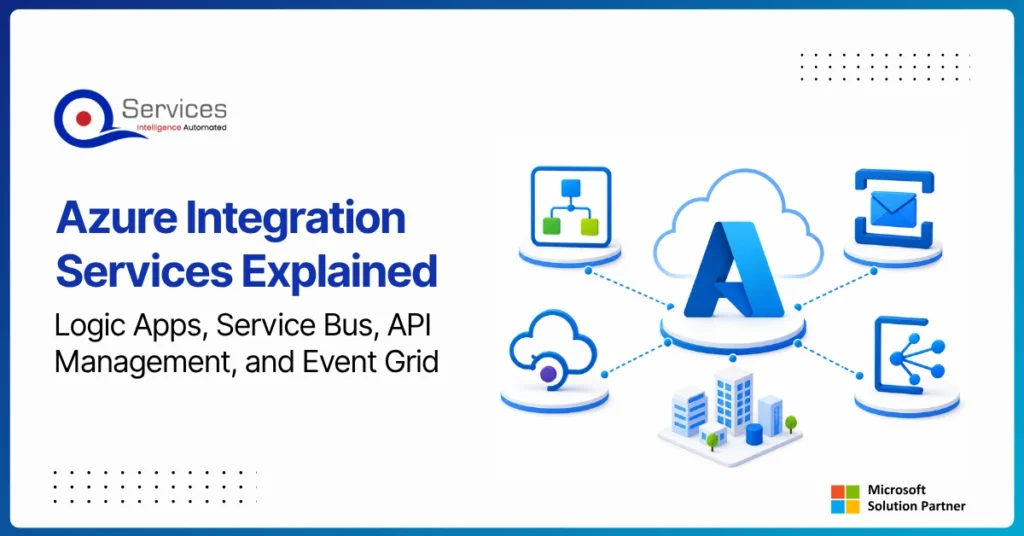
Azure Integration Services is Microsoft’s suite of cloud-native tools for connecting applications, data, and processes across your enterprise. When your organization runs a mix of on-premise systems, SaaS platforms, and custom APIs, getting them to communicate reliably is one of the hardest operational problems you will face. Azure integration services address that directly with four purpose-built components: Logic Apps for workflow automation, Service Bus for reliable messaging, API Management for governing APIs at scale, and Event Grid for event-driven architecture.
Key Insight Azure Integration Services is Microsoft’s suite of cloud-native tools for connecting applications, data, and processes across your enterprise.
This guide breaks down each component, explains how they work together, and covers when azure cloud migration services can bring your entire integration layer into the cloud. Teams evaluating azure consulting services for the first time will find the service breakdowns most useful. Teams already planning a lift and shift to azure should jump straight to the migration section.
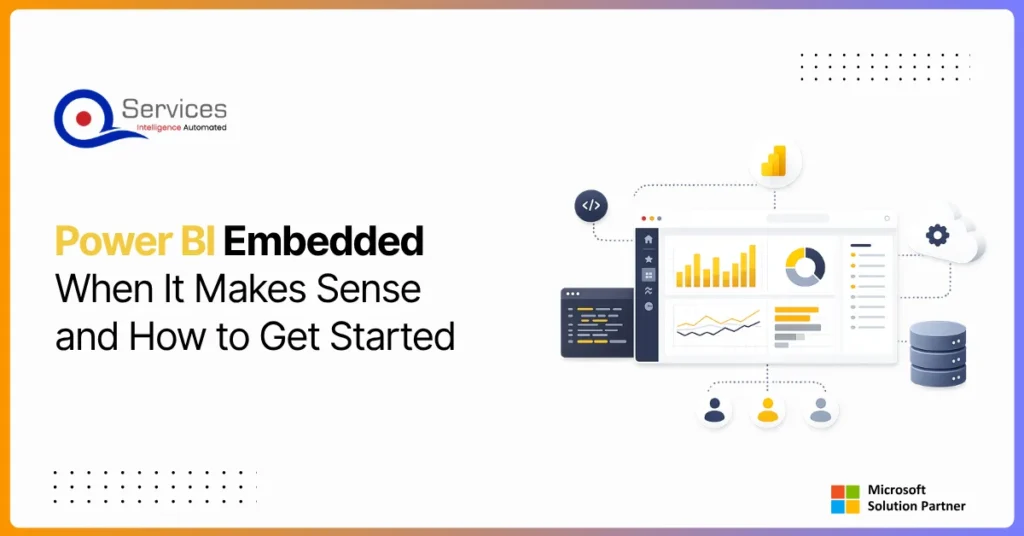
Power BI Embedded is Microsoft’s developer-focused API for embedding interactive analytics directly inside third-party apps, customer portals, and SaaS products. If you are building software and want customers to see live dashboards without logging into the Power BI service, this is where that journey starts. The question is not whether you can embed Power BI reports, you almost certainly can. The real question is whether it makes financial and architectural sense for your specific situation. This guide covers the when, the how, and the cost math that most tutorials skip.
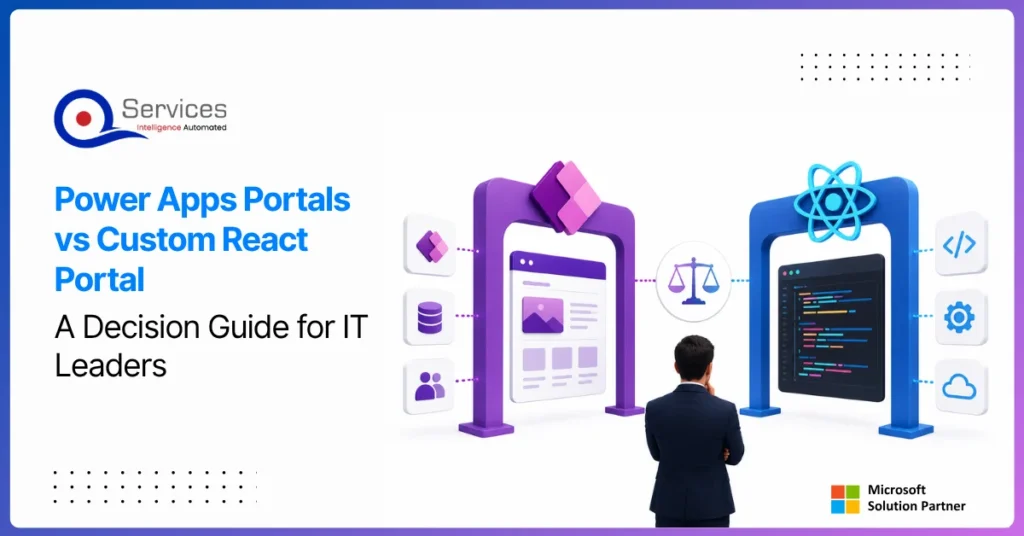
Power apps portals sit at an interesting crossroads for IT leaders: they’re fast, deeply integrated with the Microsoft stack, and manageable without a dedicated development team. But they’re also constrained in ways that matter when your business needs a portal that handles complex UI logic, third-party integrations outside the Microsoft ecosystem, or pixel-perfect UX design.
This guide gives you a straight comparison so you can make the right call without spending three months in discovery. We’ll cover what each option actually delivers, where each breaks down, and the governance questions that need answers before you commit either way.
If you’re evaluating your Microsoft stack more broadly, our breakdown of Power Platform vs Custom .NET Development provides useful parallel context.
Azure migration cost breaks down by workload strategy, not a single number. See real per-workload ranges, what FastTrack and Azure Migrate and Modernize actually cover, and how a fixed-price Blueprint Sprint replaces a vague estimate with a firm quote.
Azure Integration Services is Microsoft’s suite of cloud-native tools for connecting applications, data, and processes across your enterprise. When your organization runs a mix of on-premise systems, SaaS platforms, and custom APIs, getting them to communicate reliably is one of the hardest operational problems you will face. Azure integration services address that directly with four purpose-built components: Logic Apps for workflow automation, Service Bus for reliable messaging, API Management for governing APIs at scale, and Event Grid for event-driven architecture.
Key Insight Azure Integration Services is Microsoft’s suite of cloud-native tools for connecting applications, data, and processes across your enterprise.
This guide breaks down each component, explains how they work together, and covers when azure cloud migration services can bring your entire integration layer into the cloud. Teams evaluating azure consulting services for the first time will find the service breakdowns most useful. Teams already planning a lift and shift to azure should jump straight to the migration section.
Power BI Embedded is Microsoft’s developer-focused API for embedding interactive analytics directly inside third-party apps, customer portals, and SaaS products. If you are building software and want customers to see live dashboards without logging into the Power BI service, this is where that journey starts. The question is not whether you can embed Power BI reports, you almost certainly can. The real question is whether it makes financial and architectural sense for your specific situation. This guide covers the when, the how, and the cost math that most tutorials skip.
Power apps portals sit at an interesting crossroads for IT leaders: they’re fast, deeply integrated with the Microsoft stack, and manageable without a dedicated development team. But they’re also constrained in ways that matter when your business needs a portal that handles complex UI logic, third-party integrations outside the Microsoft ecosystem, or pixel-perfect UX design.
This guide gives you a straight comparison so you can make the right call without spending three months in discovery. We’ll cover what each option actually delivers, where each breaks down, and the governance questions that need answers before you commit either way.
If you’re evaluating your Microsoft stack more broadly, our breakdown of Power Platform vs Custom .NET Development provides useful parallel context.